Running a Minecraft server from your phone and giving moderators access
What actually works from a phone when the server is down and you're away from your PC, and how to give moderators exactly the permissions they need, without op or shared passwords.
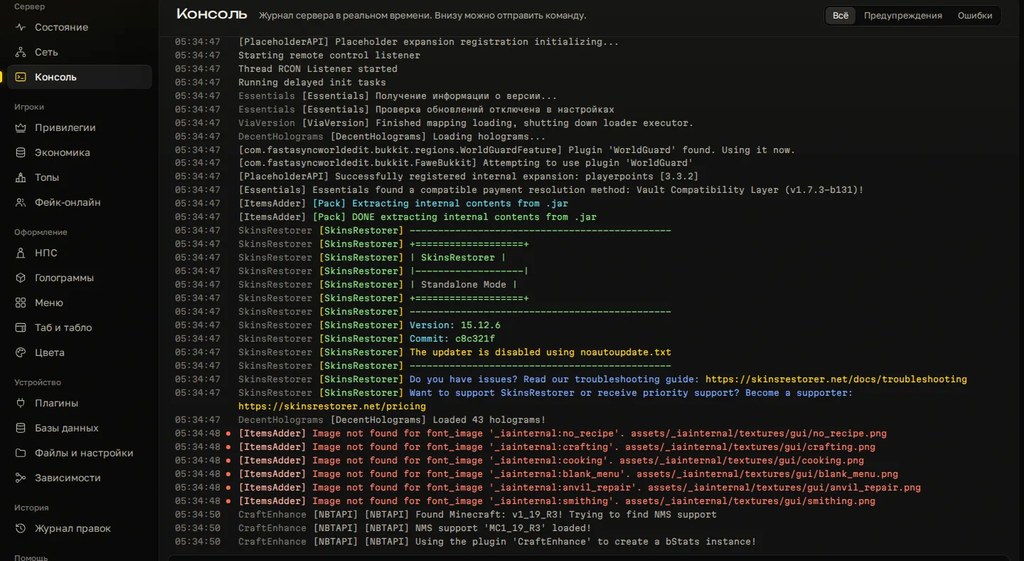
The server went down and you're on a train. A player reports a griefer and your PC is three hours away. Or you just recruited moderators and don't want to hand them everything. Here's what you can use from a phone, and how to give out access so a moderator doesn't become a second owner.
What you can do from a phone
| Method | What you get | Watch out for |
|---|---|---|
| Hosting web panel in a browser | console, restart, files | a weak panel password opens everything |
| SSH client | full VPS access and the server console | password logins and exposed root |
| RCON client | send a command to the server | the password travels in plain text |
| Discord console channel via DiscordSRV | commands from a private channel | channel access equals console access |
| Joining from Bedrock via Geyser | moderate in-game from a phone | needs Geyser and Floodgate on the server |
SSH and the console
There are SSH clients for Android and iOS, such as Termius or JuiceSSH. To reach the same console the server runs in, it has to run inside tmux or screen, not in a window that closed along with your laptop.
ssh mc@server-address
tmux attach -t mc
To leave without stopping the server: Ctrl+B, then D. Ctrl+C or stop in that console will shut the server down. Use key login, not a password.
RCON
Turn it on in server.properties, then restart the server:
enable-rcon=true
rcon.port=25575
rcon.password=long-random-password
RCON isn't encrypted. Don't open the port to the internet: go through an SSH tunnel or allow only your own address in the firewall. Open RCON with a simple password is a server takeover waiting to happen.
Permissions from a phone
/lp editor gives you a link to the LuckPerms web editor, and it works fine in a mobile browser. You edit groups and permissions there and apply the changes from the editor.
Giving moderators access
The main rule: a moderator gets permissions for specific actions, not op. /op gives everything, including commands that can stop or break the server. We covered LuckPerms basics in the article on claims and permissions; this is only about the staff team. The setup uses LuckPerms, EssentialsX and CoreProtect.
- Create groups with inheritance: a moderator gets everything a helper has.
- Helpers get kick, mute and block inspection.
- Moderators add temp bans, vanish, teleport and grief rollback.
- A prefix so players know who they're talking to.
- A track so promotion is one command.
/lp creategroup helper
/lp creategroup moder
/lp group helper parent add default
/lp group moder parent add helper

/lp group helper permission set essentials.kick true
/lp group helper permission set essentials.mute true
/lp group helper permission set coreprotect.inspect true
/lp group helper permission set coreprotect.lookup true

/lp group moder permission set essentials.tempban true
/lp group moder permission set essentials.vanish true
/lp group moder permission set essentials.tp true
/lp group moder permission set coreprotect.rollback true

/lp group moder meta setprefix 100 "&9[Mod] "
/lp createtrack staff
/lp track staff append helper
/lp track staff append moder
Put new people on a trial period: the permissions expire on their own if you forget.
/lp user Name parent addtemp helper 14d
/lp promote Name staff
What not to give moderators
*,essentials.*,luckperms.*. With LuckPerms permissions a moderator can grant themselves anything.- Op, not even "for five minutes".
- Console, SSH, FTP or the hosting panel. Moderation happens in-game.
- A shared password to the admin account.
- CoreProtect rollback for newcomers: a wrong radius wipes other people's builds.
Keeping track
CoreProtect logs commands, not just blocks. /co lookup u:Name a:command t:1d shows what a moderator typed in the last day. When someone leaves the team: /lp user Name parent remove moder, and change every password they knew.
Common mistakes
- Op instead of permissions. The most common reason for "someone wrecked everything from the inside".
- Moderator permissions on the default group. Then every player has them.
- RCON open to the internet with a six-digit password.
- One hosting account for the whole team. Nobody knows who did what, and you can't remove one person.
- Nobody writes down who got what and when. Six months later there are more permissions than people.
Where Cloud Panel fits
To be straight: Cloud Panel is a Windows program and has no phone version. From your phone you use the methods above; the panel is your workstation when you're at the computer.
At the computer it takes the routine off your hands. Server status and online count are visible at once, start and restart are buttons, the console is right there, and every edit has a log and a rollback. Configs for LuckPerms, Essentials, WorldGuard and six more plugins open as forms with plain-language labels. A subscription works on two computers, say your desktop and a laptop.
Don't give the panel to moderators. Whoever holds it runs the whole server: files, console, power. In-game permissions are all moderators need.
Checklist
- You have at least one way to the console from your phone: web panel, SSH or Discord.
- The server runs inside
tmuxorscreen. - SSH uses keys, RCON is closed to the outside.
- Moderators have groups, not op.
- No wildcard permissions.
- Newcomers are on temporary permissions.
- There's a list of who got what.
- A departed moderator lost their group and the passwords were changed.
An owner's workstation on your PC: 3 days free.
Do not want to put all of this together by hand?
We have been building server builds, plugins and websites for Minecraft servers since 2022. A ready-made solution goes onto your hosting in an evening, and we install it for free.