Minecraft Server Design: Resource Pack, 3D Models and Community Style
How a resource pack and custom_model_data work, what you can draw yourself, where you need an artist, and why a consistent style beats the quality of any single image.
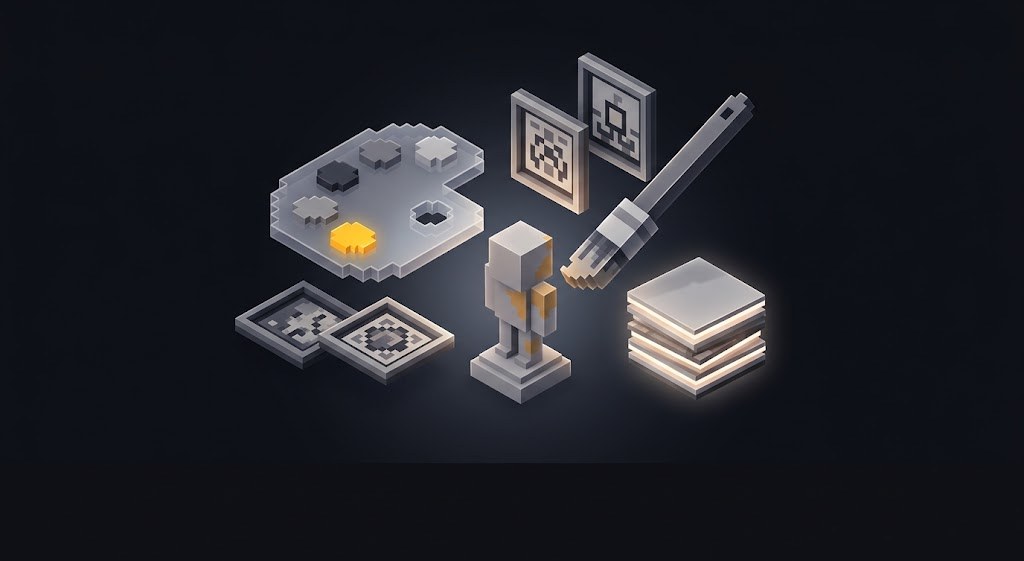
Players decide whether to join by a picture: the community cover, a menu screenshot, the preview in a server monitor. Here is what makes up your server's design, what you can do for free yourself, and where you really need an artist.
Resource pack: the most visible lever
A vanilla chest instead of a menu icon is the main sign of a server thrown together on the knee. A resource pack fixes that: your own menu, your own items, your own interfaces.
Technically it works through custom_model_data. You take an ordinary item, give it a model number, and the pack swaps in the right texture for that number:
/give @p paper 1 {CustomModelData:101}Inside the pack, the number is described in the item's model file:
{
  "parent": "item/generated",
  "textures": { "layer0": "item/paper" },
  "overrides": [
    { "predicate": { "custom_model_data": 101 },
      "model": "item/icons/menu_shop" }
  ]
}
Players do not need to install any mods: the server sends the pack automatically. You put a link to the archive in server.properties:
resource-pack=https://your-domain/pack.zip
resource-pack-sha1=archive-hash
require-resource-pack=false
Keep require-resource-pack=false and a second version of the build without the pack. Some players refuse to use packs on principle, and you should not lose them over looks.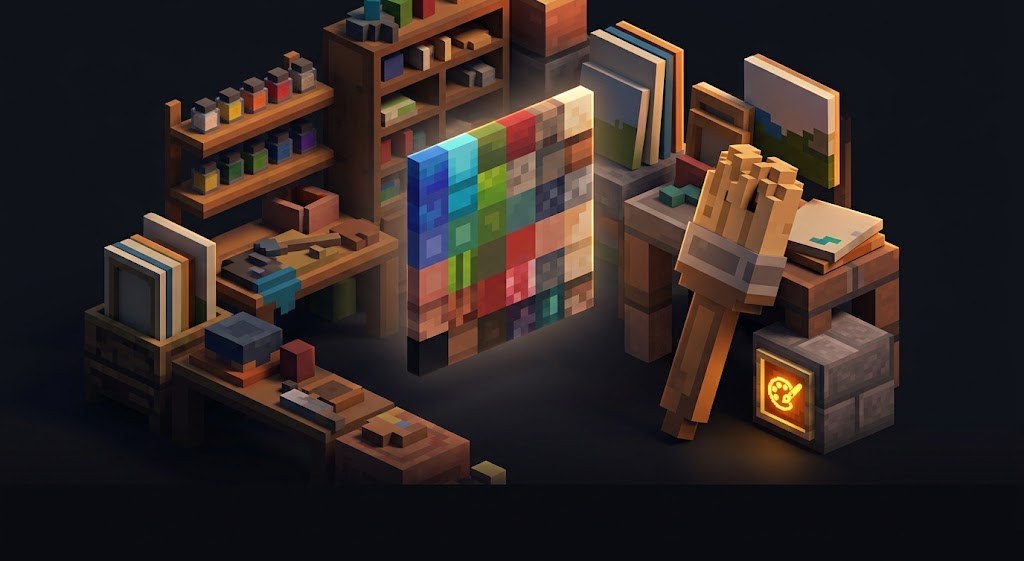
What you can draw yourself
- Menu icons. A 32 by 32 or 64 by 64 square, a simple shape, one accent color. Any raster editor will do.
- Chat prefixes and symbols through the pack's font glyphs. Cheap and noticeable.
- A single palette. Two main colors and one accent, with everything else built from them.
- The community cover. Make the template once, then only change the text.
You need an artist for: a full icon set in one style, 3D models, and interface panels with non-standard geometry.
3D models: where they pay off
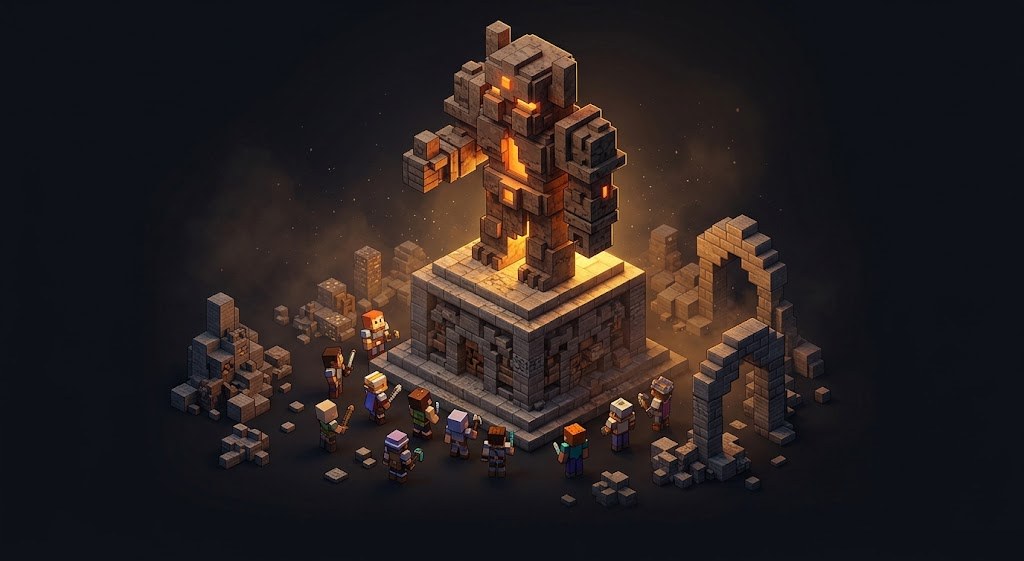
ModelEngine and similar systems give you real three-dimensional models. They are expensive in resources, so use them where the model is part of gameplay:
- Named bosses: the player should see this is not a recolored zombie.
- Vehicles and machines players can control.
- Key NPCs: a mechanic, a trader, an event dispatcher.
Do not put 3D models on ordinary mobs: the load goes up and only a few people will notice the difference.
Community design: the workflow
- Define your palette and font. From then on, everything is done only in them.
- Make the cover in two versions: desktop and mobile. On mobile, VK crops the edges, so keep the text in the central zone.
- Use an avatar that reads as a 50 by 50 circle. Small text turns into mush there.
- Community menu: play, donate, rules, support - all on the first screen.
- Post templates: event announcement, update, contest. Make them once, then change only the text.
A consistent style matters more than the quality of any single image. Five covers in the same style look better than one masterpiece and four random ones.
Common mistakes
- Default fonts and stock images: your server blends in with a dozen others.
- Tiny text on the cover: people will view it on a phone.
- Different colors in game, on the site and in the community: players do not realize it is one project.
- A beautiful cover and an empty server: design brings people in, content keeps them.
- Stolen textures: the author's claim will land at the worst possible moment.
What we do
Design is part of our server builds: a resource pack with menu icons, symbols and prefixes, and interfaces in a single style. In ready-made projects that comes with a community pack - covers, headers and banners for your group and Telegram - plus a free rename: we change the project name everywhere it appears. We also do design as a standalone job; see Services.
Do not want to put all of this together by hand?
We have been building server builds, plugins and websites for Minecraft servers since 2022. A ready-made solution goes onto your hosting in an evening, and we install it for free.