Minecraft Server Hosting: How Much RAM You Need and Where to Run It
How many gigabytes you need for 10, 40 and 100 players, why core clock speed beats core count, how to find the cause of lag with a profiler, and how to cut load without losing players.
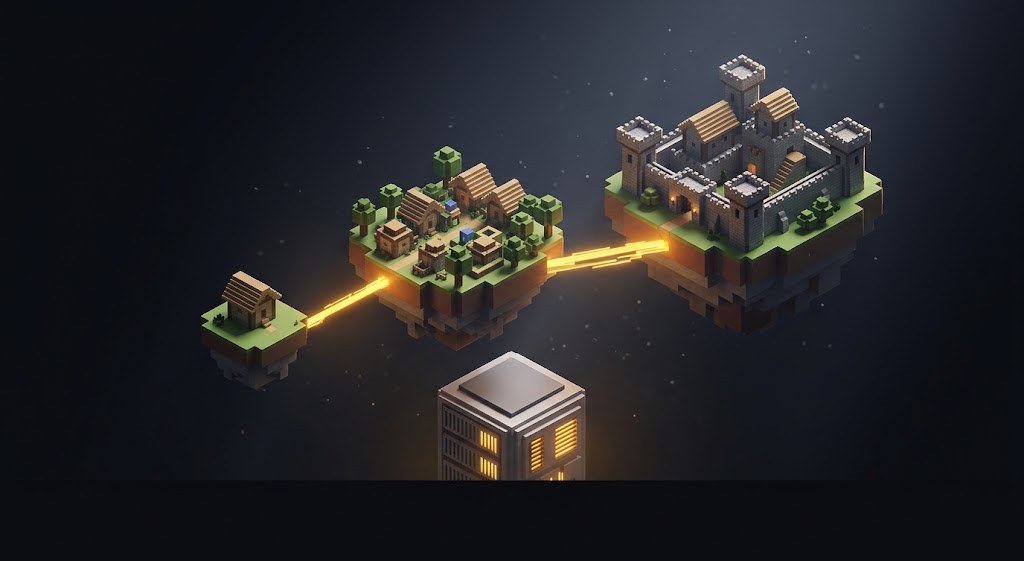
A breakdown with no hosting ads: how much memory you really need for your player count, what eats it, how to check whether your resources are enough, and what to do if they are not.
We have no hosting of our own and no affiliate links. We make server builds and plugins, so we look at this from the "what will lag and why" side.
The key point: the server is bound by one core
The main thread of a Minecraft server is single-threaded. It alone calculates the world, mobs, redstone and every player. Two things follow from that:
- A CPU with a high core clock matters more than a CPU with many cores. Twenty slow cores will not save you, because only one of them does the work.
- RAM does not make the server faster. Too little slows it down, and extra gives you nothing.
You can check whether the machine copes right in game with the /tps command. 20 is normal; below 18 players already feel it. The MSPT value (milliseconds per tick) should stay below 50.
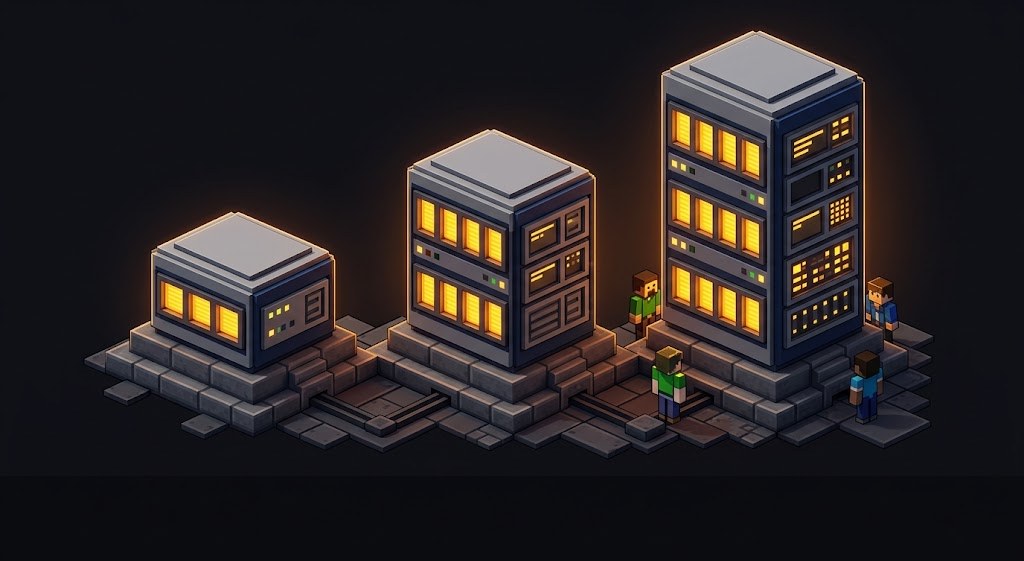
How much memory to get
A guideline for Paper or Purpur with plugins. Modded builds need twice as much.
| Players online | RAM for the server | What fits |
|---|---|---|
| 2-5 | 2 GB | vanilla or a couple of plugins |
| up to 10 | 3 GB | claims, economy, permissions |
| 20-40 | 4-6 GB | a full project with events and a donation store |
| 50-80 | 8 GB | custom content, 3D models, several worlds |
| 100+ | 12-16 GB | a large project, usually already split across servers |
Memory is set by launch flags, not by your plan:
java -Xms6G -Xmx6G -jar paper.jar noguiKeep -Xms equal to -Xmx and leave 1-2 GB for the system. Giving the server all of the machine's memory is a sure way to get freezes during garbage collection.
What actually eats resources
| Cause | How it shows up | What to do |
|---|---|---|
| High view distance | steady lag for everyone | view-distance 8-10, simulation 5-7 |
| Generating new chunks | freezes when players head into unexplored land | pregenerate with Chunky, set a world border |
| Thousands of entities | drops in the evening when everyone is online | mob limits, automatic item cleanup |
| A bad farm or redstone build | lag at one spot on the map | find it with /spark profiler |
| A broken plugin | lag after installing it | remove the last one you added, check TPS |
| Not enough memory | stutters every few minutes | raise -Xmx or clean up the world |
The spark profiler is built into Paper. Run it for two minutes, stop it, and you can see which plugin or mechanism eats the tick. That is far more accurate than guessing.
/spark profiler start
/spark profiler stop
Where to run the server
Your own computer
It is free, but the server only lives while your PC is on, and it needs port forwarding on the router and a public IP from your ISP. Home internet usually has narrow upload bandwidth, and with ten players you start to feel it. Fine for playing with friends.
Free hosts
The server goes to sleep when no one is on and starts with a delay, and memory and the plugin list are limited. Fine for a test, not for a project: half your people will show up while the server is asleep.
Dedicated Minecraft hosting
A control panel, one-click core install, backups, and support that understands the word "tickrate". It costs more than a VPS for the same resources, but you do not have to administer Linux.
VPS or dedicated server
Cheaper per resource and fully yours. You need someone who can work in a console: updates, firewall and backups are on you. For a network with several game modes it is the only sensible route.
| Your own PC | Free host | MC hosting | VPS | |
|---|---|---|---|---|
| Runs 24/7 | no | sleeps | yes | yes |
| Any plugins | yes | limited | yes | yes |
| Linux skills needed | no | no | no | yes |
| Price per resource | - | 0 | higher | lower |
What to look at when choosing
- CPU model. Ask directly. A recent generation with a high clock holds twice the players on the same memory.
- SSD or NVMe only. On a regular disk, saving the world freezes the server.
- Location. If your players are in Russia, pick a data center in Russia or nearby Europe. An extra 50 ms of latency in PvP is felt by everyone.
- Backups you can download. The copy should be downloadable to you, not just live inside the panel.
- DDoS protection. A must for a public server.
- File access. FTP or a file manager. Without it you cannot install a build.

Do not buy a plan for future growth. While you have no players, extra gigabytes are money wasted, and you can upgrade a plan in a couple of minutes at any time.
How to lower requirements without losing anything
view-distance8-10 instead of 16 is the fastest win.- Keep
simulation-distancelower than render distance: far chunks are visible, but mobs there do not tick. - A world border at 5-10 thousand blocks plus pregeneration removes the heaviest operation.
- Mob limits in
bukkit.yml: monsters 50, animals 8 instead of the defaults. - Automatic cleanup of dropped items every few minutes.
- Turn off what nobody uses: extra worlds, unused plugins.
In our server builds these settings are already in place. The core and plugin configs are balanced for the stated player count, not left at defaults.
If you are installing a build
You pick the host, and we install the build and configure it for your plan for free: we connect to the panel, upload it, and check startup and TPS. Renaming to your server's name is included in the price. Catalog: server builds, plugins, ready-made projects.
Do not want to put all of this together by hand?
We have been building server builds, plugins and websites for Minecraft servers since 2022. A ready-made solution goes onto your hosting in an evening, and we install it for free.