CloudFakeOnline: living NPC players for your server
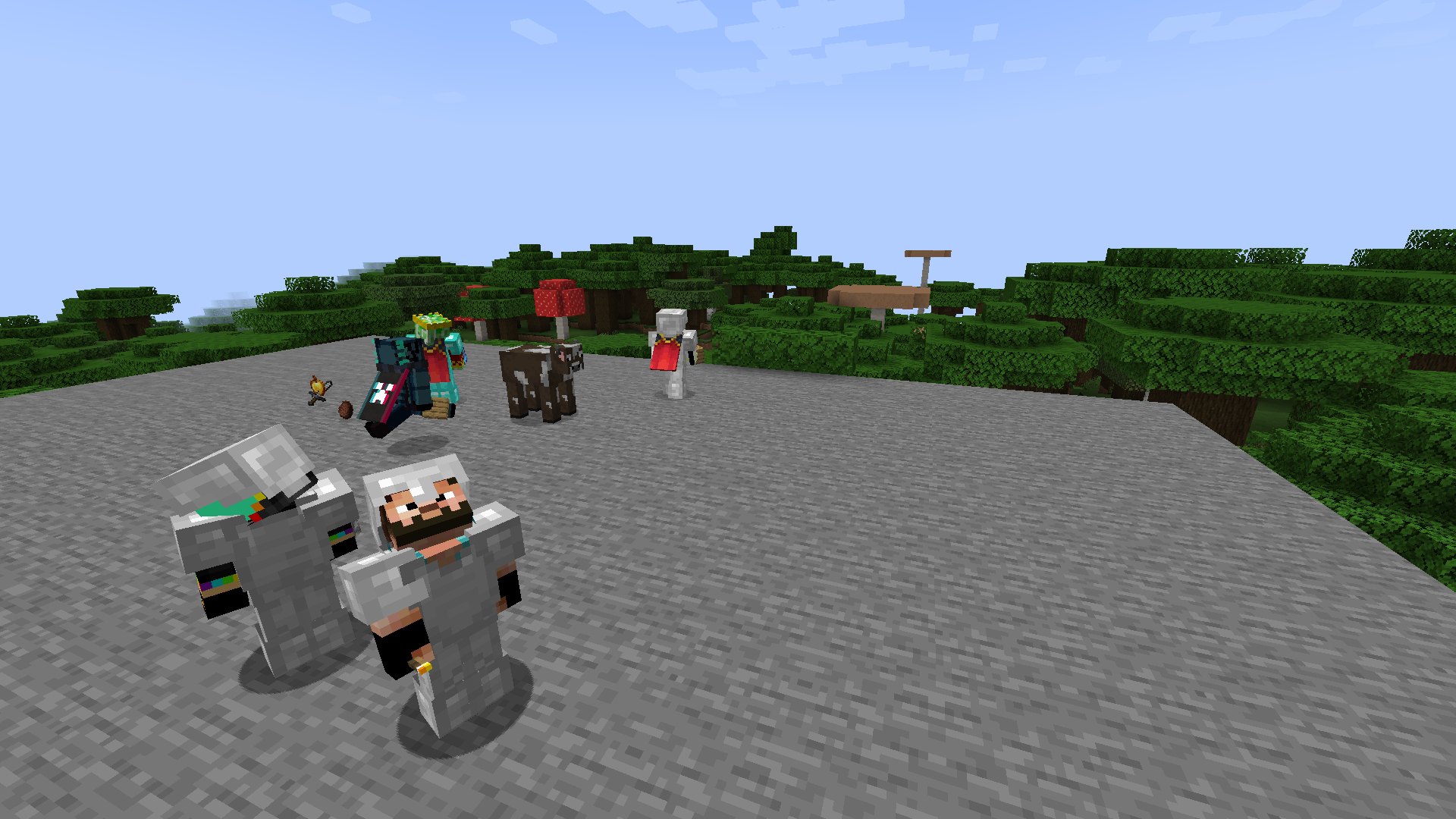
Hi everyone! A new server almost always starts with the same problem: a player joins, sees an empty spawn and a silent chat, and leaves within a minute. We built CloudFakeOnline, a plugin that fills your server with NPC players. They walk around, chat, build houses, fight and trade on the auction just like regular players, and gradually make room for real people as your server grows
The main reason we wrote it: the atmosphere of a living server from day one, with no empty spawn and no dead chat
Works on Paper / Purpur from 1.16.5 to 1.21.x as a single jar file
Who it's for
New servers. The first weeks, while your audience is still gathering
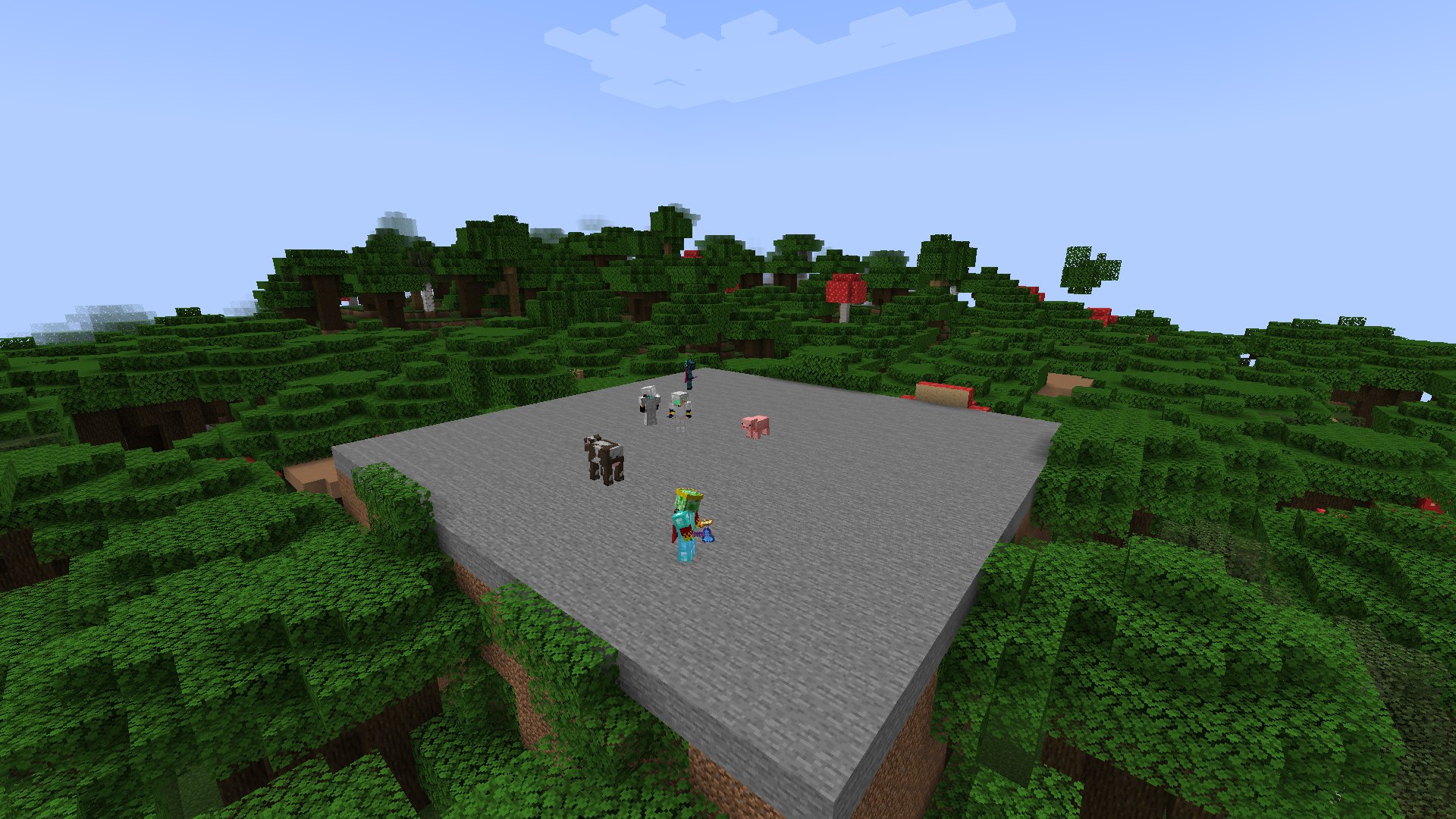
Anarchy and griefing servers. There is a dedicated griefing mode: griefers among the bots, bunkers, PvP at the spawn exits
Survival. Bots build bases, set up farms, visit warps and go mining
Small projects. When your online count drops at night or on weekdays
Every bot is its own player
The pool has 1000 nicknames in the spirit of the Russian Minecraft scene. Each one has its own skin from Mojang servers, a fixed rank and its own personality: age, talkativeness, writing style, attitude to swearing and caps, favorite activity. A nickname that joined today will join tomorrow as the same person with the same style, and remembers what it talked about with you
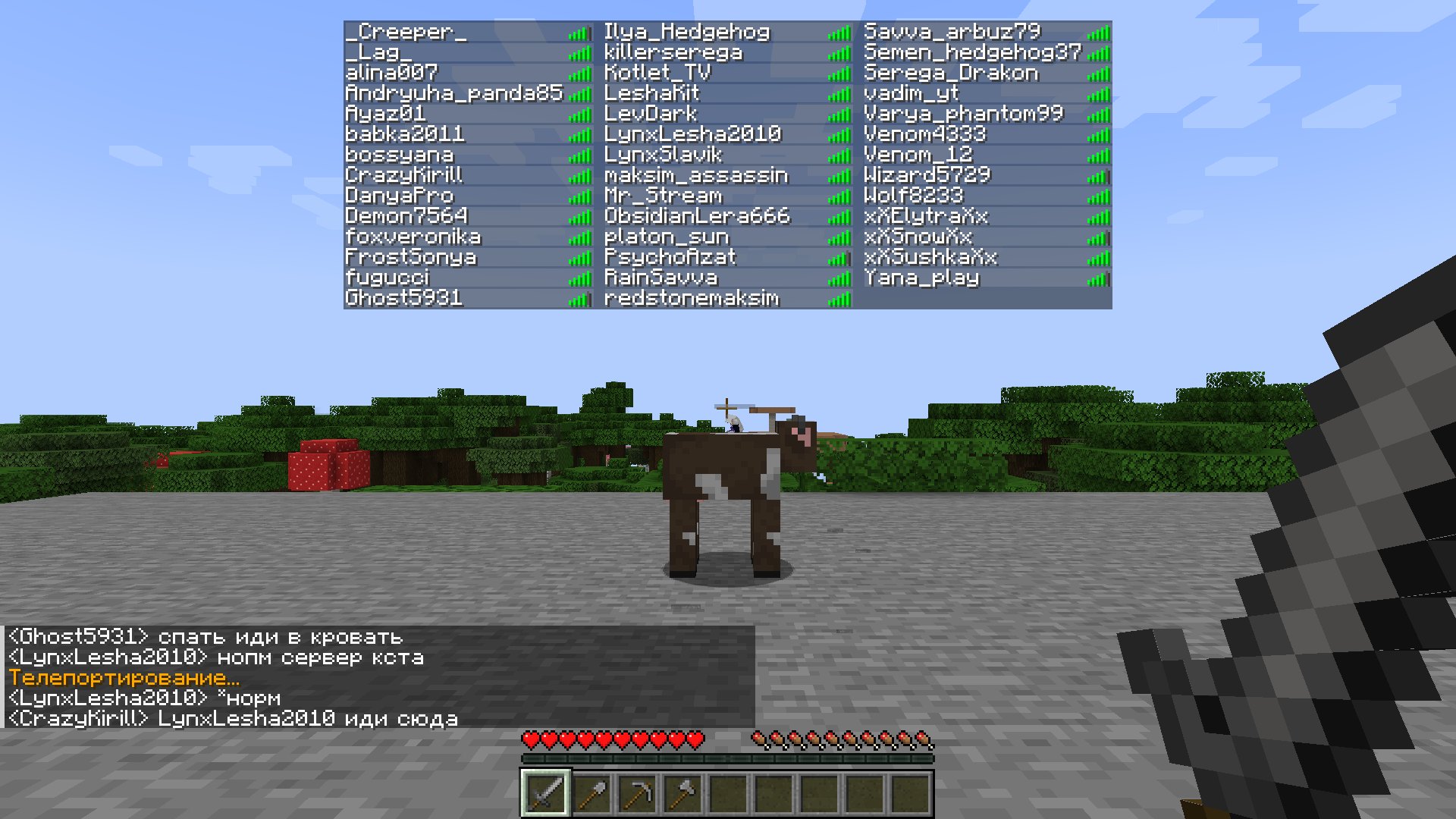
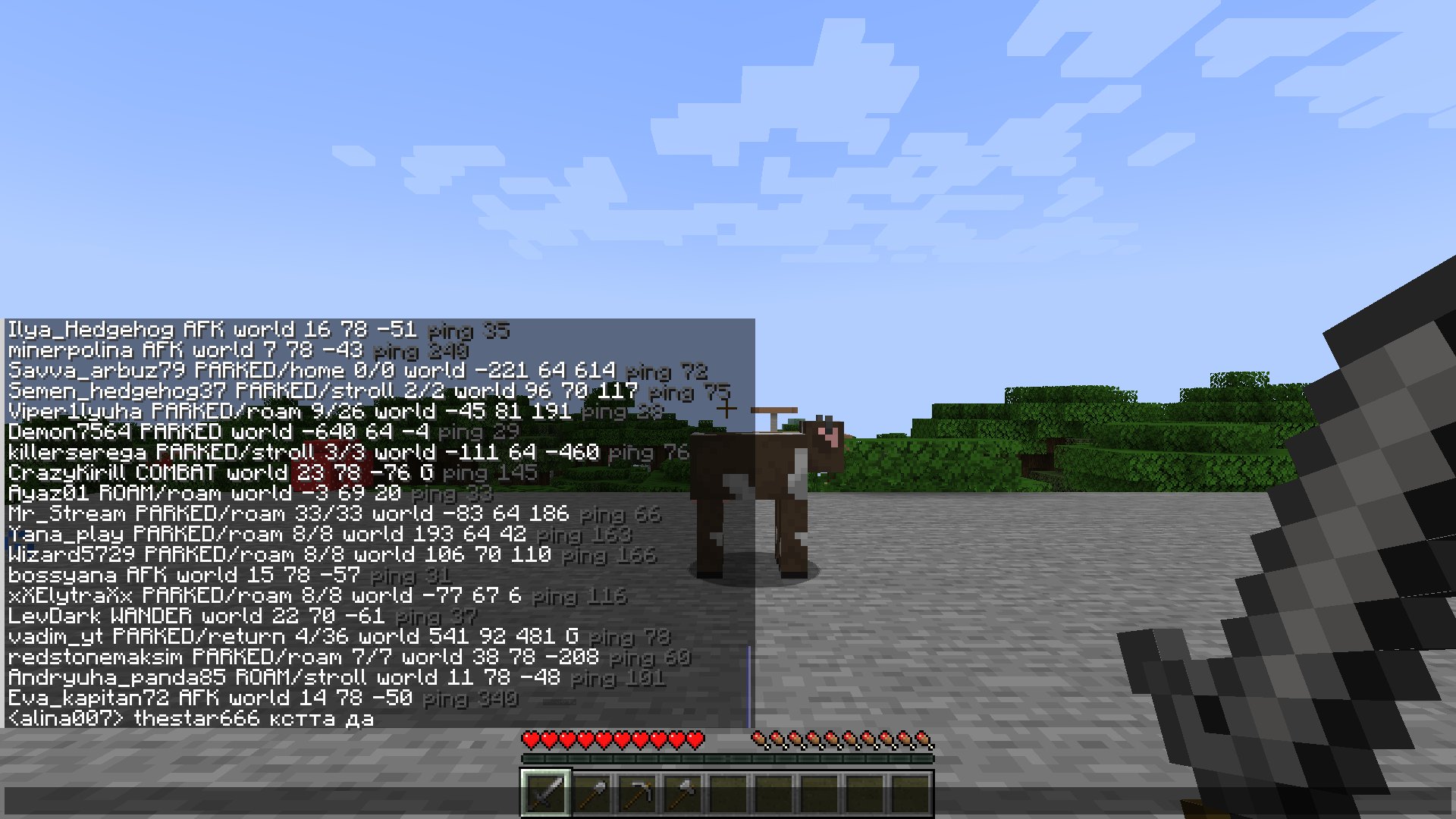
Bots appear in the tab list with rank prefixes and ping, show up in /list, you can message them with /msg, reply with /r and send them /tpa. Each bot has its own live ping in the tab list: it fluctuates and sometimes spikes
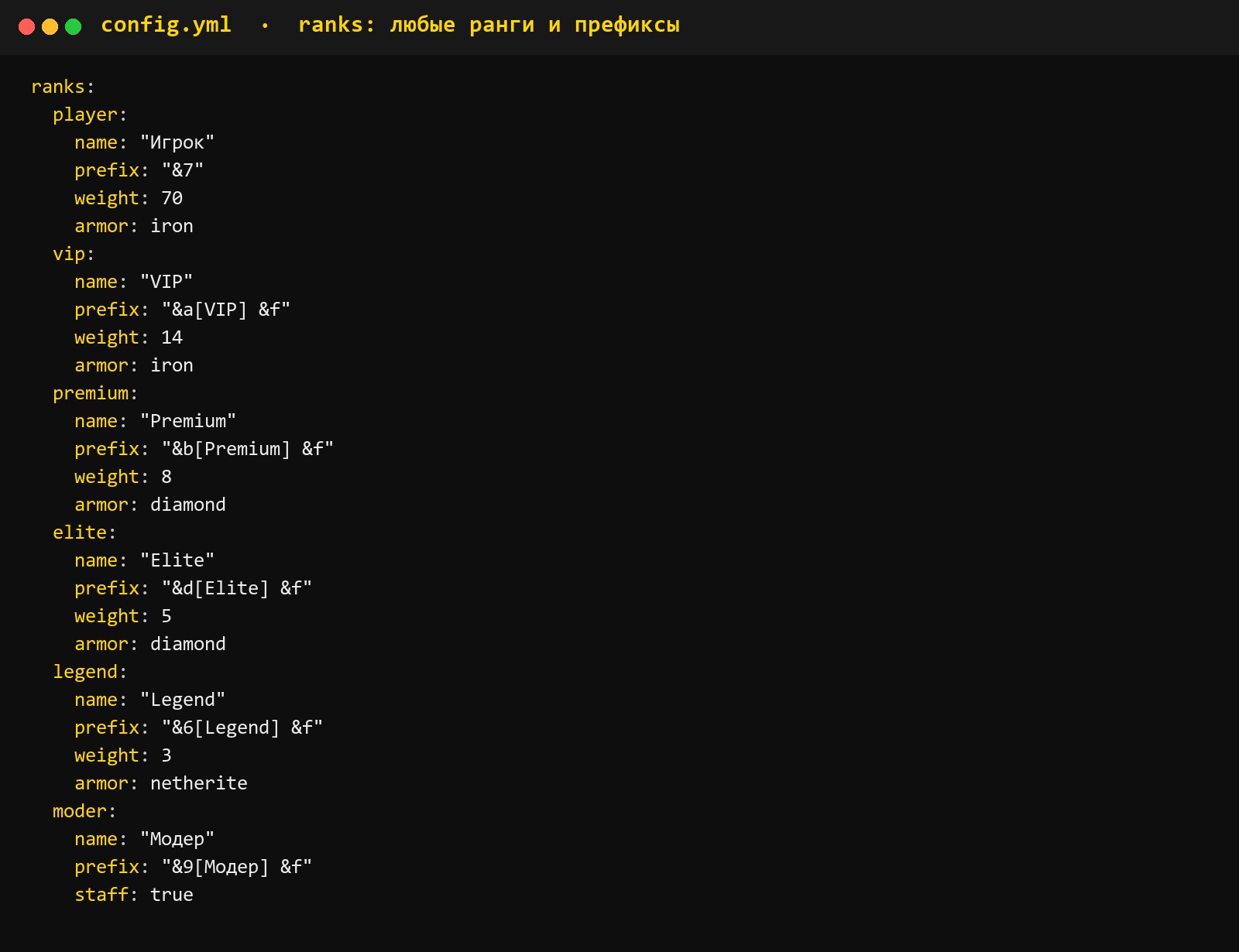
Any prefixes. Bot ranks are fully defined in the config: name, prefix with colors, share of nicknames with that rank, armor. Make the ranks identical to your server's donor ranks, and the bots look the same in the tab list and chat as real players. A rank can be pinned to a specific nickname with the /fakeonline rank command
Online that follows the clock
The number of bots changes through the day along a curve: the server quiets down at night and fills up in the evening. Nicknames join and leave one by one, each with its own session length, from five minutes to several hours. Regulars come back day after day
The online count is visible everywhere a player looks for it:
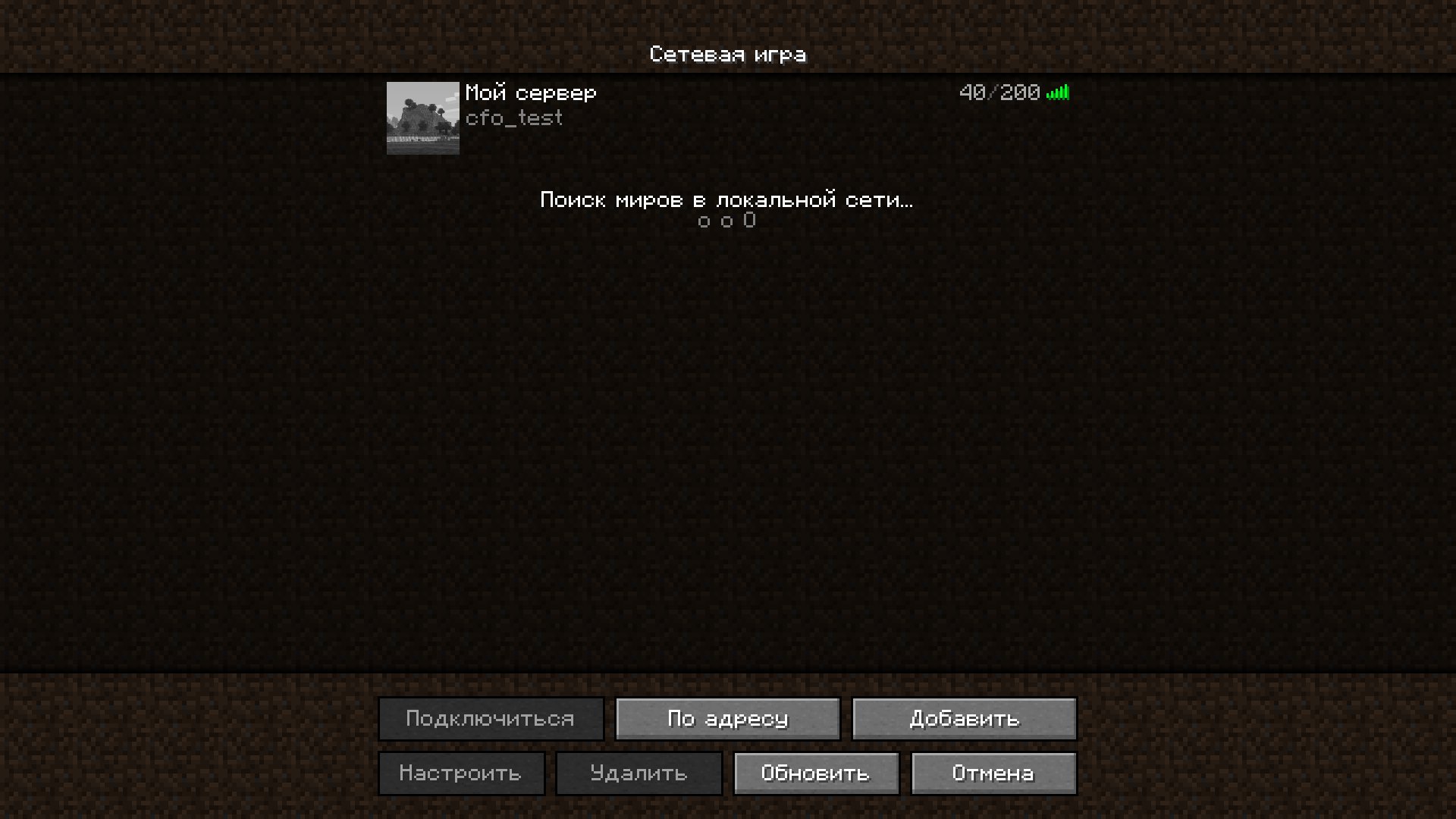
📋 Server list. Player count, slots (fixed or "online + N") and nicknames when hovering over the counter. Works on Paper / Purpur without a proxy
📊 Tab list, /list, scoreboard. For your own signs and holograms there is the %cloudfake_online% placeholder
Chat events
Cases. Bots open cases, and a chat message appears with the reward they got. The list of cases, rewards and their chances are set in the config
Ranks. From time to time a bot gets a rank for winning an event, voting for the server or hours played, and it's announced in chat. The rank is temporary or permanent, and when it ends the prefix goes back by itself
Kills and achievements happen between bots, and they show up in chat just like they do for real players
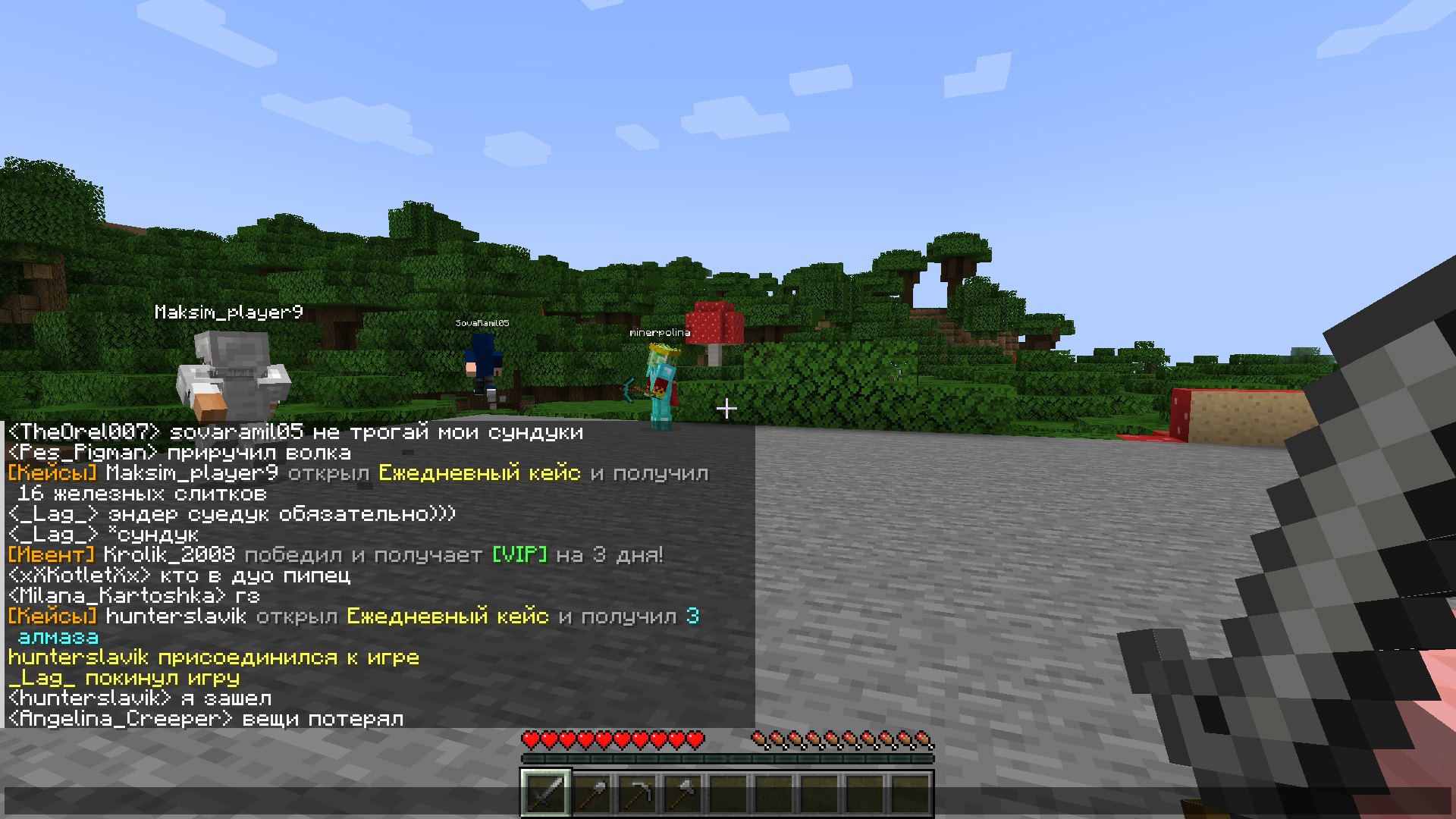
A chat that doesn't give the bot away
Chat works in two modes
Phrase bank (phrases.yml) works right away and for free. Lines made for a living game chat: greetings, questions, arguments, reactions to server events. The bot replies after a pause, as if typing, with typos and emoticons in its own style
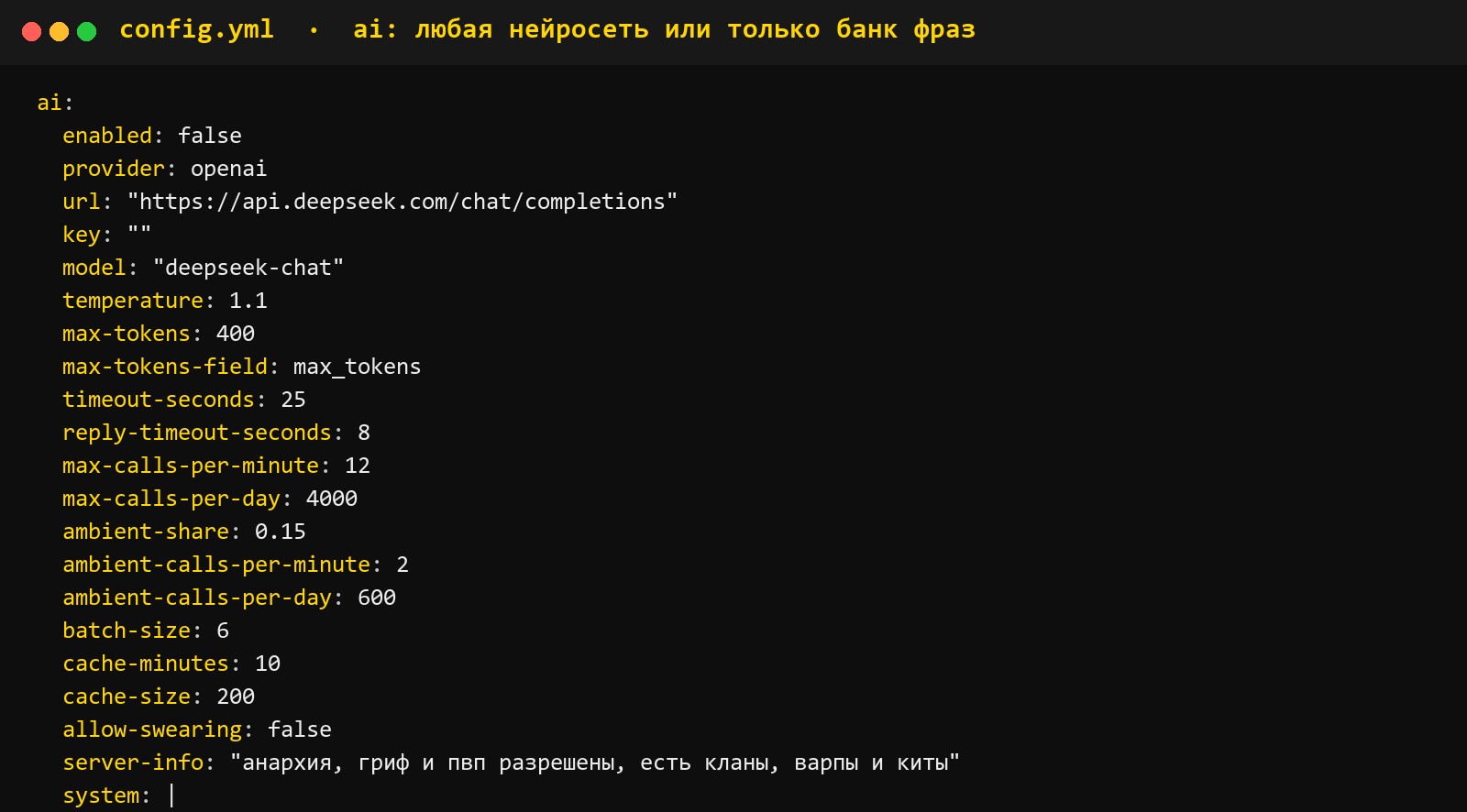
Neural network is connected optionally. Any service with an OpenAI-compatible address works (DeepSeek, OpenAI, OpenRouter, Gemini, as well as local Ollama and LM Studio), and Claude. The key goes in the config, and limits on requests per minute and per day are configurable
The neural network's reply goes through a filter: assistant-style phrases and other signs of "machine" text are removed
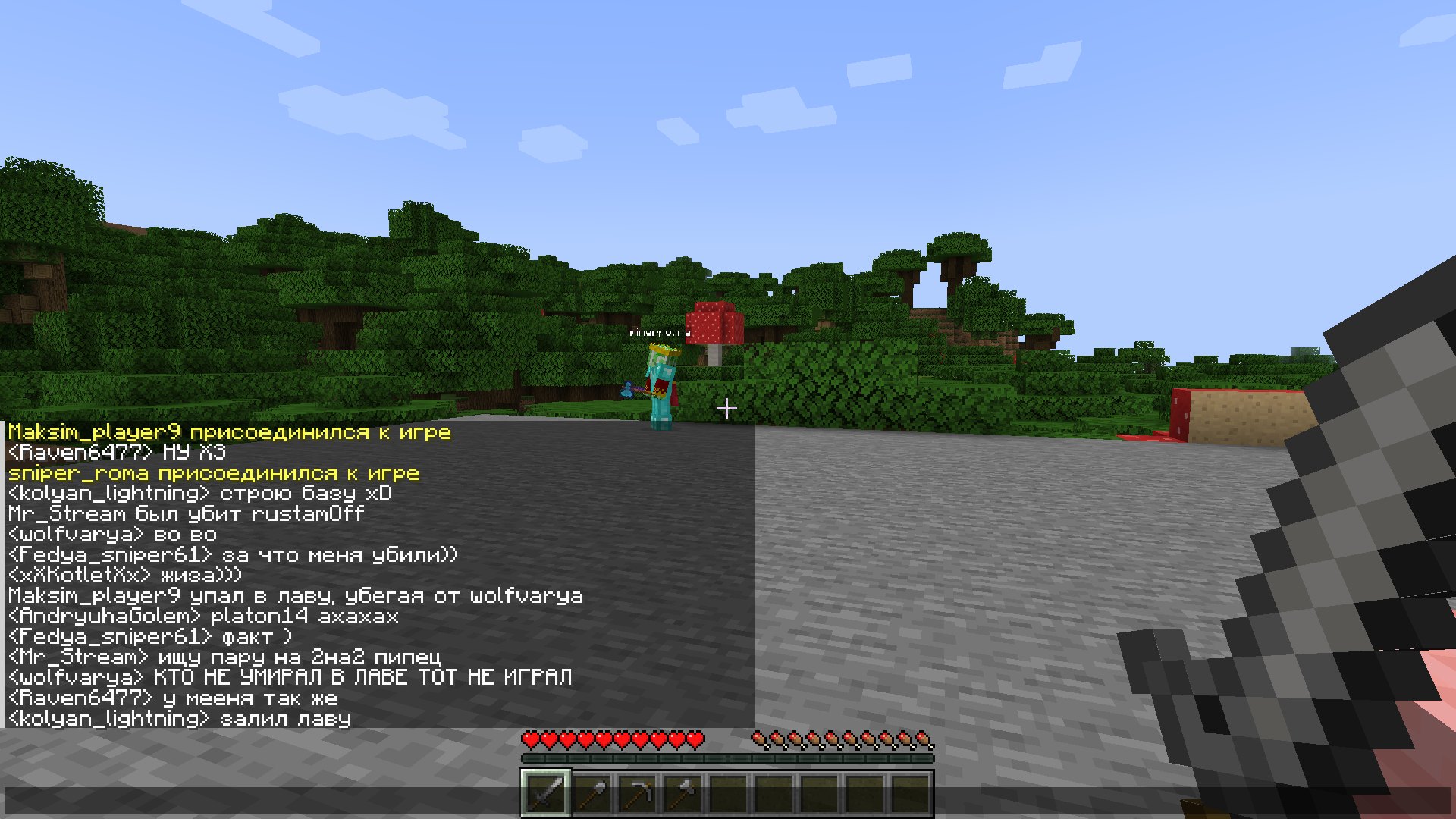
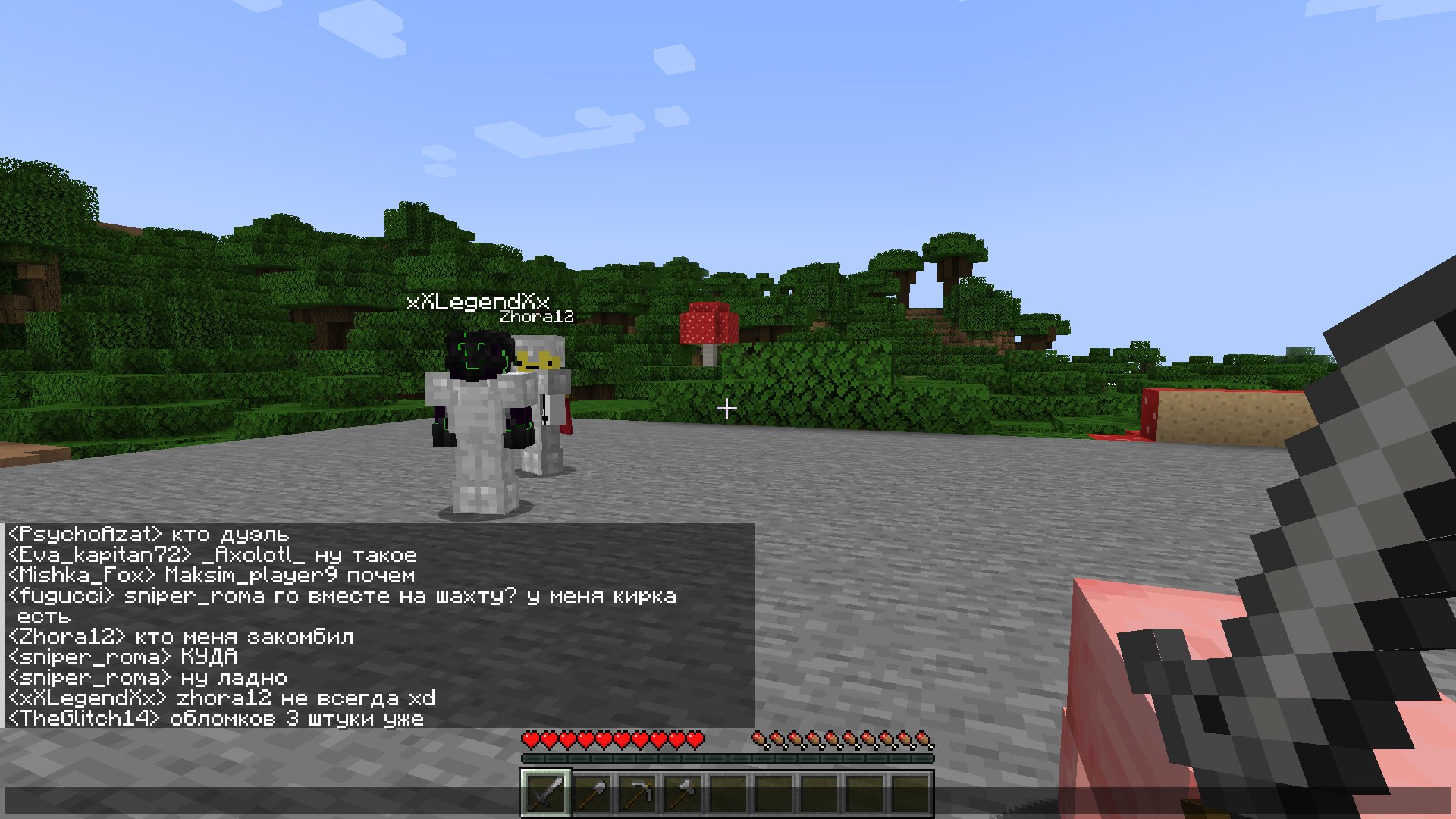
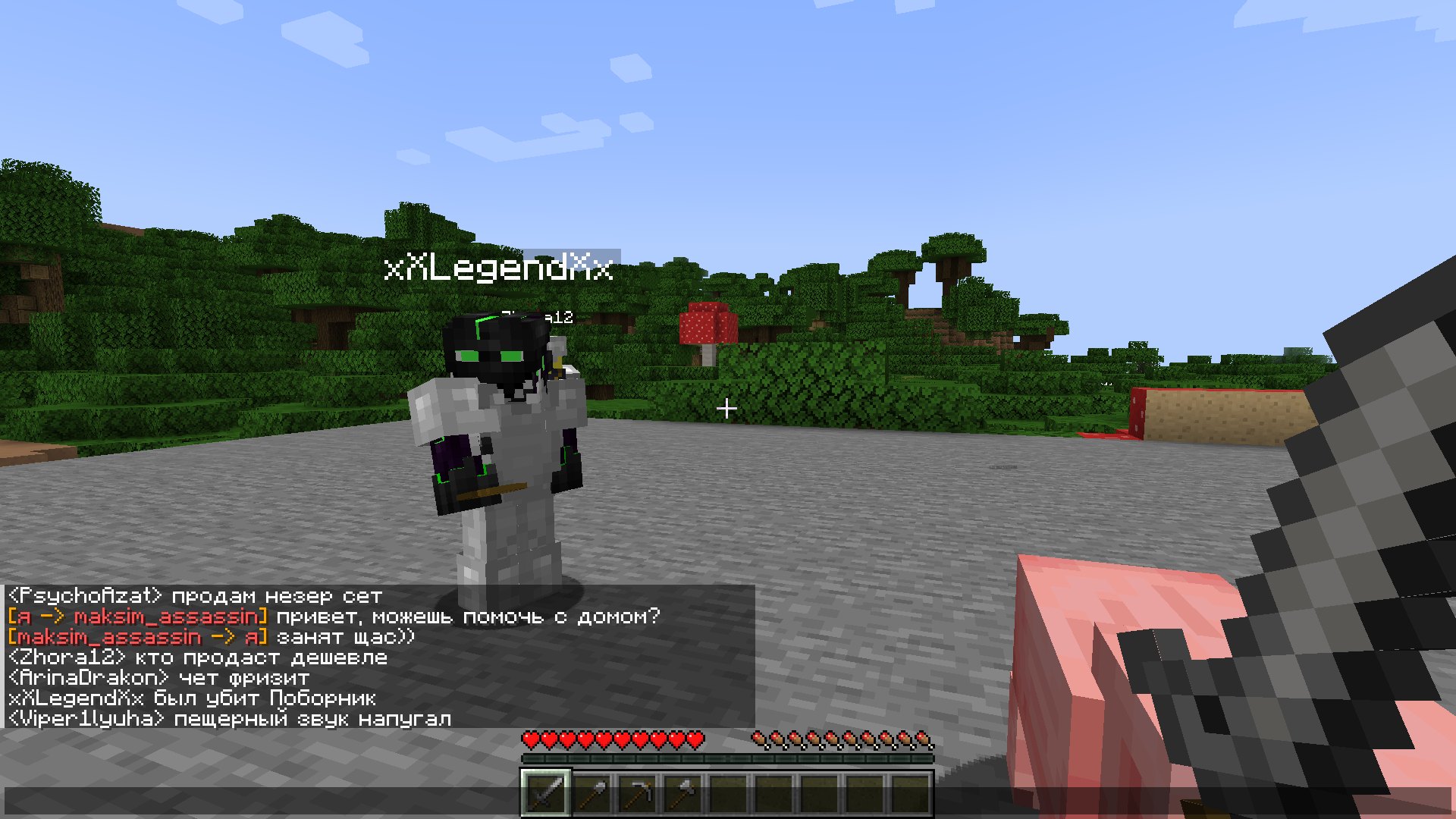
Bodies: our own bot core
CloudFakeOnline has its own bot core. Starting with version 3.0, every bot is a full server player, not an NPC from third-party plugins: its own movement engine, its own physics, its own combat. Citizens and other NPC plugins are not needed. That's why, to the other plugins in your build, a bot looks like a regular player: it passes authorization in AuthMe and similar plugins, gets LuckPerms permissions, has a balance in Vault
What the bodies do:
🚶 Walk with their own movement engine with player physics, pathfinding and smooth head turning. They leave spawn along trails and roads, come back, and hide under a roof at night
🧭 Teleport with real /rtp, /home, /warp, /spawn commands. The plugin finds BetterRTP, CMI or Essentials by itself and picks up their settings
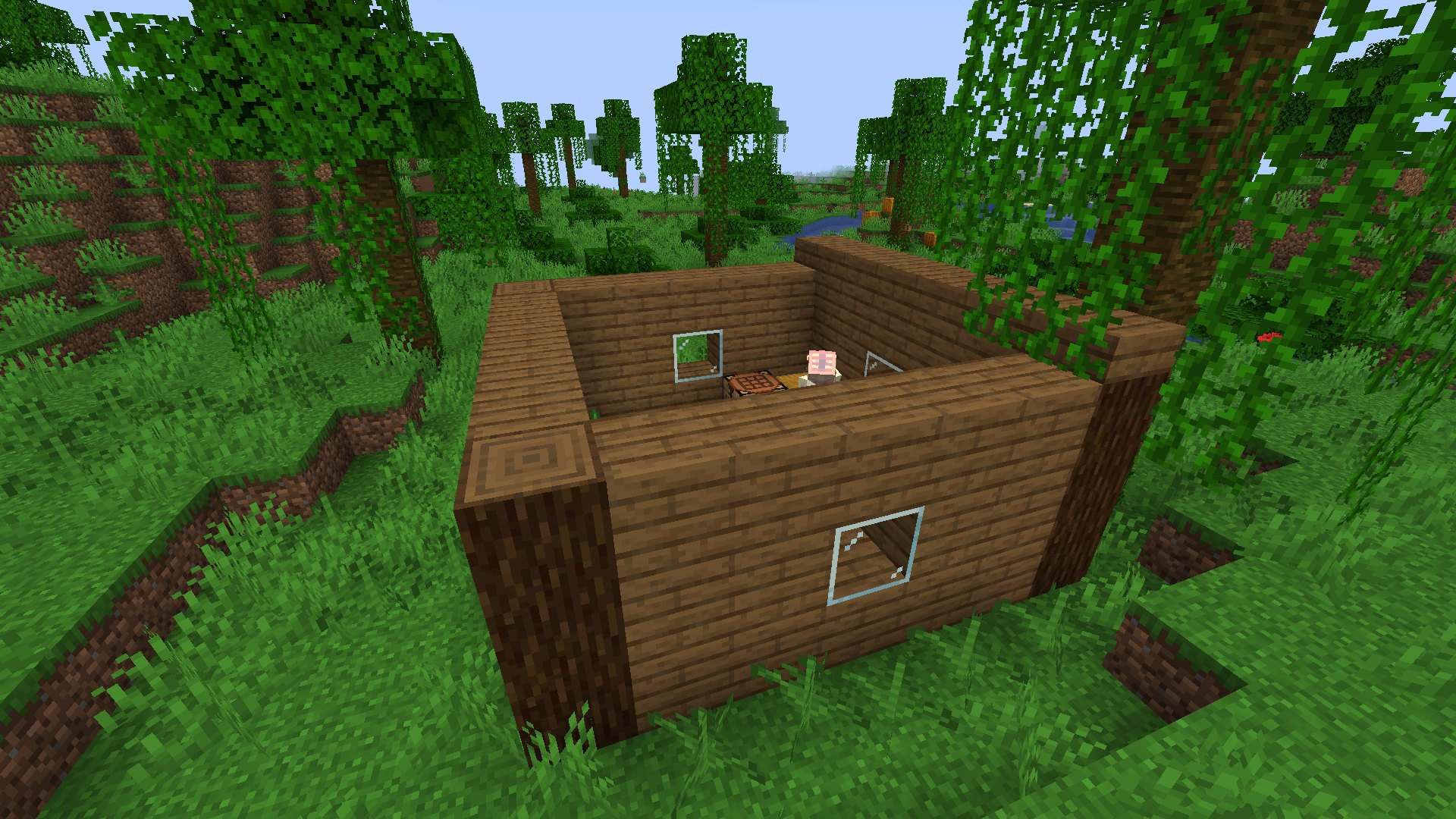
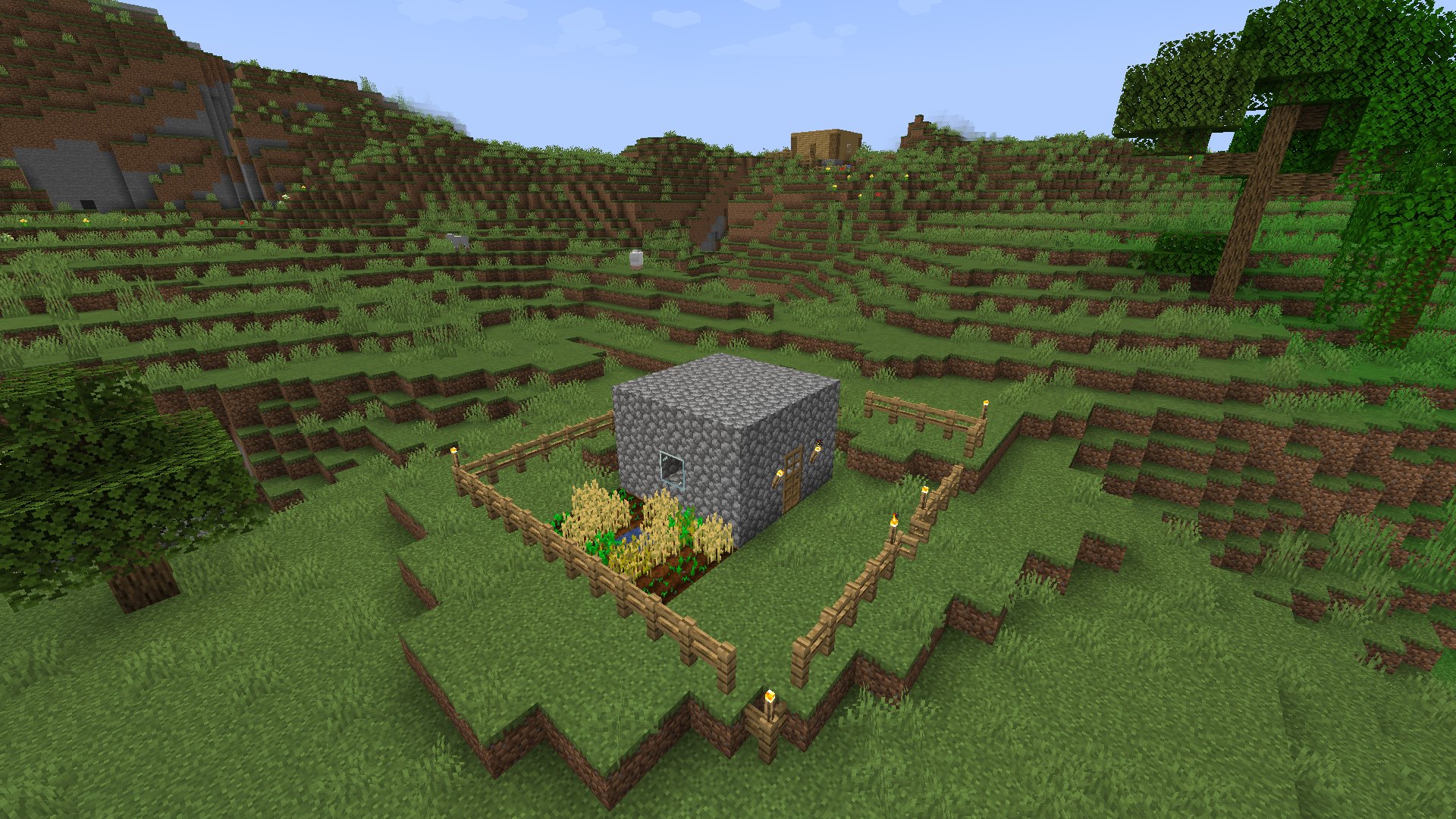
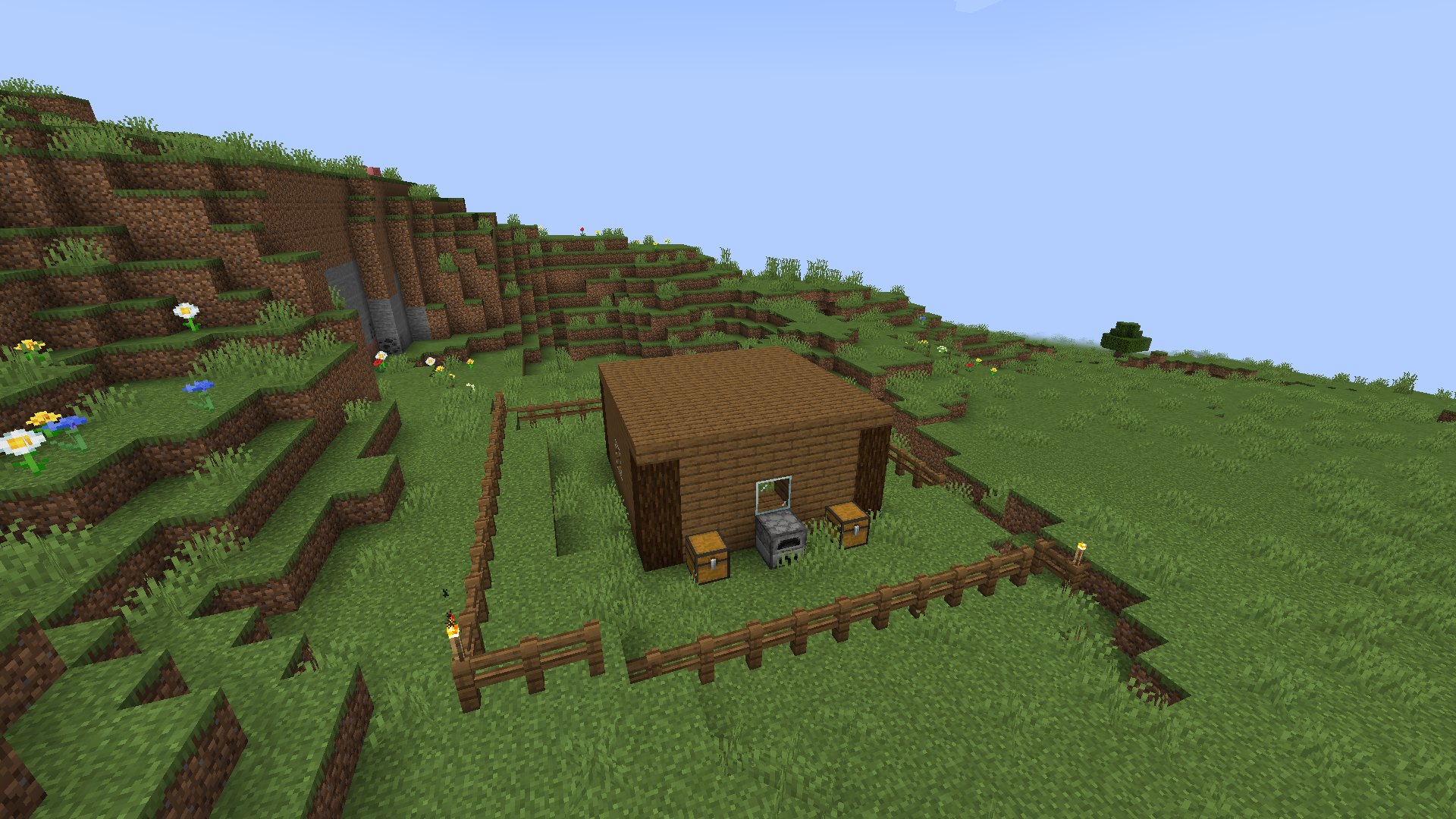
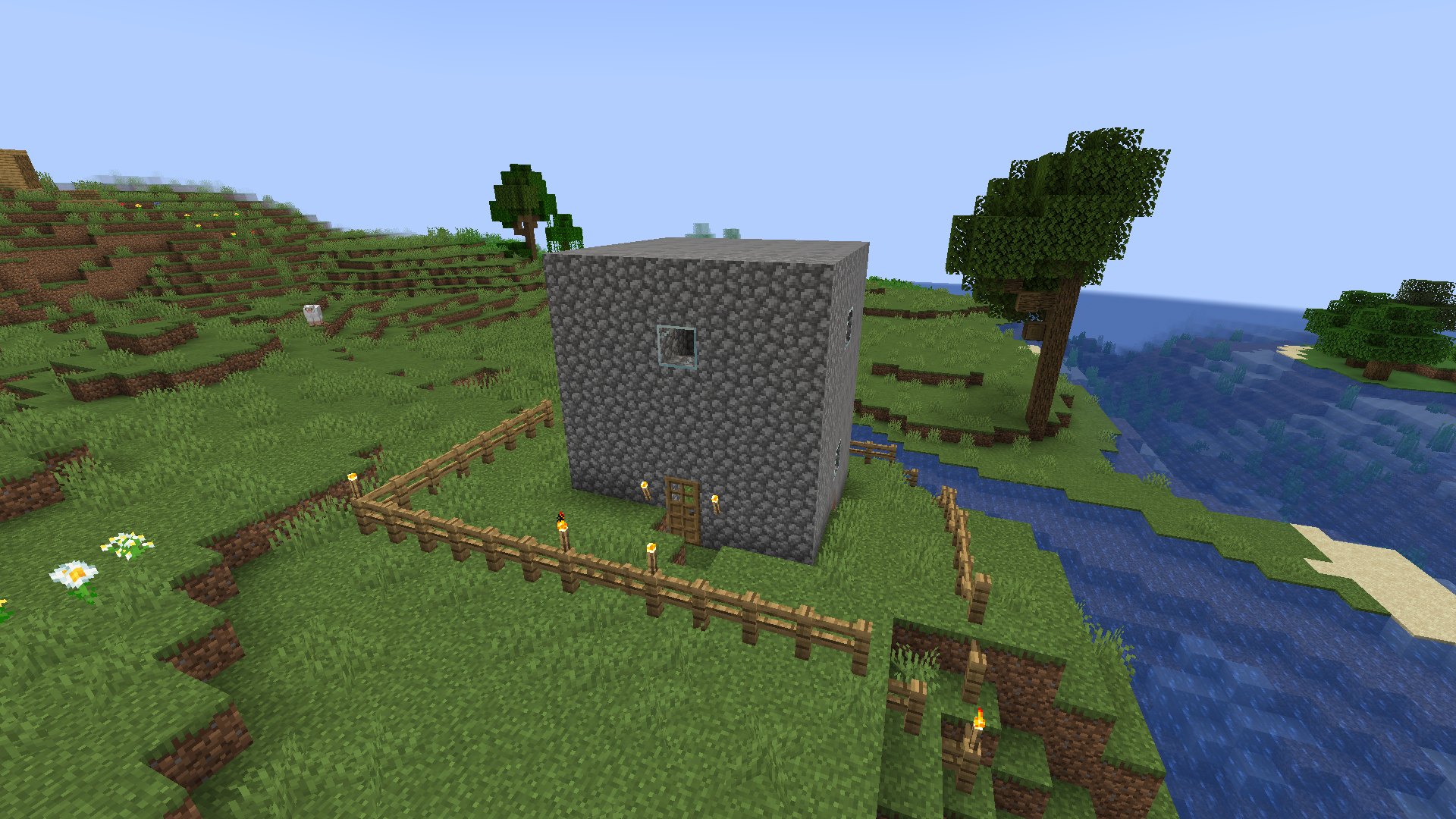
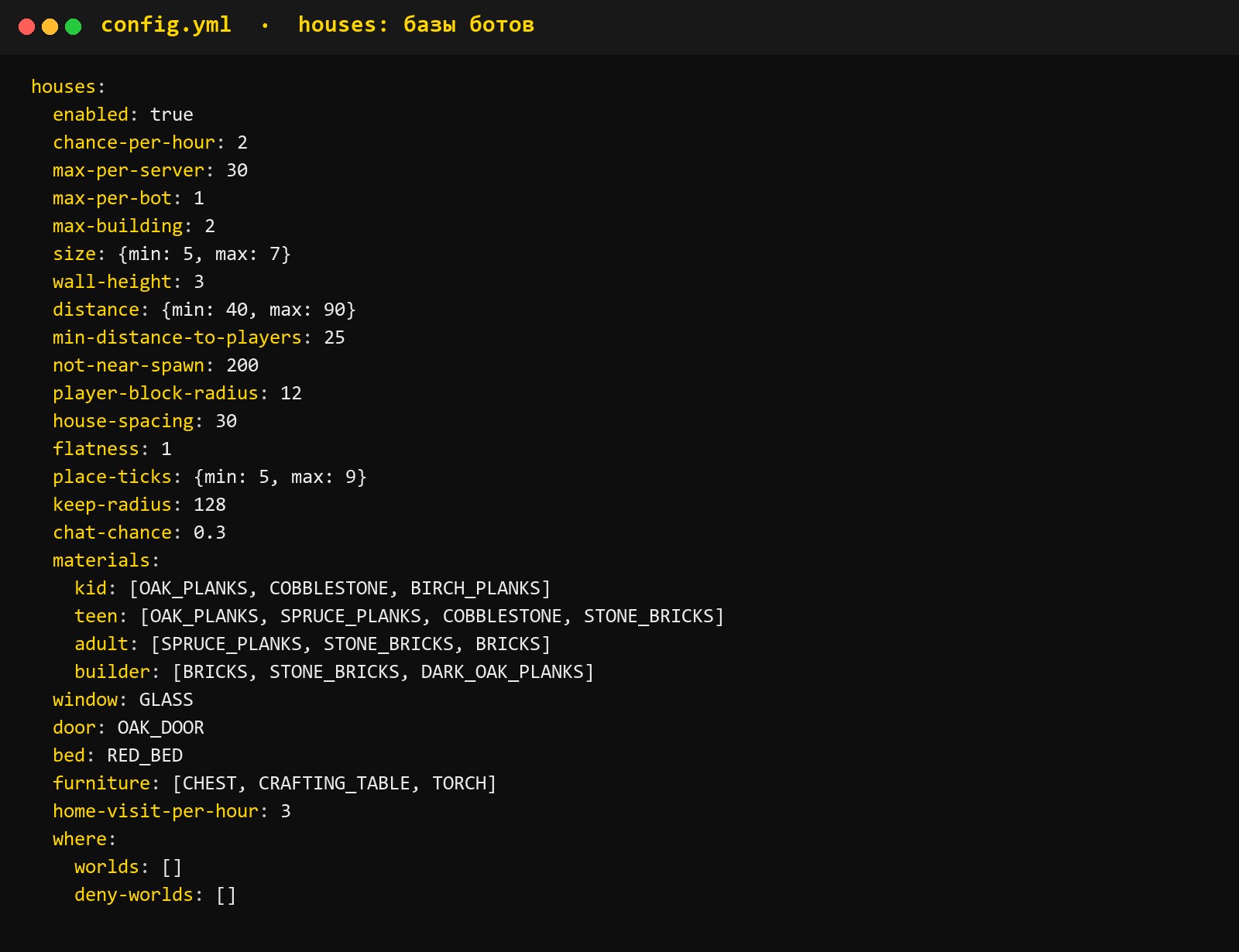
🏠 Build bases in stages: a house, a fence with a gate, torches, a farm with water, chests with a furnace, a second floor, and on griefing and anarchy servers an underground bunker. Every block is placed as a player action, so claims and server logs work as usual. Other people's builds are never touched. Materials, sizes, build frequency and pauses between stages are configurable. You can also use your own schematics: drop .schem or .schematic files into the plugin folder (WorldEdit or FAWE required), and bots will build bases from them block by block like a player, with rotation and a foundation fitted to the terrain. Signs, chest contents and mobs from the schematic are not copied
🧹 Live their own lives: leave litter, answer the quiz in chat, sneak on shift, run from mobs or fight them
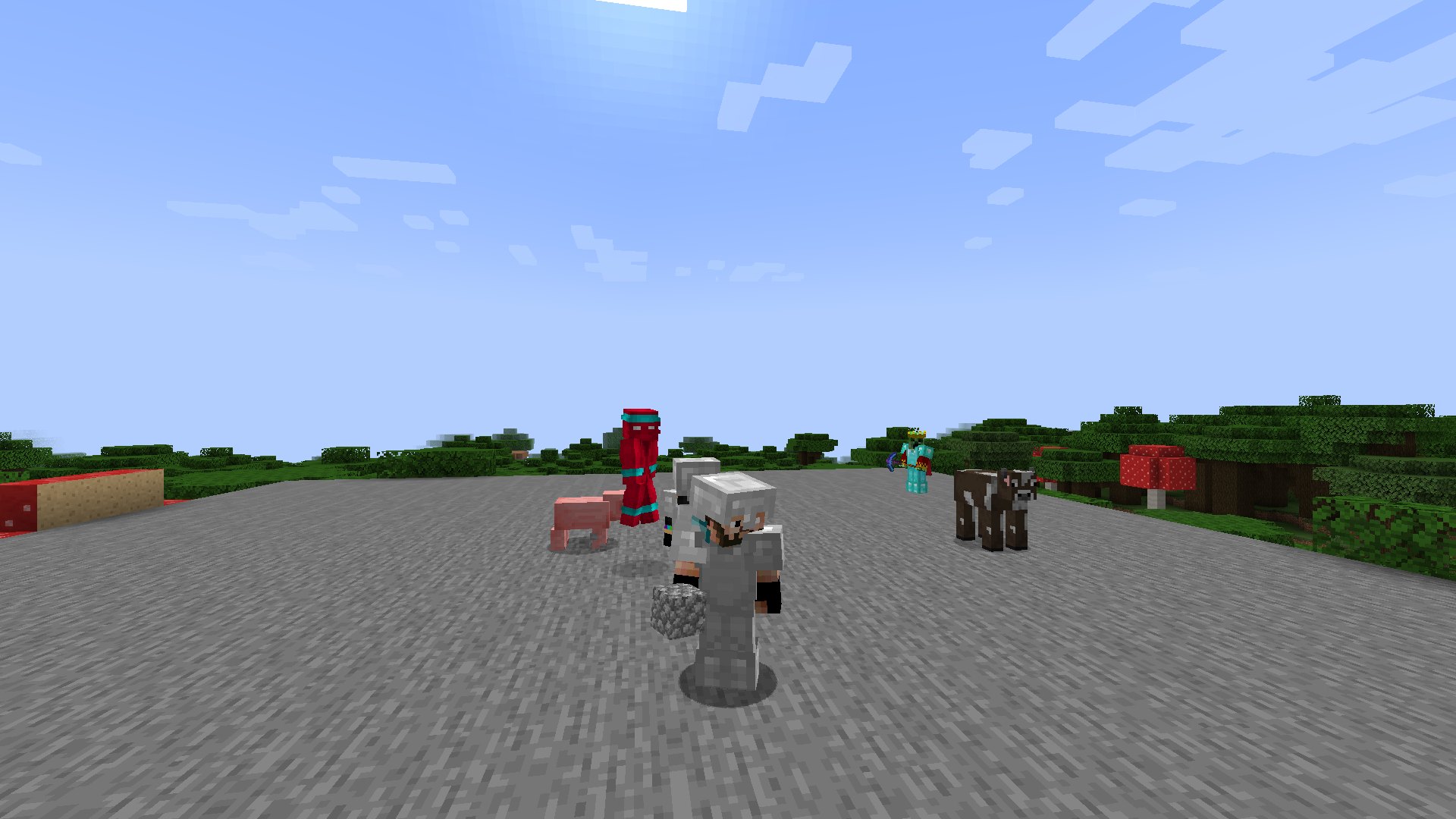
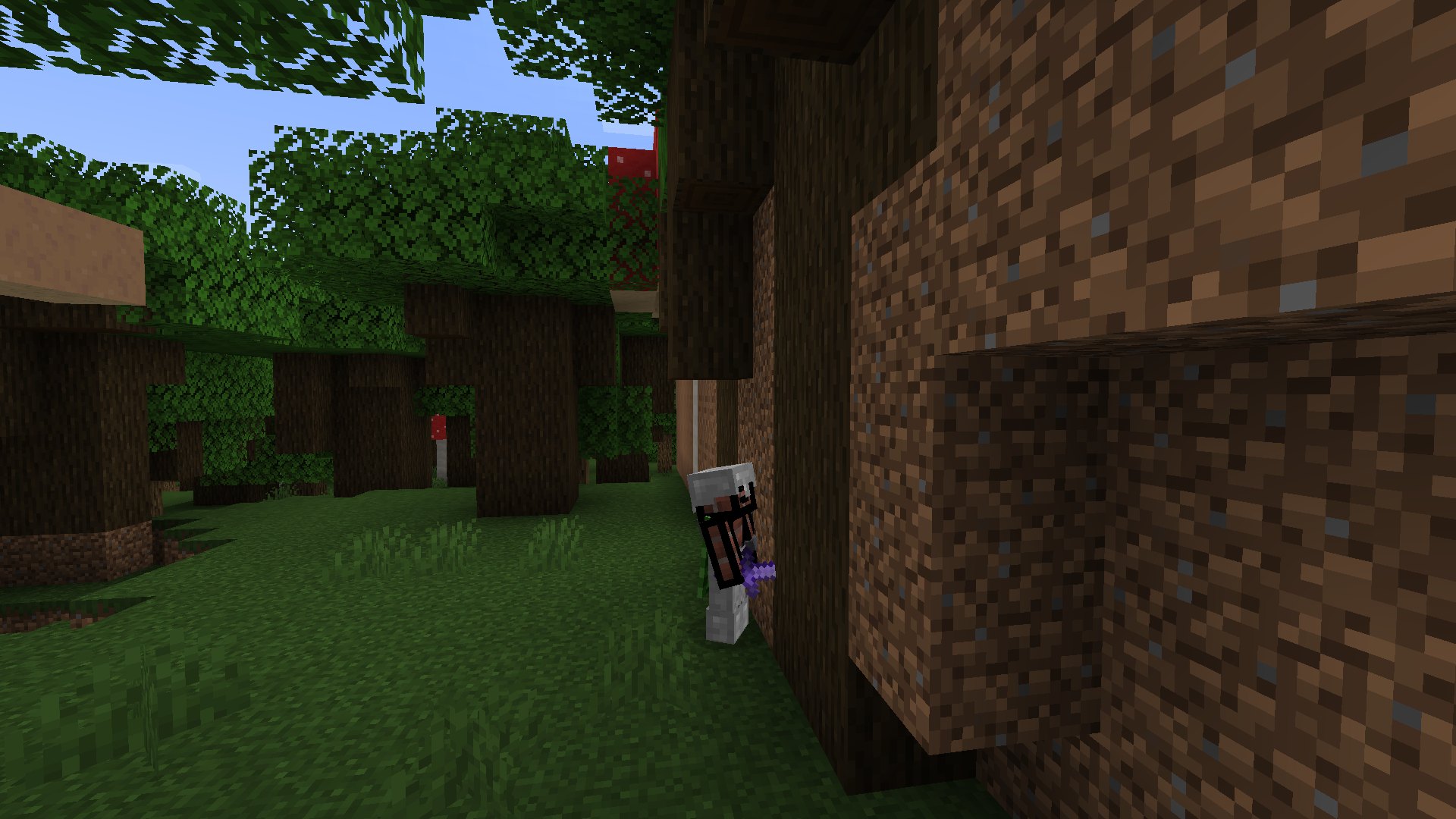
Bodies are shown only near real players. If nobody is around, the bot "goes to the background" and continues its route with no load on the server
PvP
Bots can fight on their own, without third-party plugins: a bot fights through input simulation, like a client: strafing, crits, W-tap, shield, apples, totem. Four skill levels. Hit a bot and it will almost always hit back, while some nicknames are cowards and run away. A bot's death counts as a regular player kill
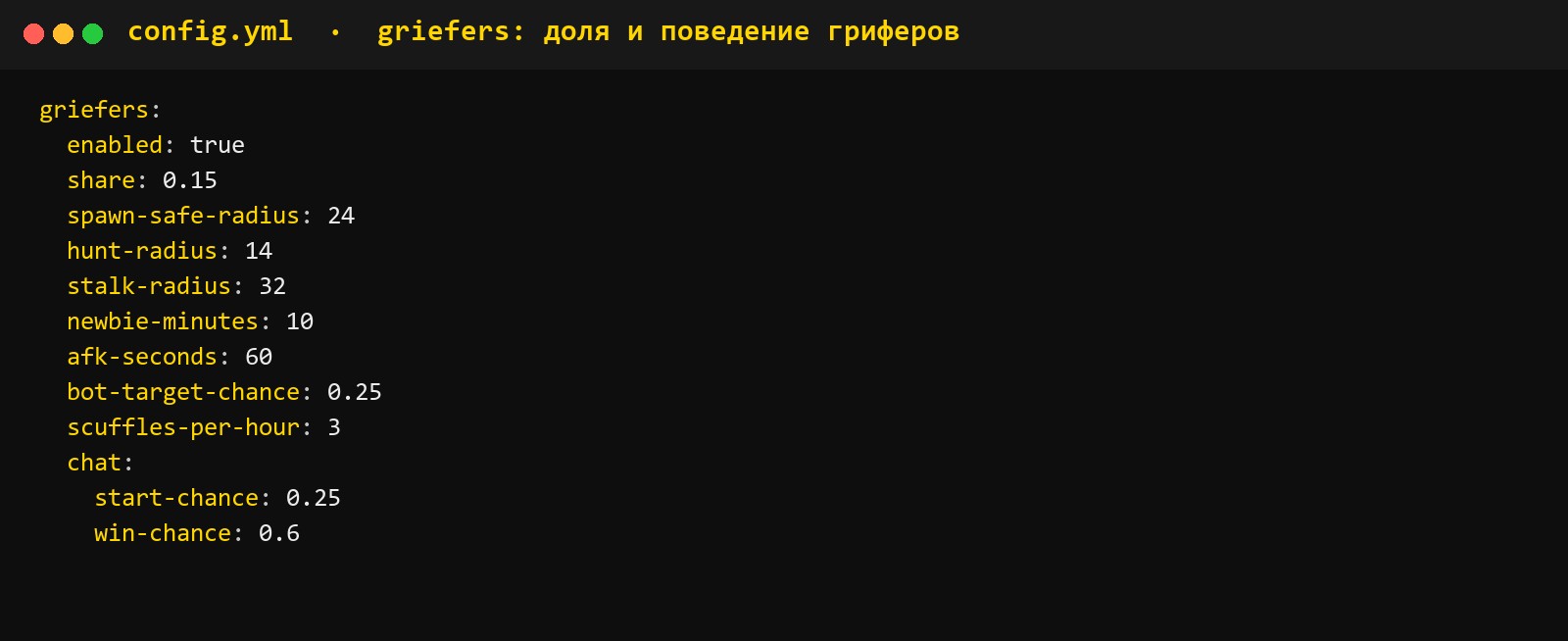
Griefers. Some of the bots play as griefers: they stand at the spawn exits, track a target, loot the victim after winning and write something short in chat. Griefers don't touch newcomers and AFK players, and don't attack at spawn
Where PvP is forbidden by a region or server rules, bots don't fight. For individual players there is the cloudfakeonline.combat.immune permission
Auction and economy
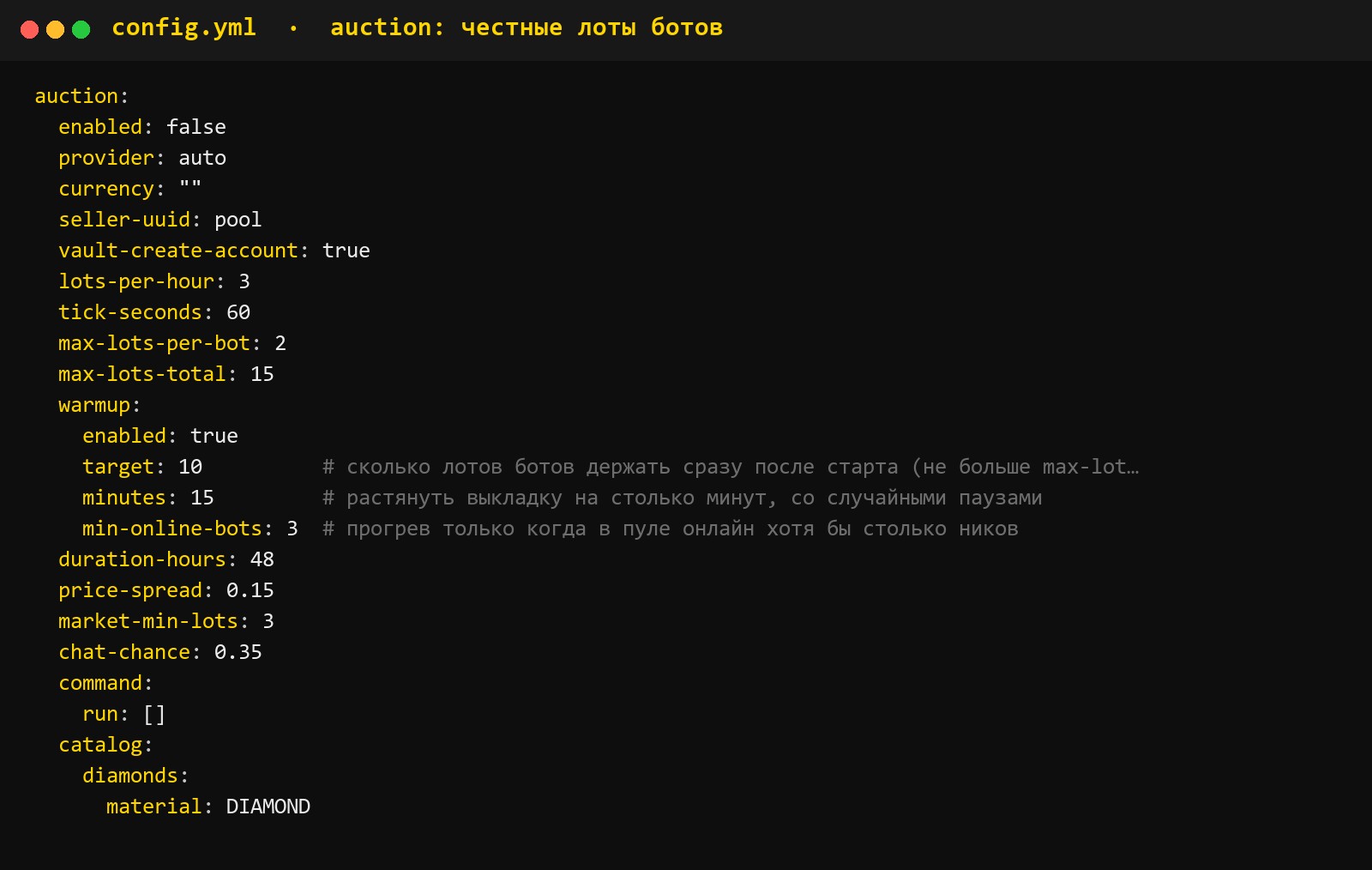
Bots trade on your server's auction. They list real lots at the market price (median ±15%, never higher). They don't buy on the auction themselves. zAuctionHouse, AuctionHouse, BAuction, ExcellentShop and others are supported, and the plugin detects the right one by itself
How many lots, which items, lot duration and price spread are set in the config. On an empty auction after startup, the bots put up the first goods on their own
Money sent to a bot via /pay is returned to the sender
Honest rules
We built in restrictions from the start that cannot be turned off in the config:
- A bot never says it's a real human. When asked "are you a bot?", it jokes it off
- Bots have no donor items: they don't wear, sell or give them away
- No made-up punishments. A bot gets a mute or warn only for what it really wrote in chat
- Private messages to bot moderators and alarming words in chat (complaints, requests for help) are forwarded to live staff: in game, in Telegram or in Discord
Bots create atmosphere, but they don't mislead players where money or safety is at stake
Replacement by real players
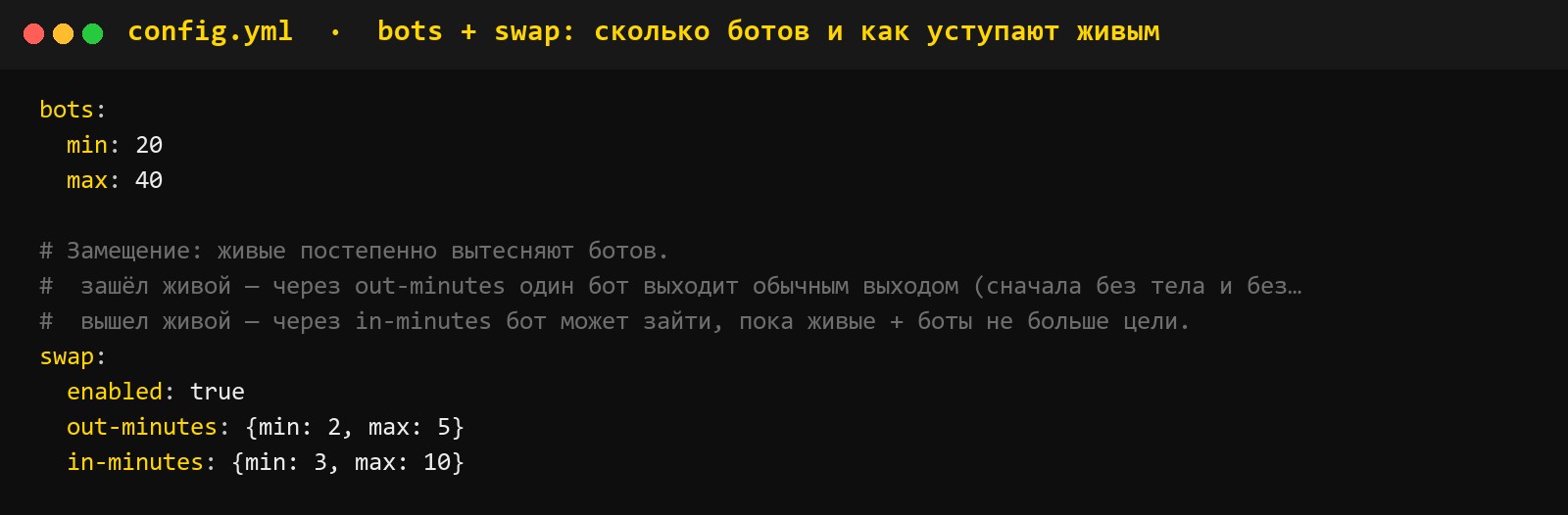
The number of bots is kept in a range, 20–40 by default. A real player joins, and within a few minutes one bot leaves the server in a natural way. A real player leaves, and a bot may come back. The more real players, the fewer bots
Performance
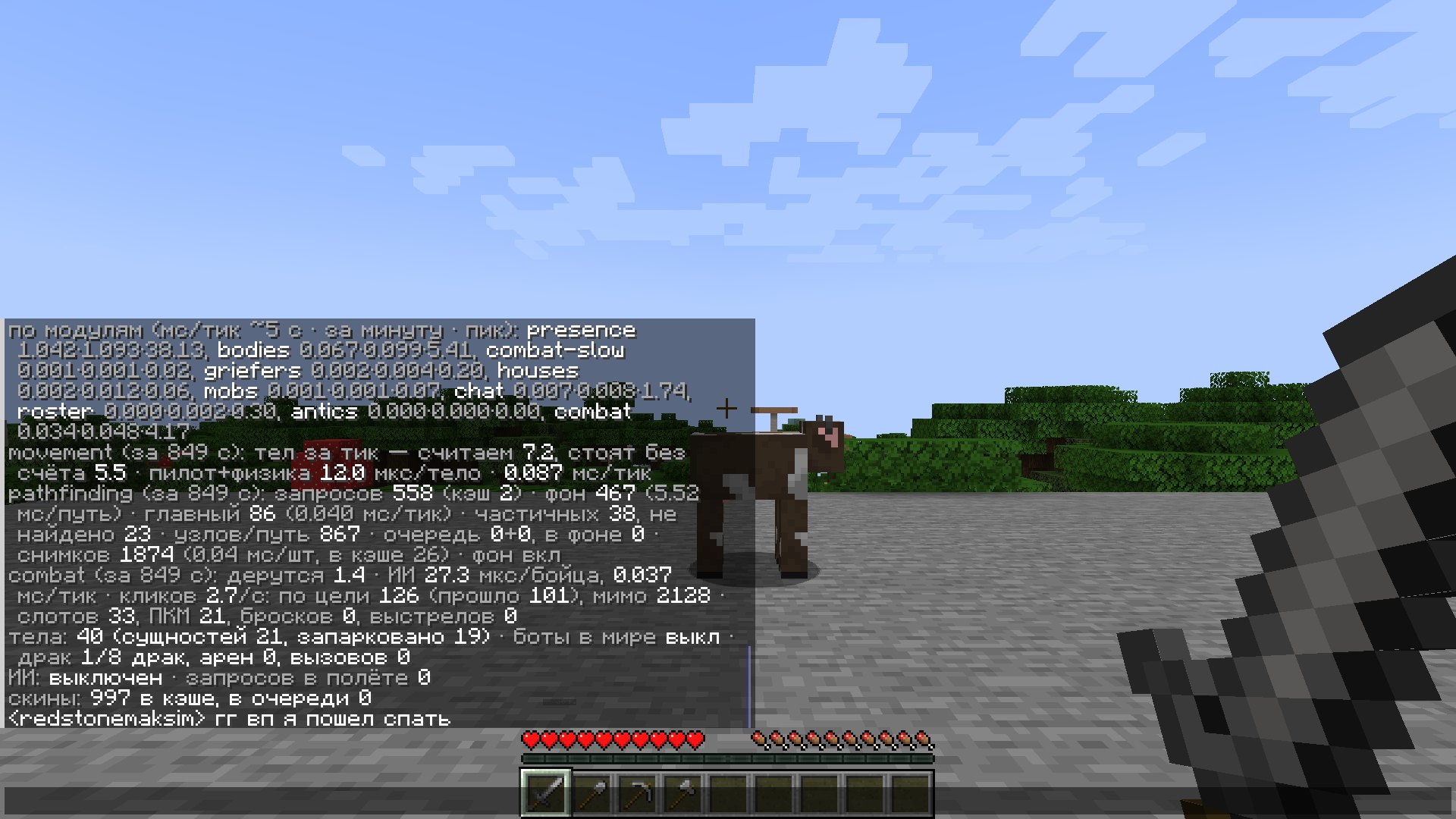
The plugin has its own main thread budget, pathfinding runs asynchronously, and bodies exist only near real players. On a test stand with bots, the average MSPT stayed within 3–5 ms. The /fakeonline perf command shows how much time each module takes
Commands
All under the cloudfakeonline.admin permission, alias /fonline
/fakeonline on | off turn on or off/fakeonline reload reload the configs/fakeonline list which bots are online now/fakeonline where where the bodies are, what they're doing, ping/fakeonline perf load by module/fakeonline bases bot bases/fakeonline say <nick> <text> write in chat as a bot
The cloudfakeonline.staff permission receives bot moderators' private messages and alarming messages
What your server needs
Core: Paper or Purpur. Versions 1.16.5 and 1.19.4 run on our own fast modules, the rest from 1.17 to 1.21.x on a universal one
No required dependencies. The plugin picks up whatever is in your build: ProtocolLib, PlaceholderAPI, Vault, LuckPerms, WorldGuard, Essentials, CMI, AuthMe, nLogin, BetterRTP, and auction, clan, duel and trade plugins
License. The plugin is protected by an online license, and the license key arrives automatically right after payment. The key is bound to the server on first launch. If the license server is temporarily unavailable, the plugin works from the signed cache of the last successful check
Config: everything is configurable
The plugin's config is two thousand lines, and every line is commented. You can rework the bots for your server completely without touching code
config.yml number of bots and the replacement range, ranks and tab list format, chat frequency, neural network and its limits, body behavior, PvP and griefer share, base building, teleports, auction, forwarding to staff. Every parameter is commented in the file
phrases.yml the whole phrase bank by category, can be rewritten to match your server's tone
identities.yml nicknames, ranks and personalities
quiz.yml quiz questions
Everything is configurable for your server: from chat format and prefixes to how often bots build bases and how eagerly they fight
Summary
CloudFakeOnline is not just lines in the tab list, but players who walk, talk, build and fight, and still don't lie to your players where it matters. Your server looks alive from day one, and as it grows, the bots make room for people by themselves
Updates and support are free. Need adjustments for your build, write to us