CloudDynamites — A Completely New Take on Custom TNT (1.16.5+)
Welcome to our wonderful little article!
You can find plenty of custom TNT plugins online, paid and free, for almost any taste and version. Many let you customize TNT, create your own, and give it unique parameters. And you will surely ask: "what makes your plugin better, and for 999 RUB at that?!" We'll gladly answer that question below!
This plugin is a unique take on UPGRADING TNT: instead of buying separate TNT types, you upgrade regular TNT in the parameters you need! This plugin is installed in our CloudUltraAnarchy build, so we will demonstrate its functionality using how it works on that server!
Let's go through each upgrade in order:
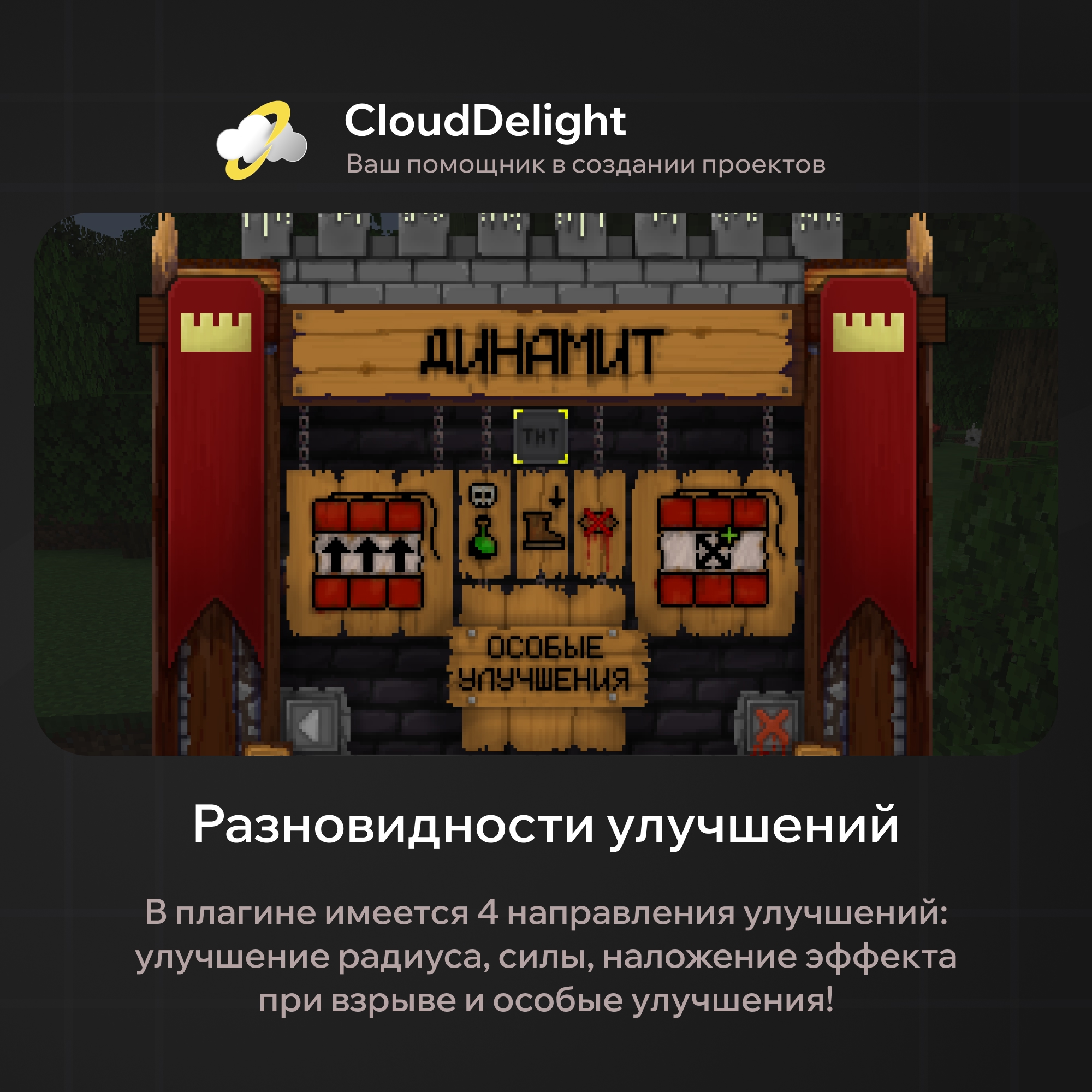
- Radius upgrade. As the name suggests, this parameter affects the blast radius:
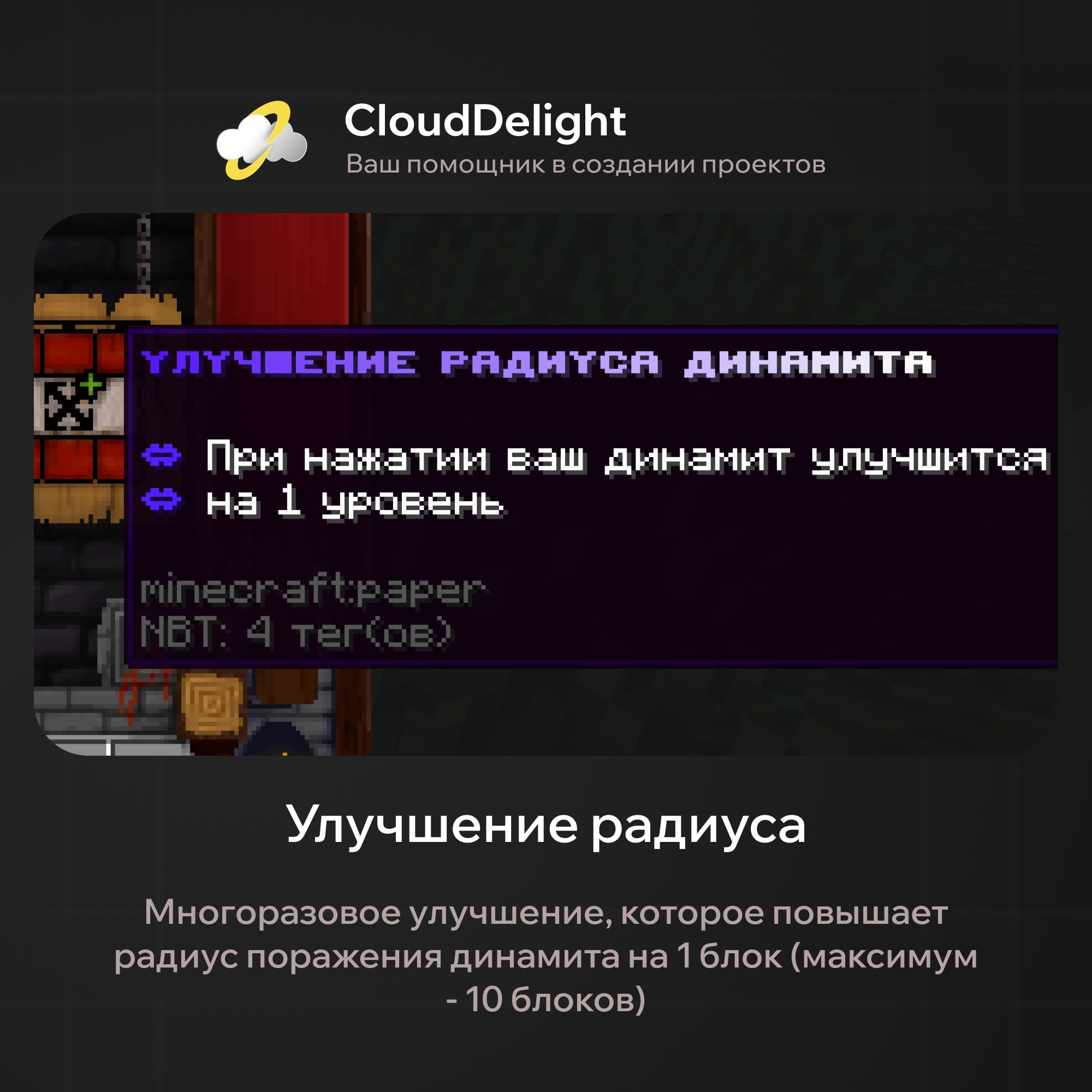
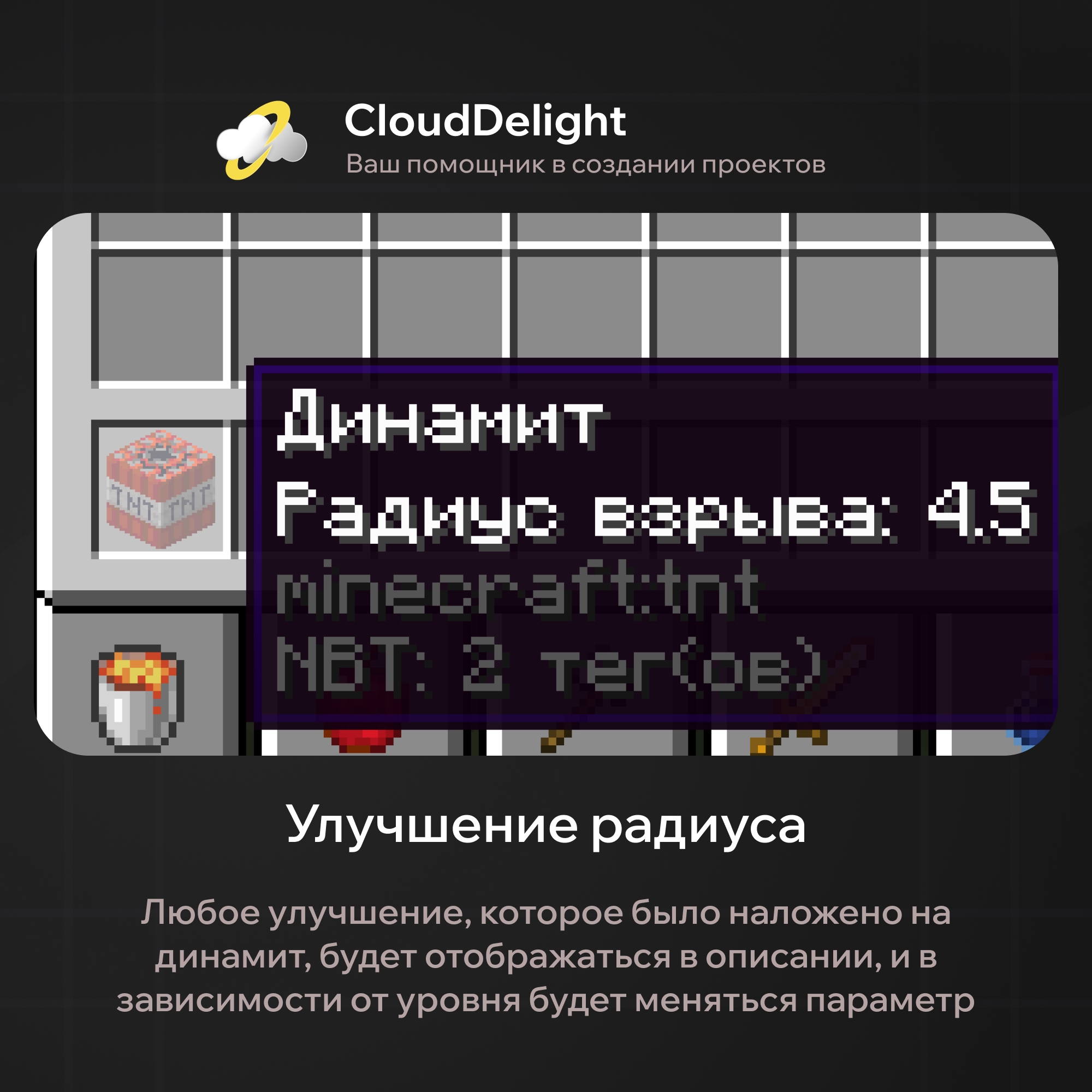
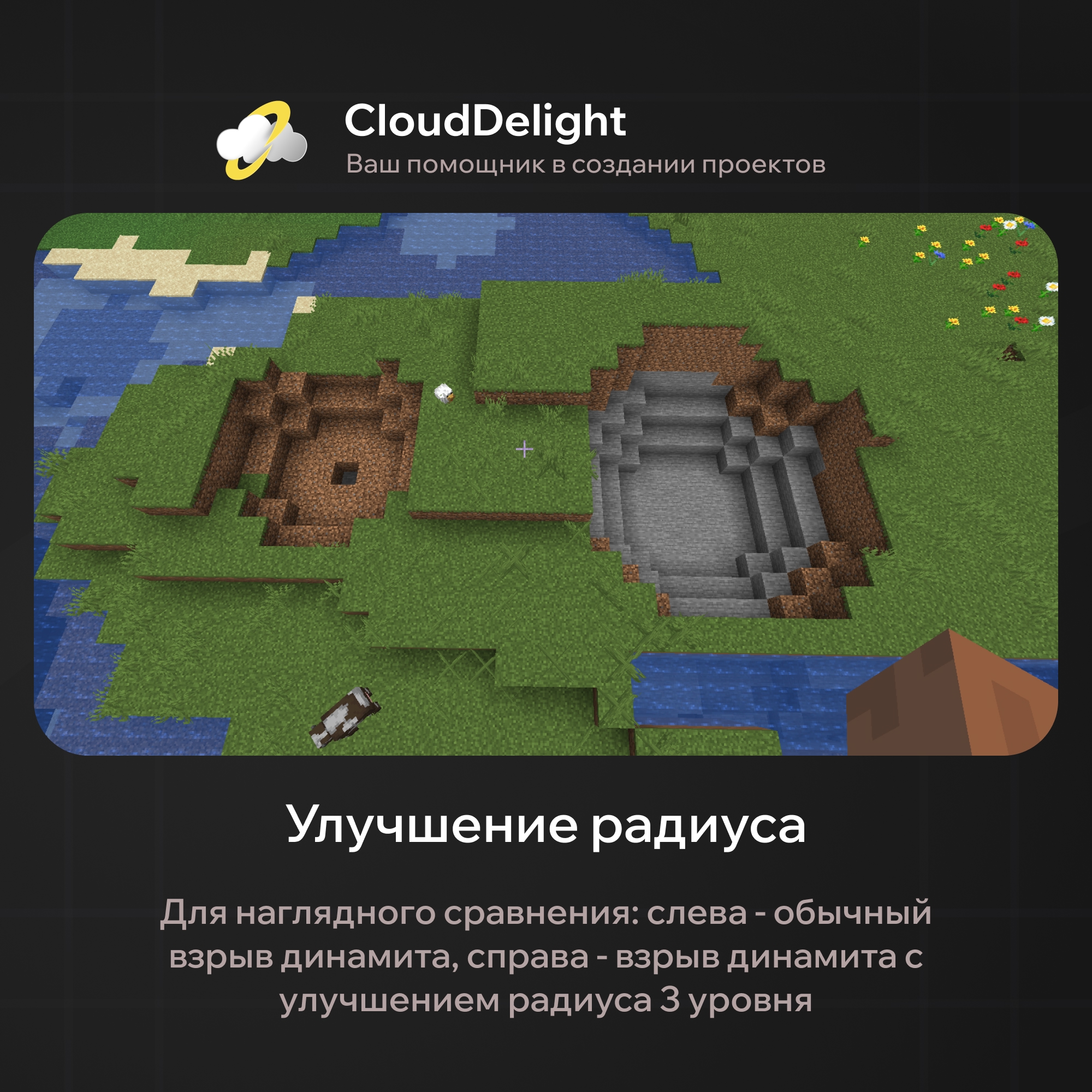
To apply this and all following upgrades, you need to hold the TNT in your main hand. The radius upgrade is cumulative, so everyone can pick the optimal radius at the optimal price!
- Power upgrade. It affects the damage dealt to entities in the blast radius and also lets you blow up tougher blocks (for example, obsidian):
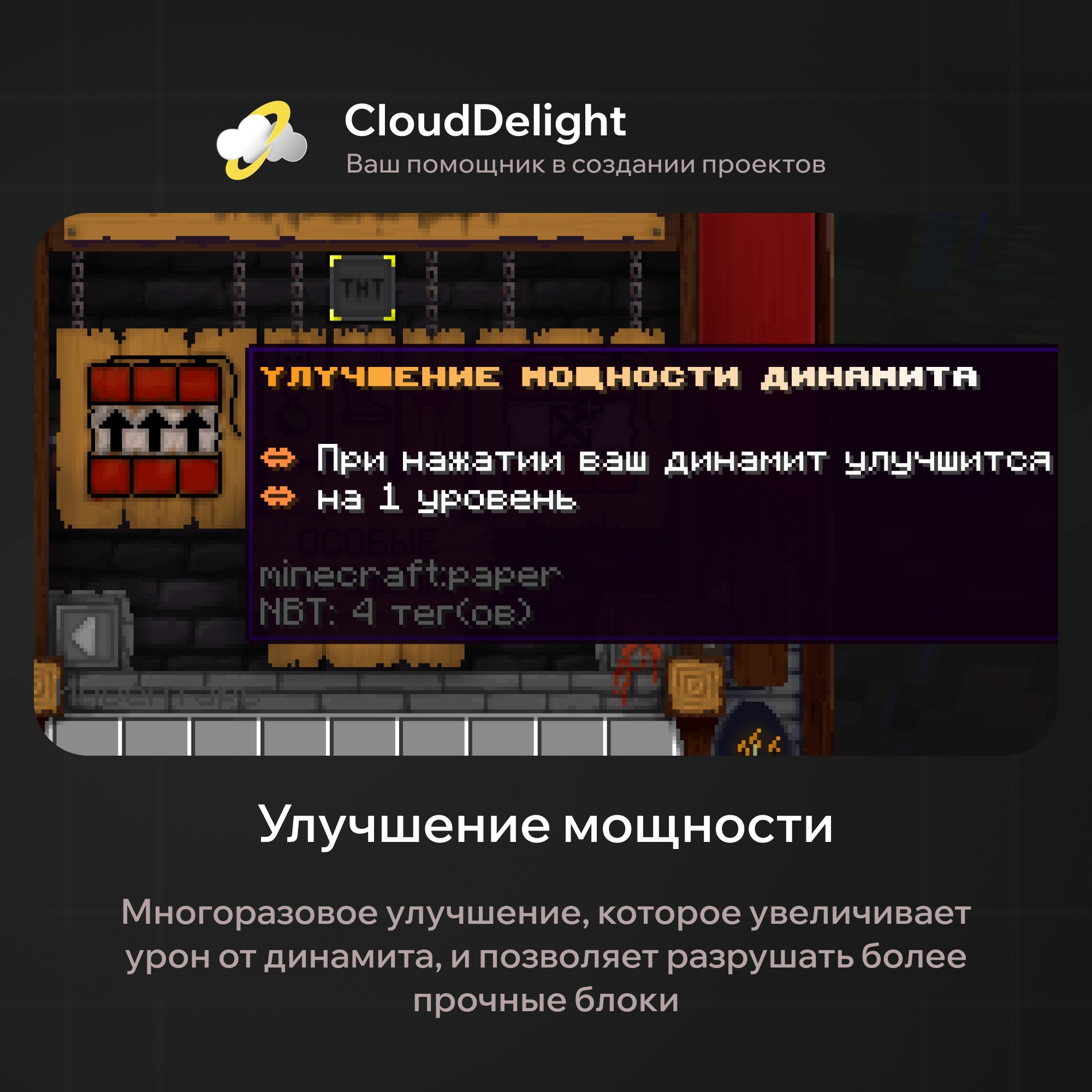
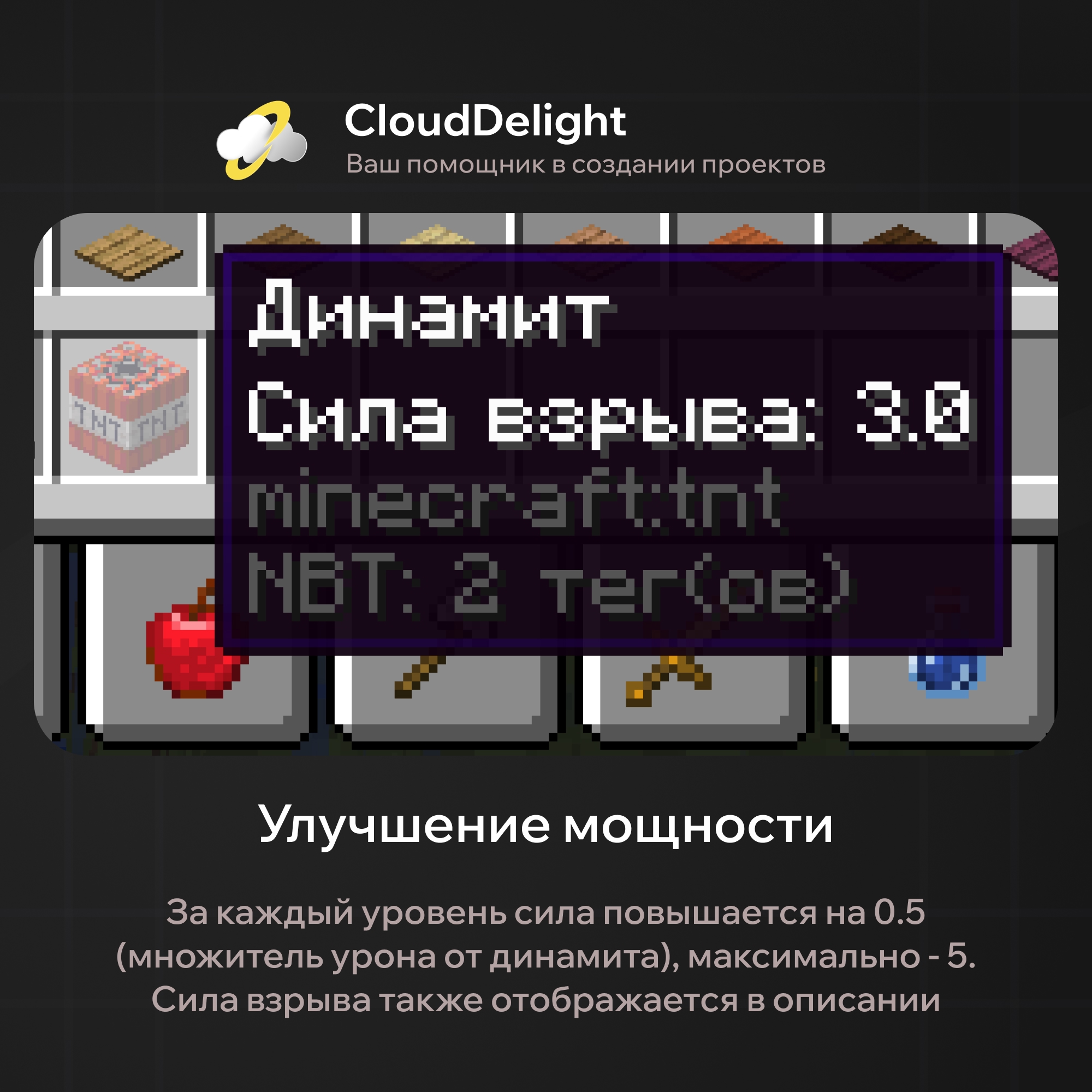
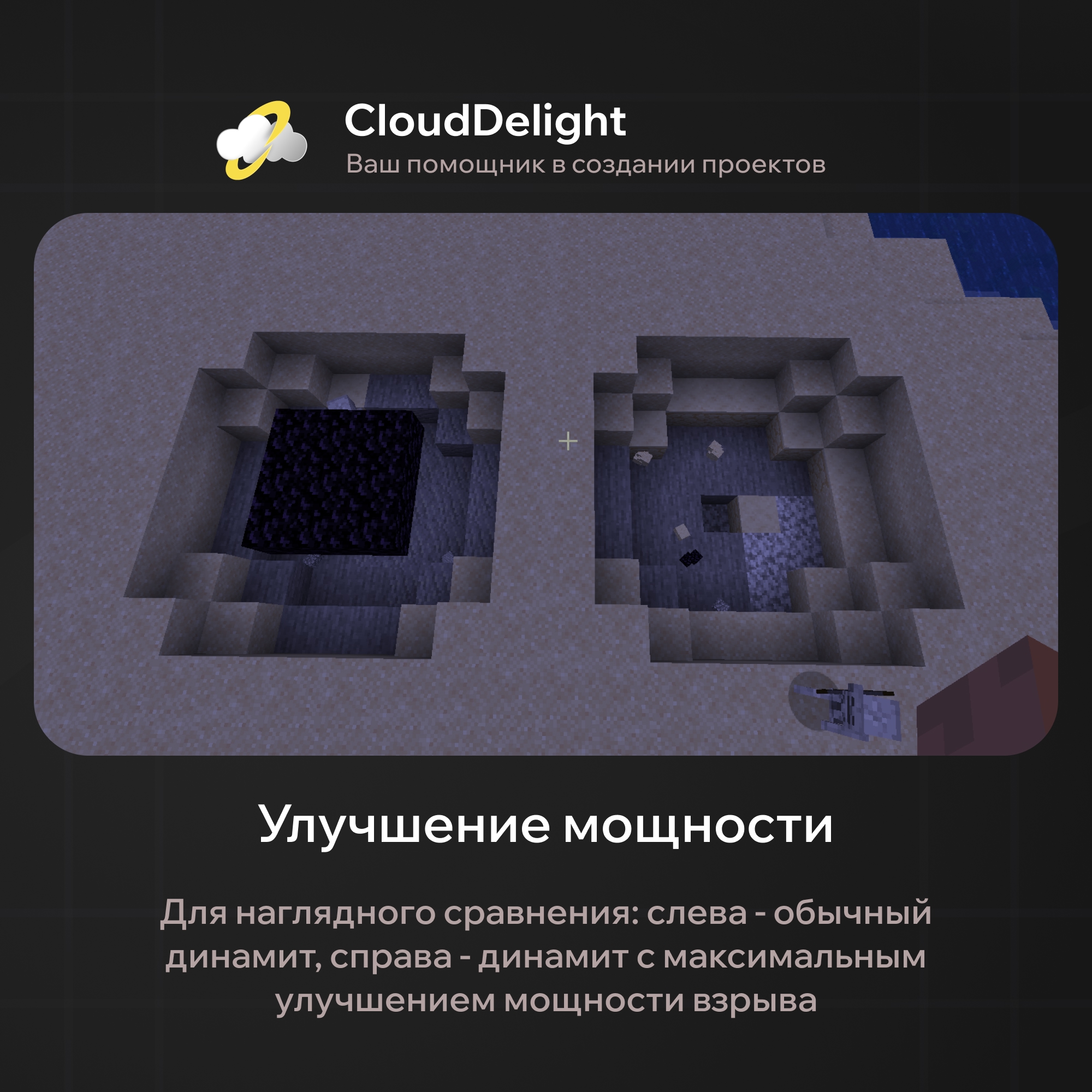
The power upgrade is cumulative, so everyone can pick the optimal blast strength at the optimal price!
*Obsidian explodes when the TNT's power is at least 5.0
Thanks to flexible configuration, you can build multi-level upgrade systems, and the plugin's integration with Vault and PlayerPoints lets you sell these upgrades for regular or donation currency.
- Applying an effect. This upgrade lets you apply any effect type you specify in the config to the TNT. As an example, we made 3 effect types: poison, slowness, and blindness:
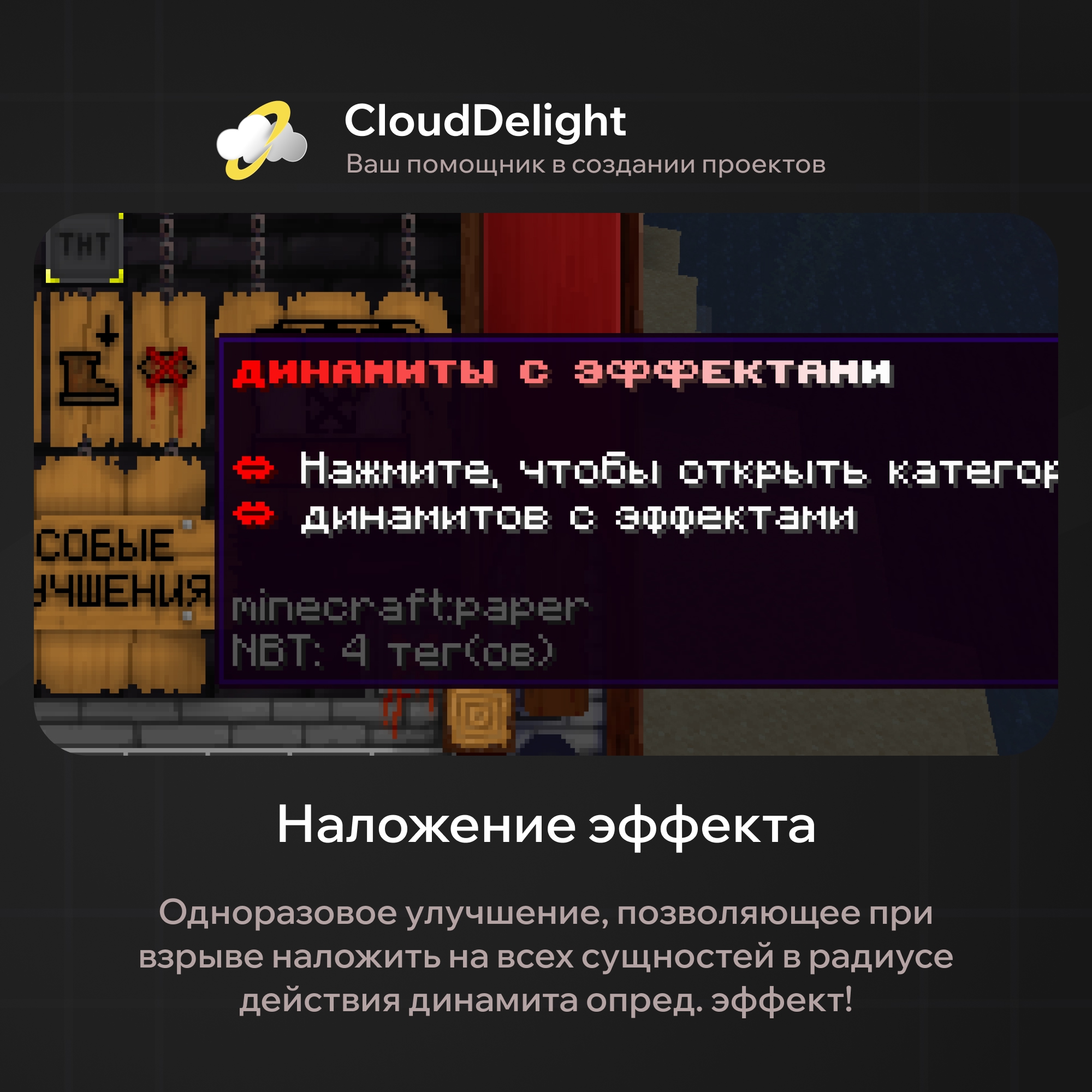
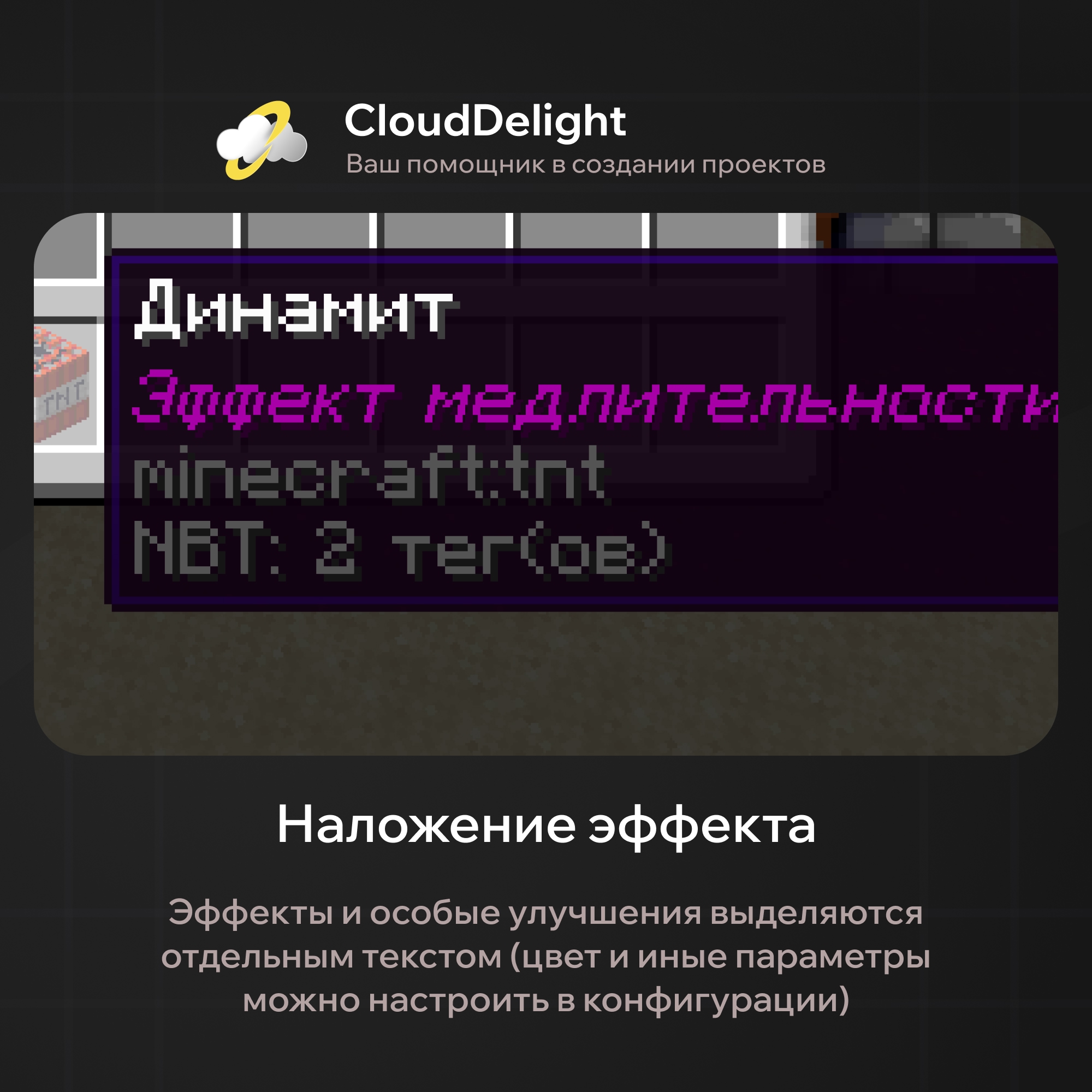
So that players can't create overly strong TNT, the plugin has a limit: no more than one effect per TNT. In the configuration you can set the effect type, duration, and level!
- Special upgrades. One of the advantages that sets our plugin apart from dozens of others is unique blast effects, so this topic deserves a closer look:
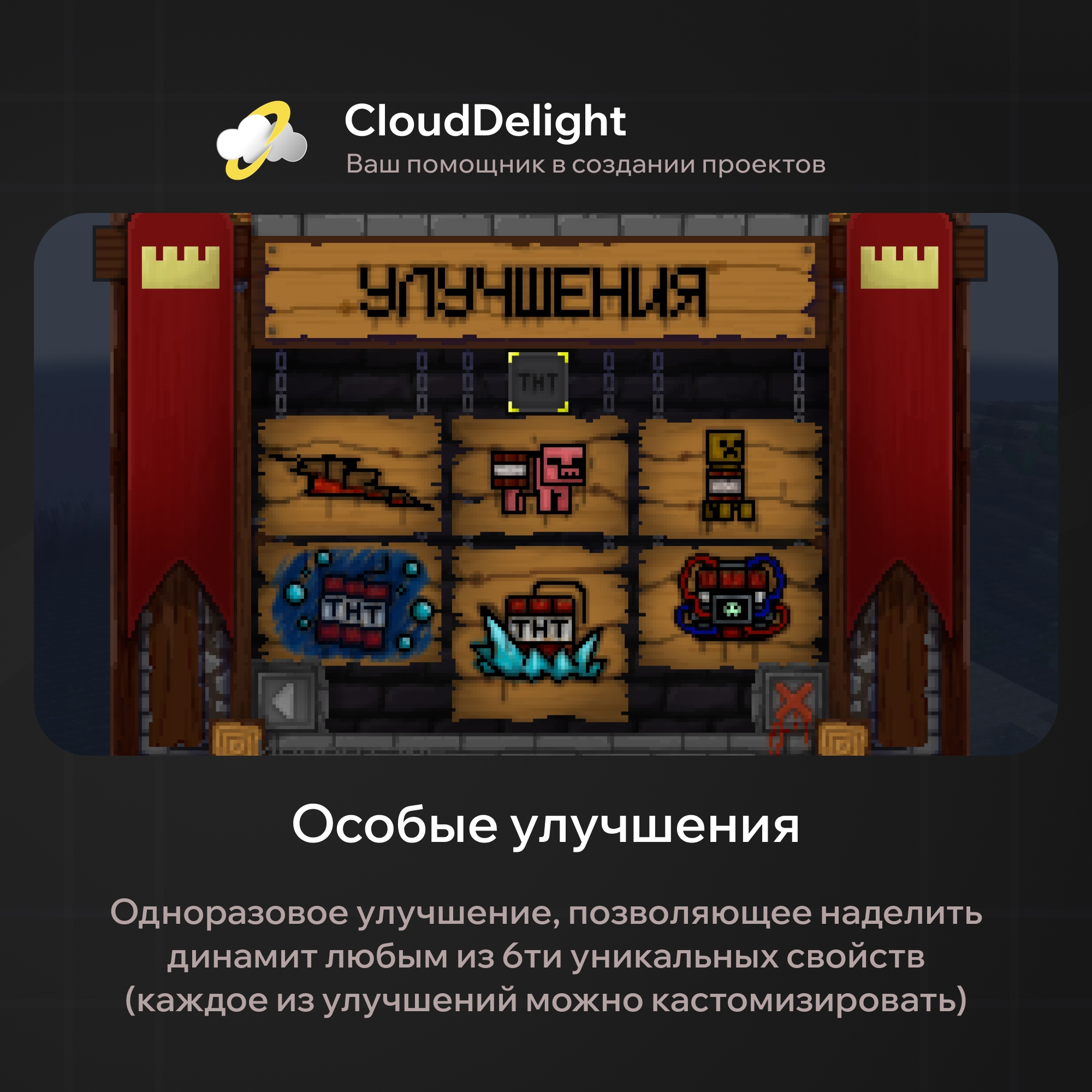
- Homing:
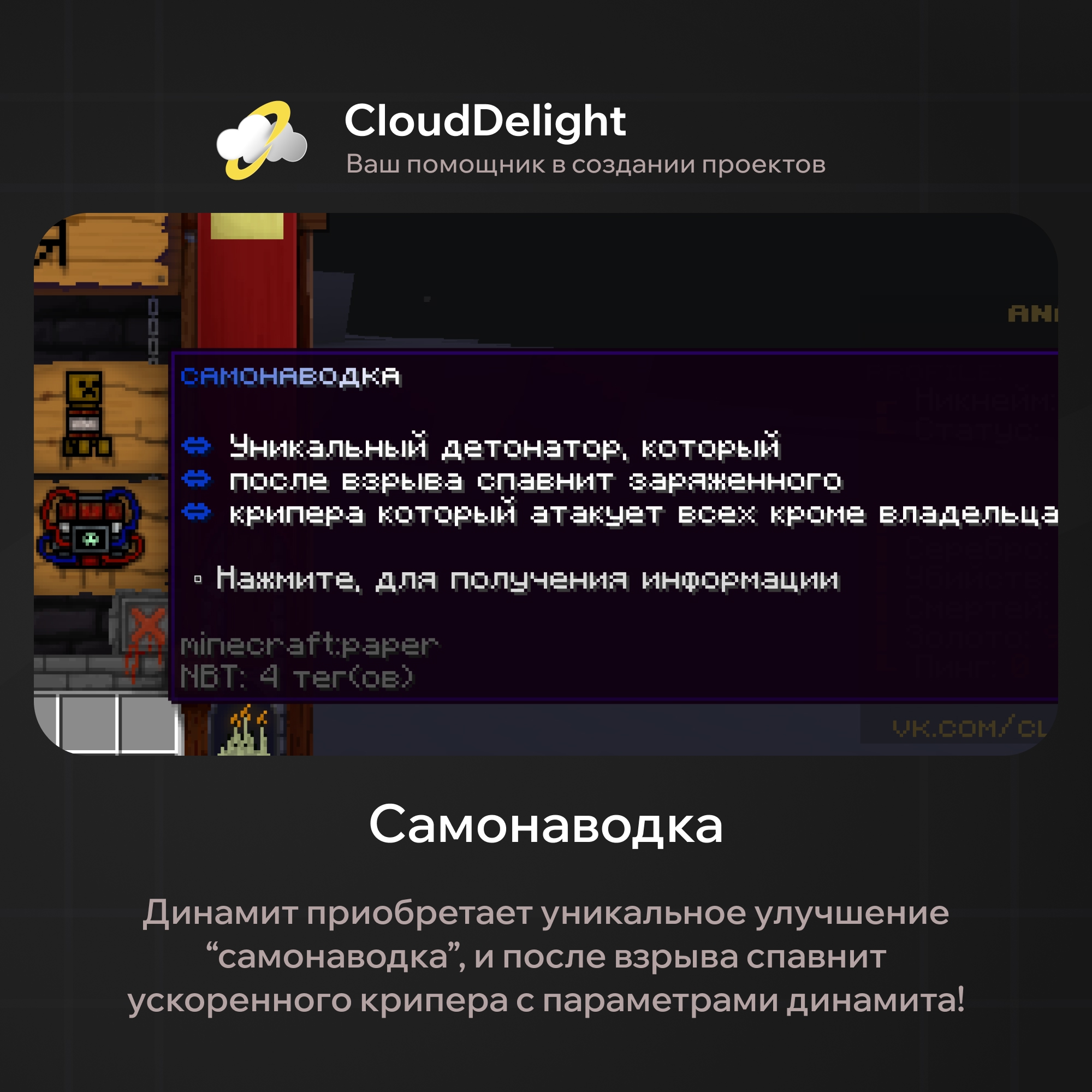
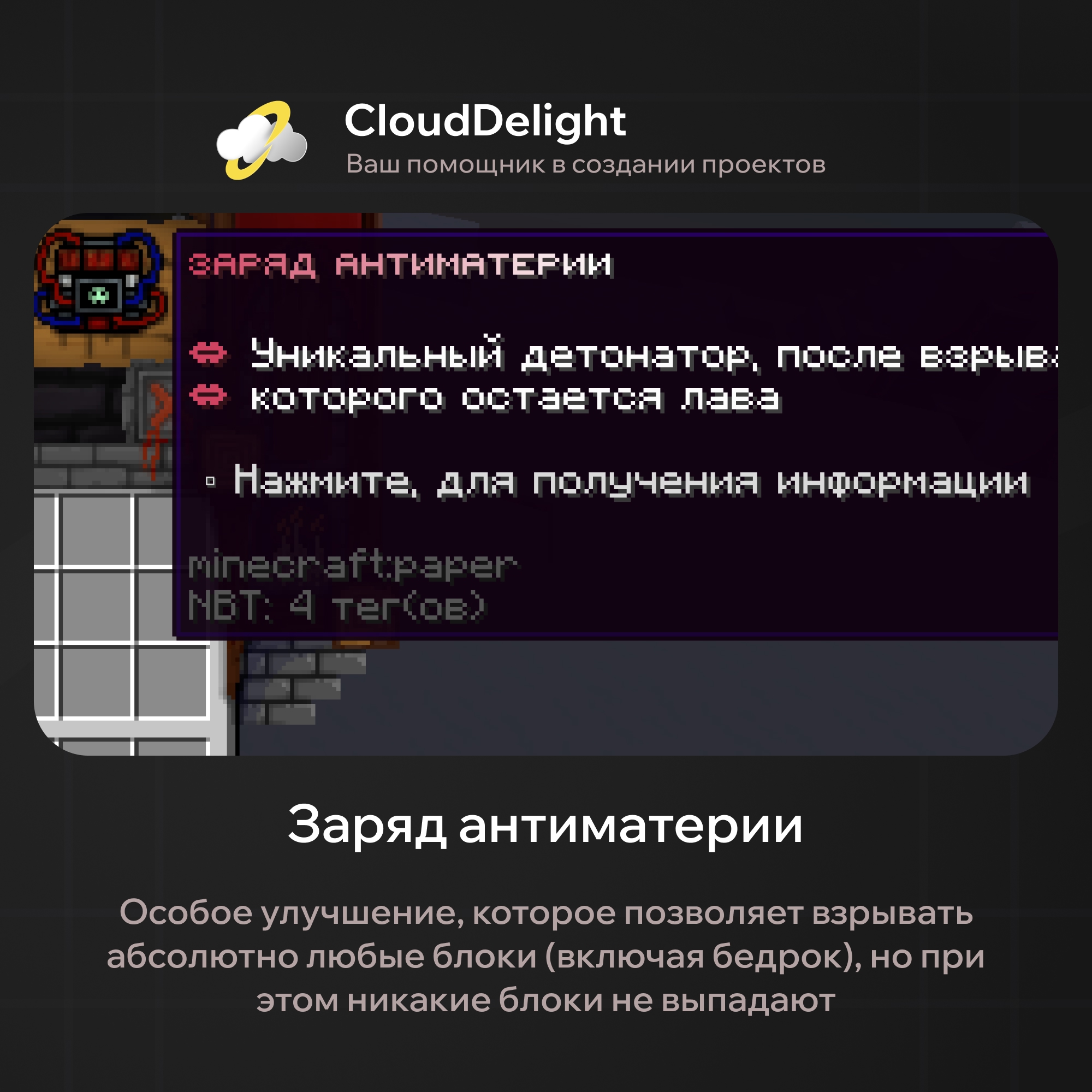
- Antimatter charge:
Only while writing the article did we find that the description in the build refers to a different TNT type. Rely on the description in the screenshot!
- Trap TNT:
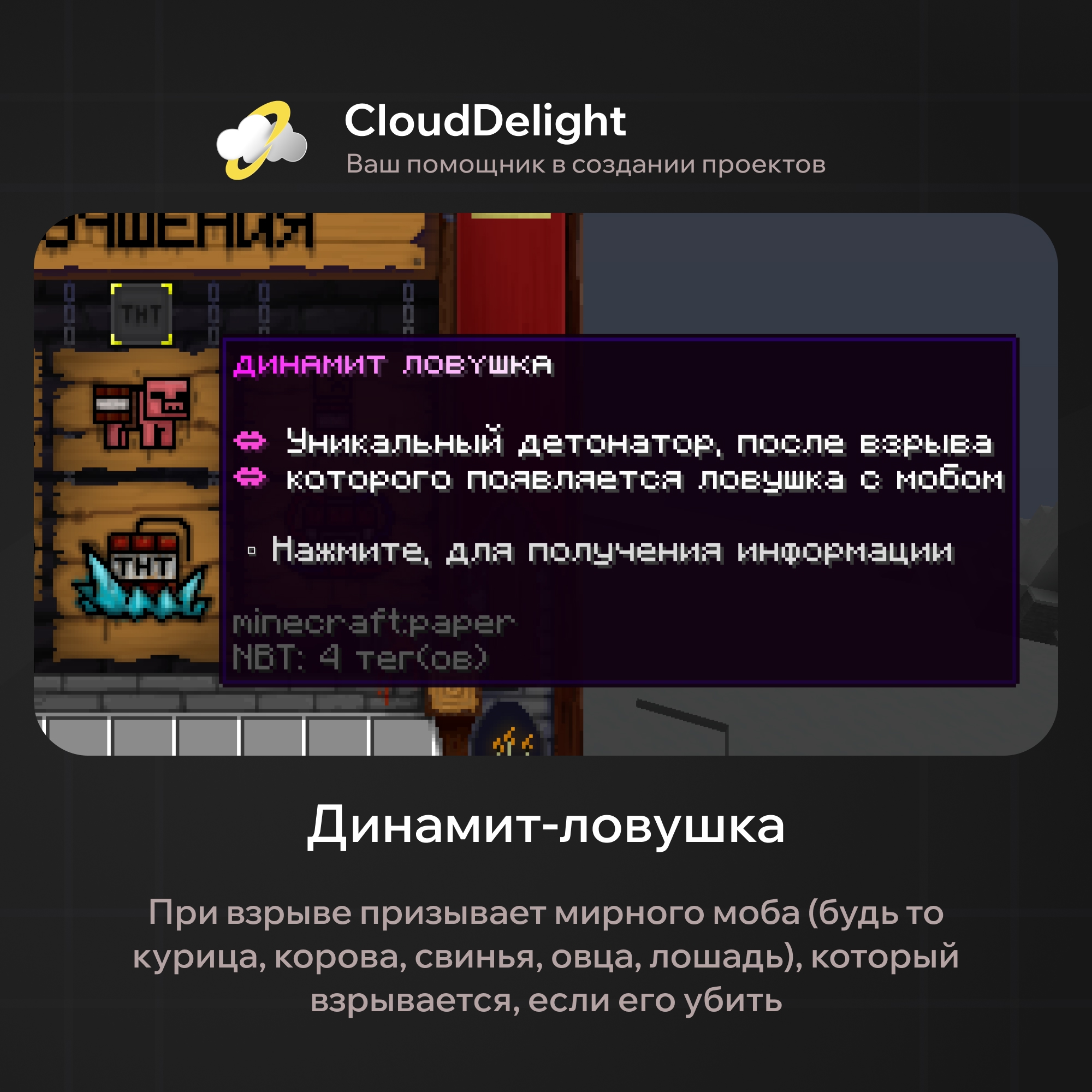
- Ice sphere:
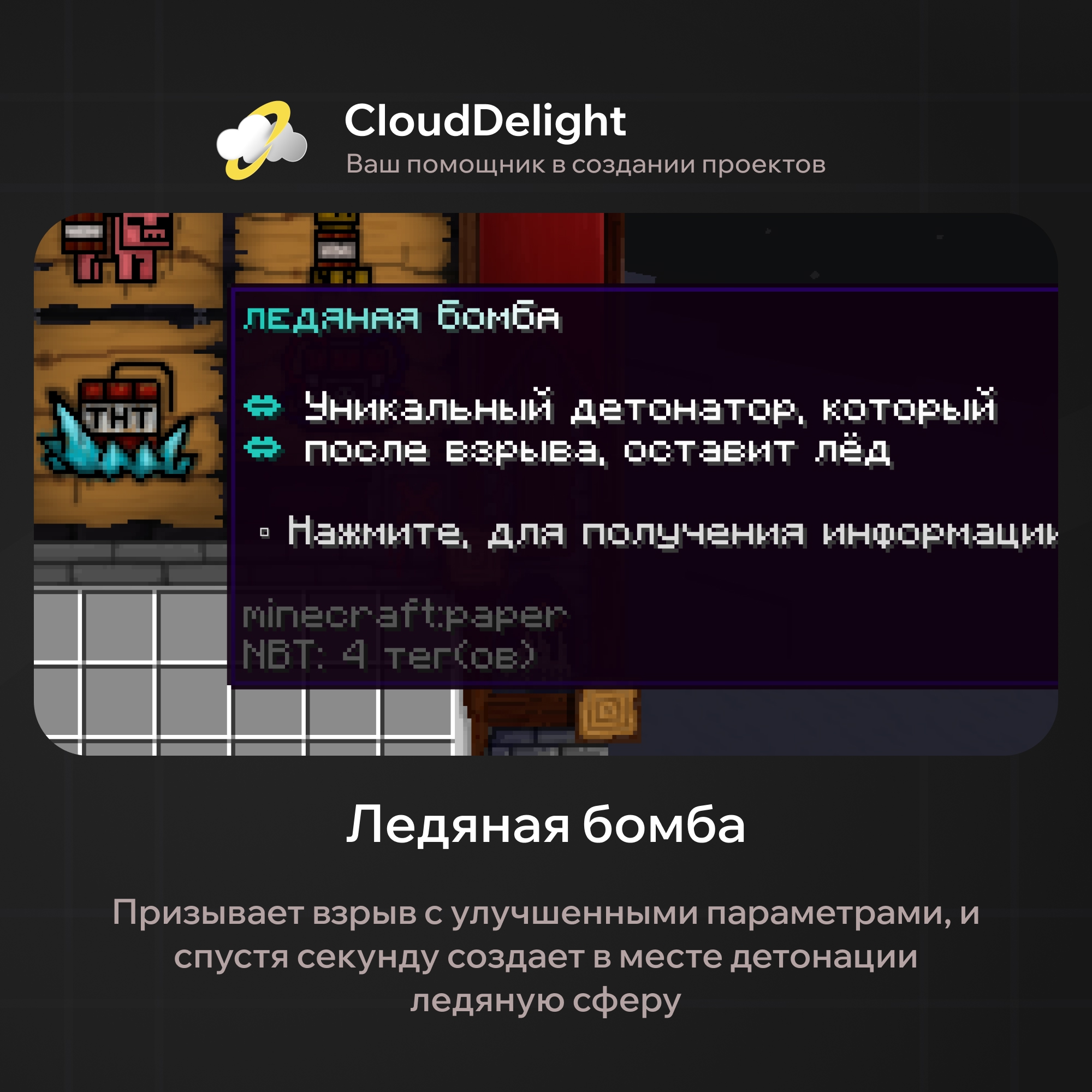
- Hell crater:
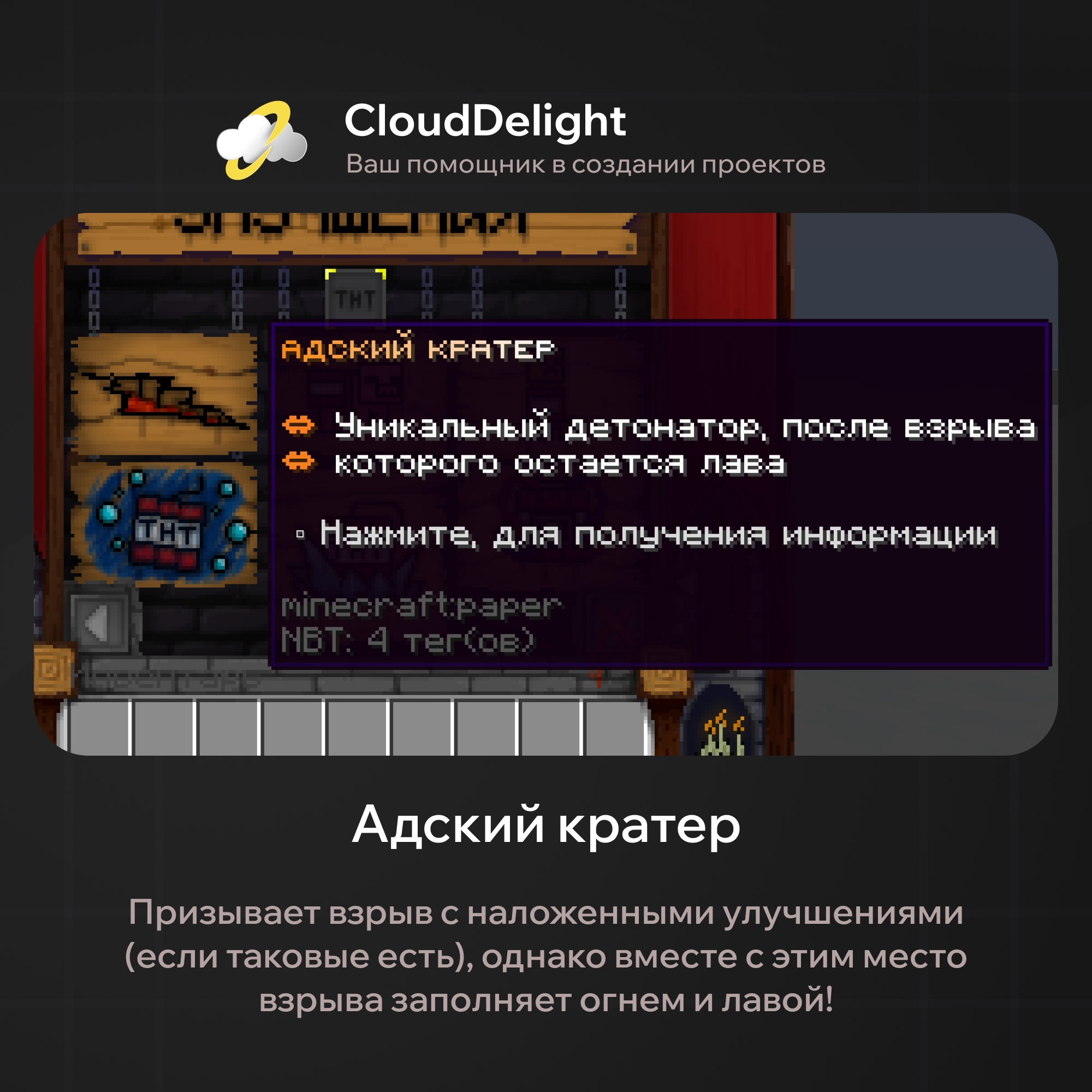
- Depth charge:
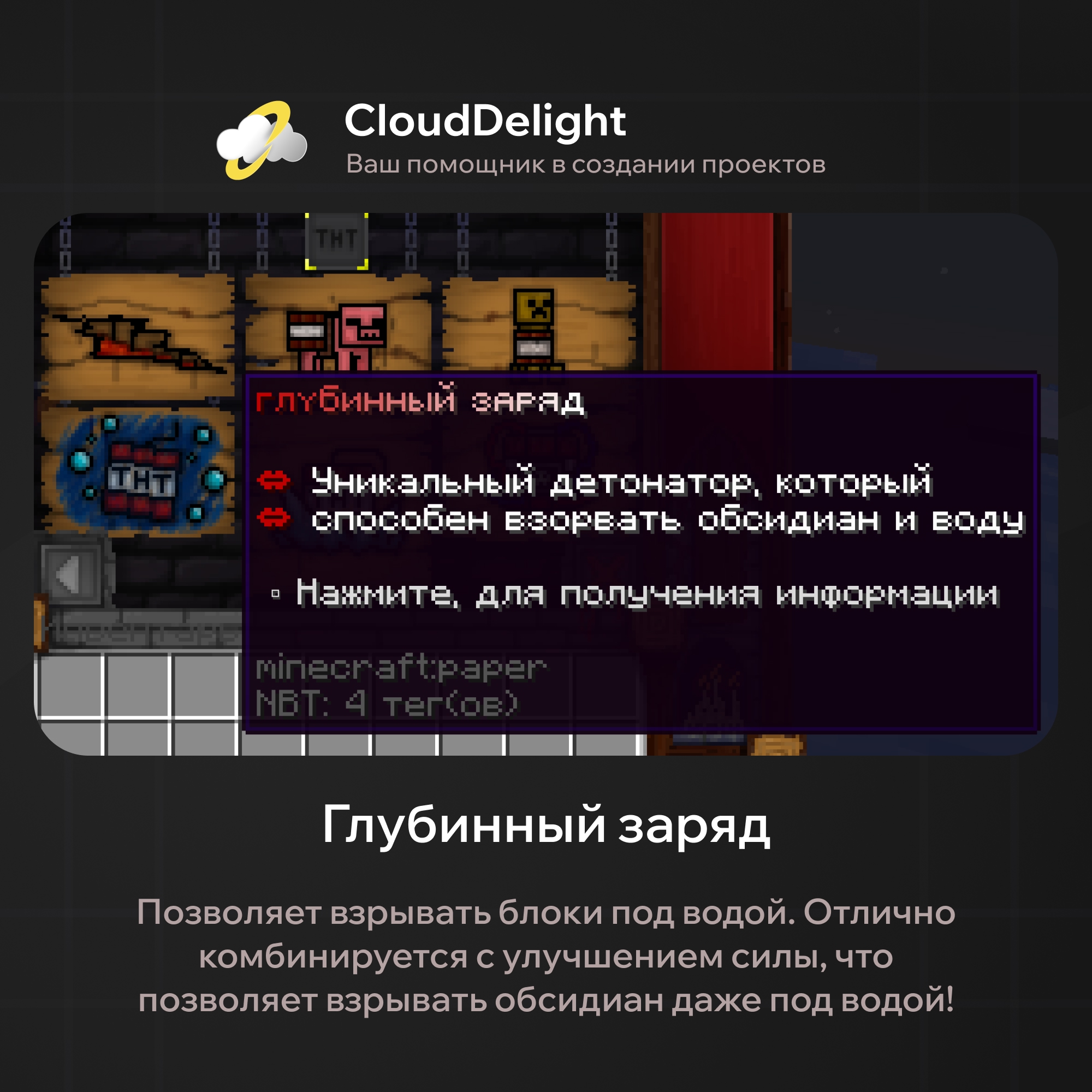
So that nobody can create TNT that combines every possible upgrade, special upgrades have a limit too: no more than one special upgrade!
One of the main advantages of our plugin is the ability to combine upgrades freely. If you have a vivid imagination and are ready to experiment on your server, you can get:
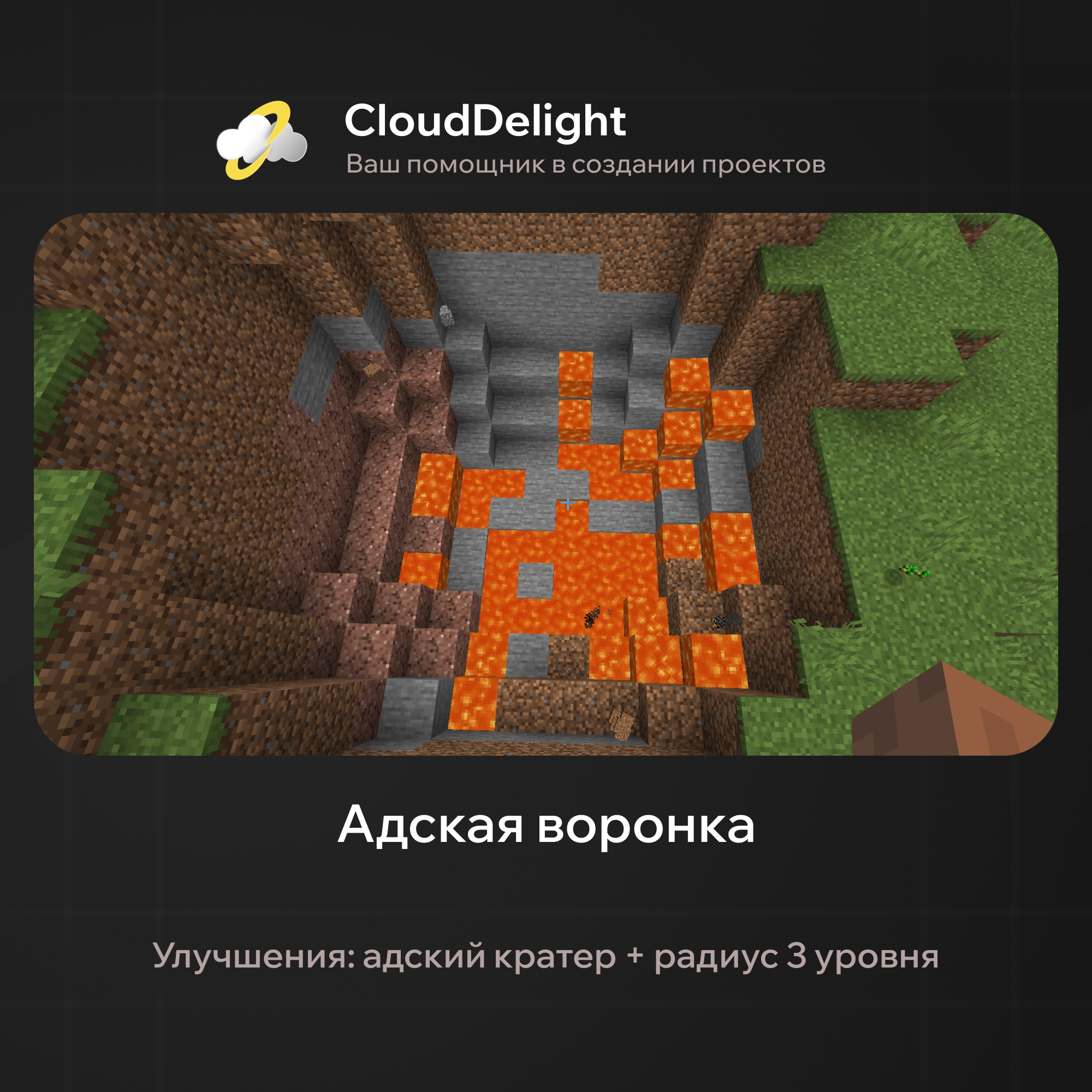
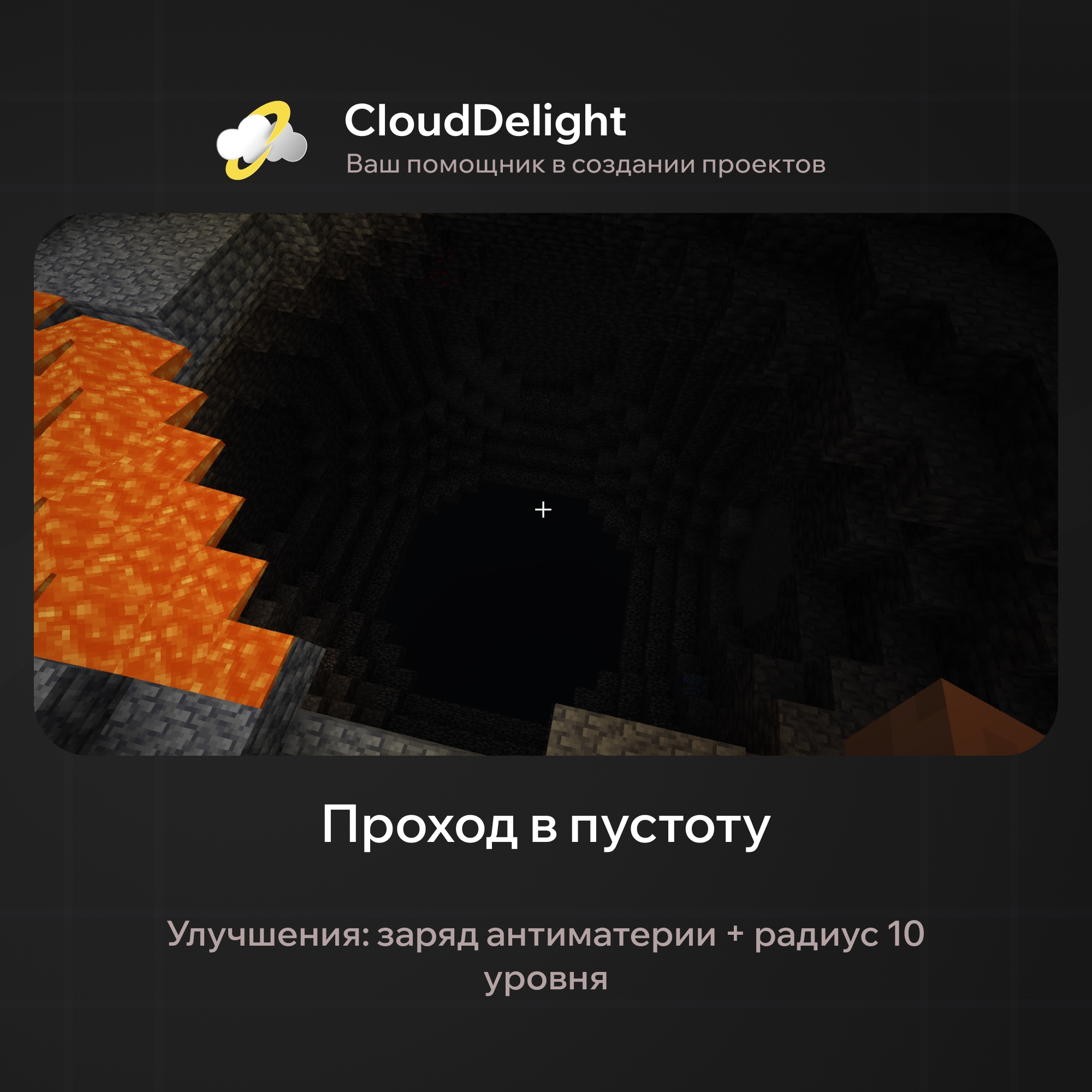
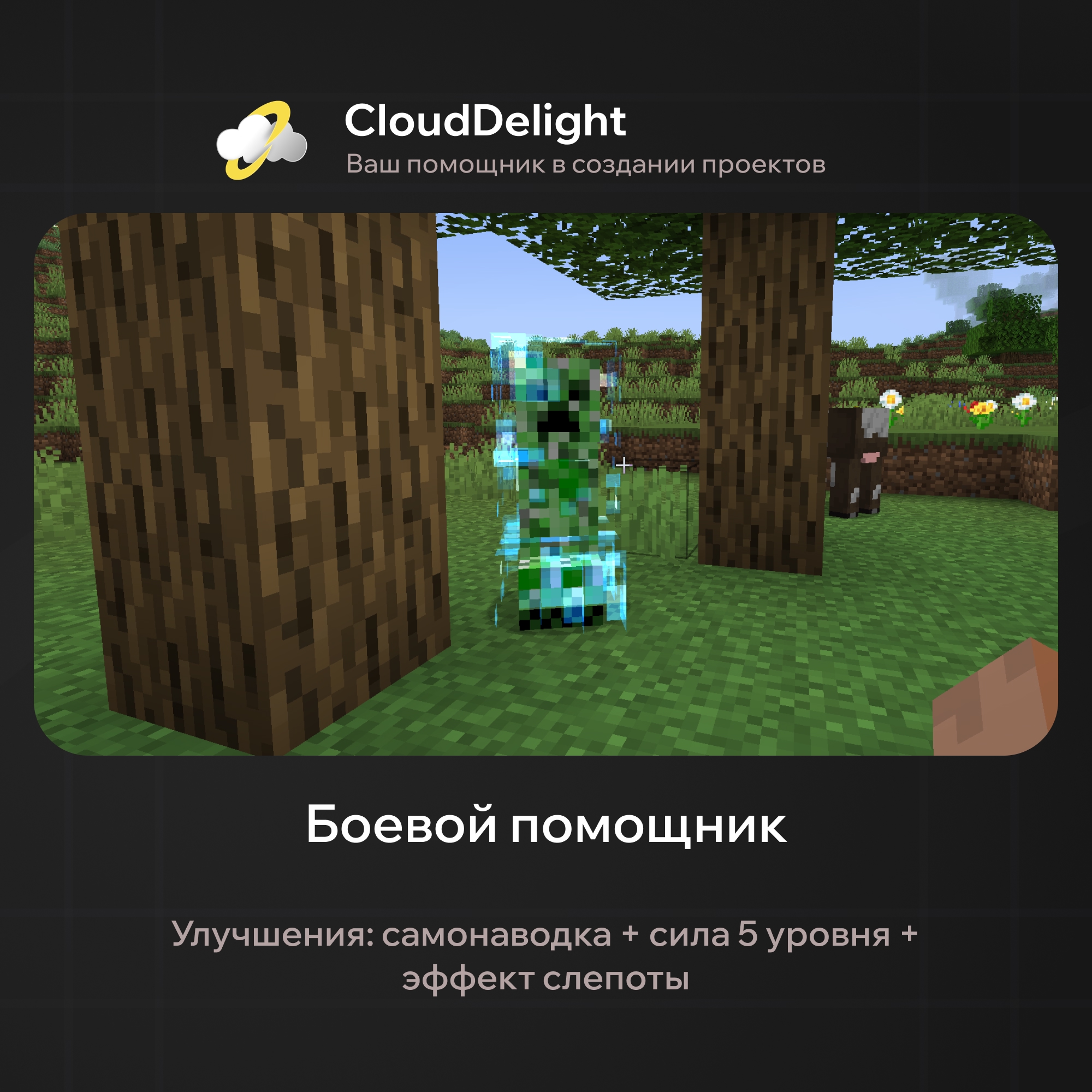
You can come up with as many combinations as you like, which means this plugin will find use in any area of gameplay: clearing, PvP, raiding, traps, and much more!
As you can see, no known TNT plugin has such functionality! Still, we want to tell you about the plugin's main strengths, in case you are still unsure whether to buy new TNT for your server:
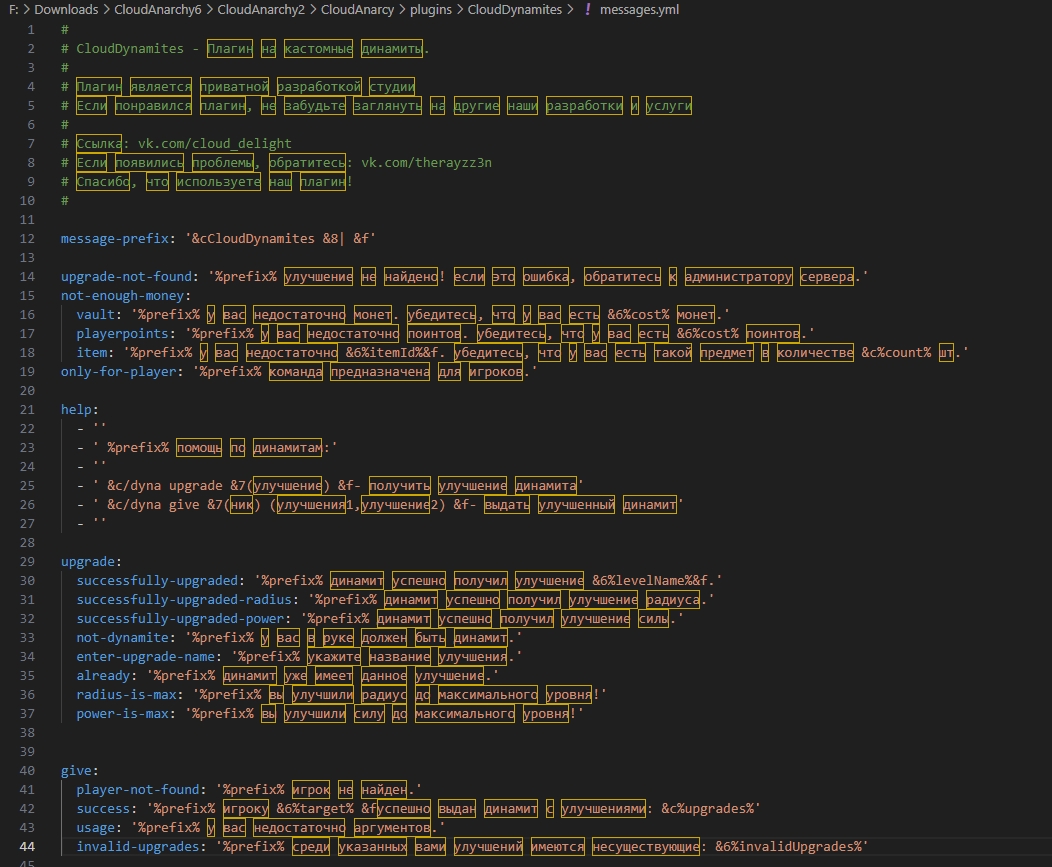
- Messages for every action:
To make the plugin as clear as possible for players, any interaction with upgrades brings up informative messages that can be configured in the config file:
- Configuration for each TNT type:
The plugin lets you set the maximum allowed blast radius and power, assign any effect, change any special upgrade, set or remove the delay before the explosion, and much more!
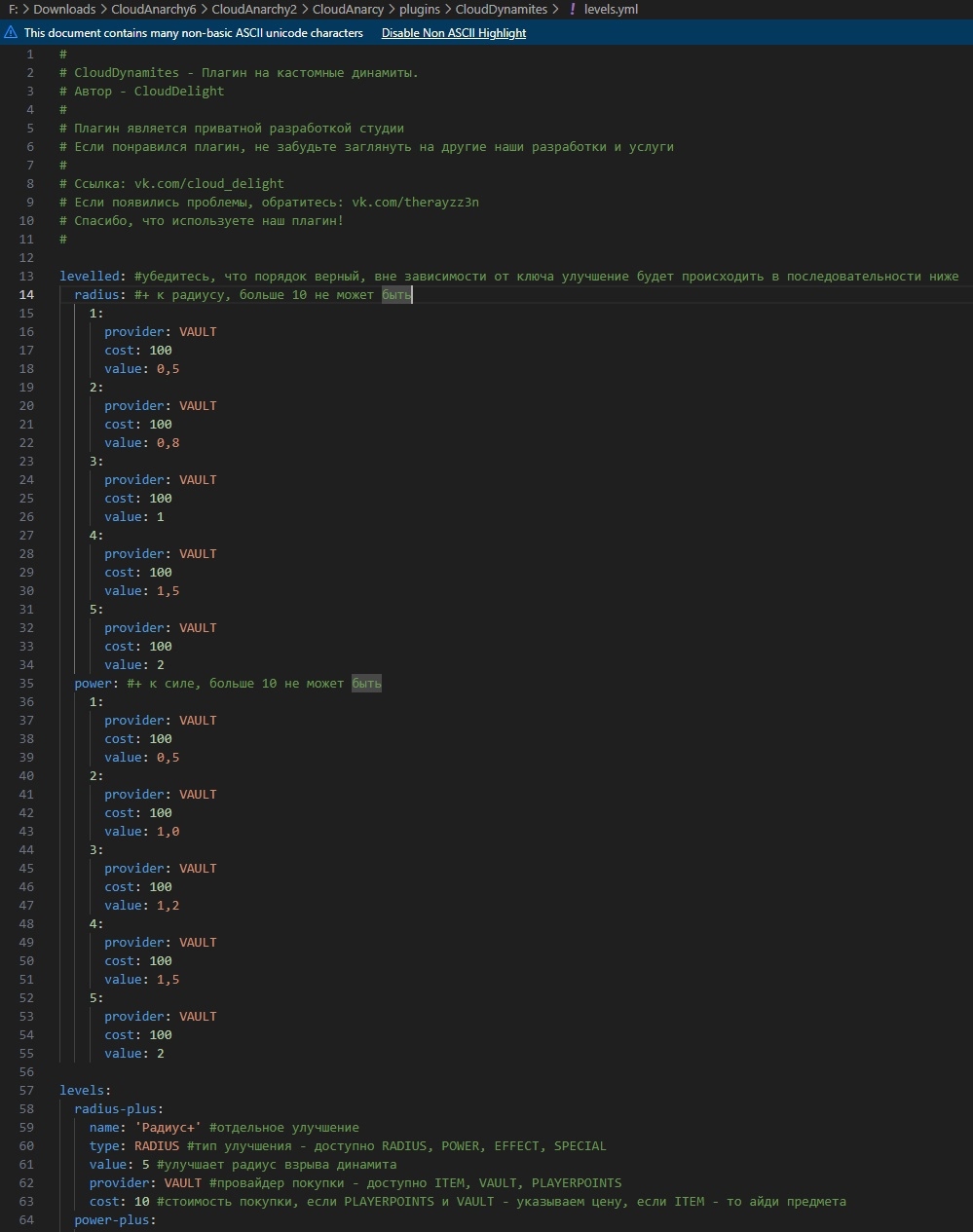
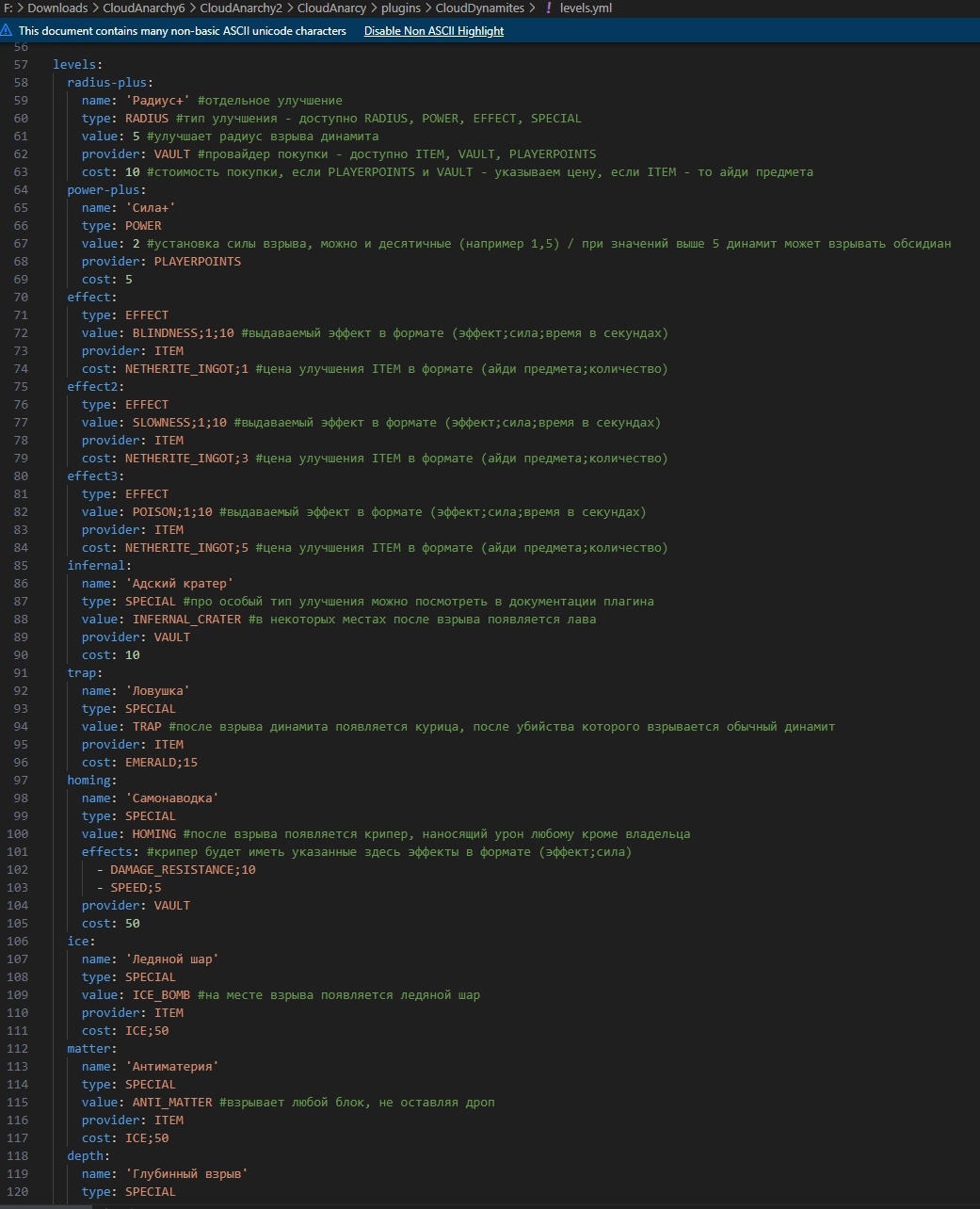
- Flexible configuration:
Here, we think, extra words are unnecessary; you can see everything for yourself:
That is where our wonder plugin's functionality ends. As you can see, the plugin has the maximum level of customization options, so it will fit any anarchy server! Plus, since the plugin is maintained by the studio, it will get new features soon.
Dependencies:
- Vault / PlayerPoints