CloudRush — A PvE Resource Gathering Event
Welcome to our new article! You can count servers with truly unique features on one hand: everything interesting has long been leaked and copied to death, and almost nobody builds anything new. We decided to change that and made an event that makes the whole online drop what they're doing and run to a single spot.
Once an hour a structure appears on the map with an NPC named SUTER inside, and he buys exactly one item. Which item, the server decides anew each time. Players have ten minutes to haul in more of it than their neighbor.
How the Event Works
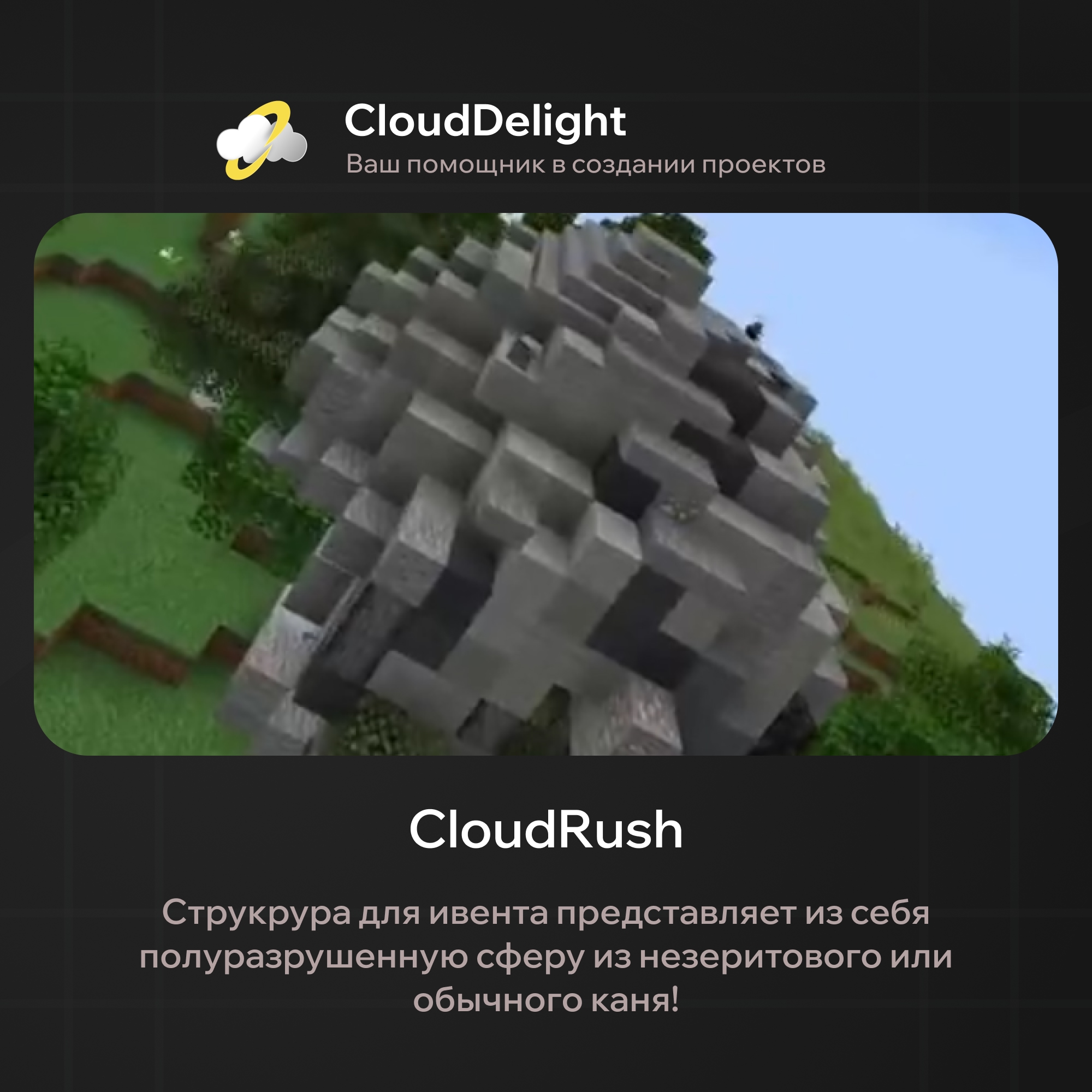
The structure appears at a random point inside a set square of the map and avoids water and lava on its own, so the schematic won't land in the ocean or sink into a lava lake. A protection region rises around it, so nobody can wreck the building or wall off the approach to the NPC.
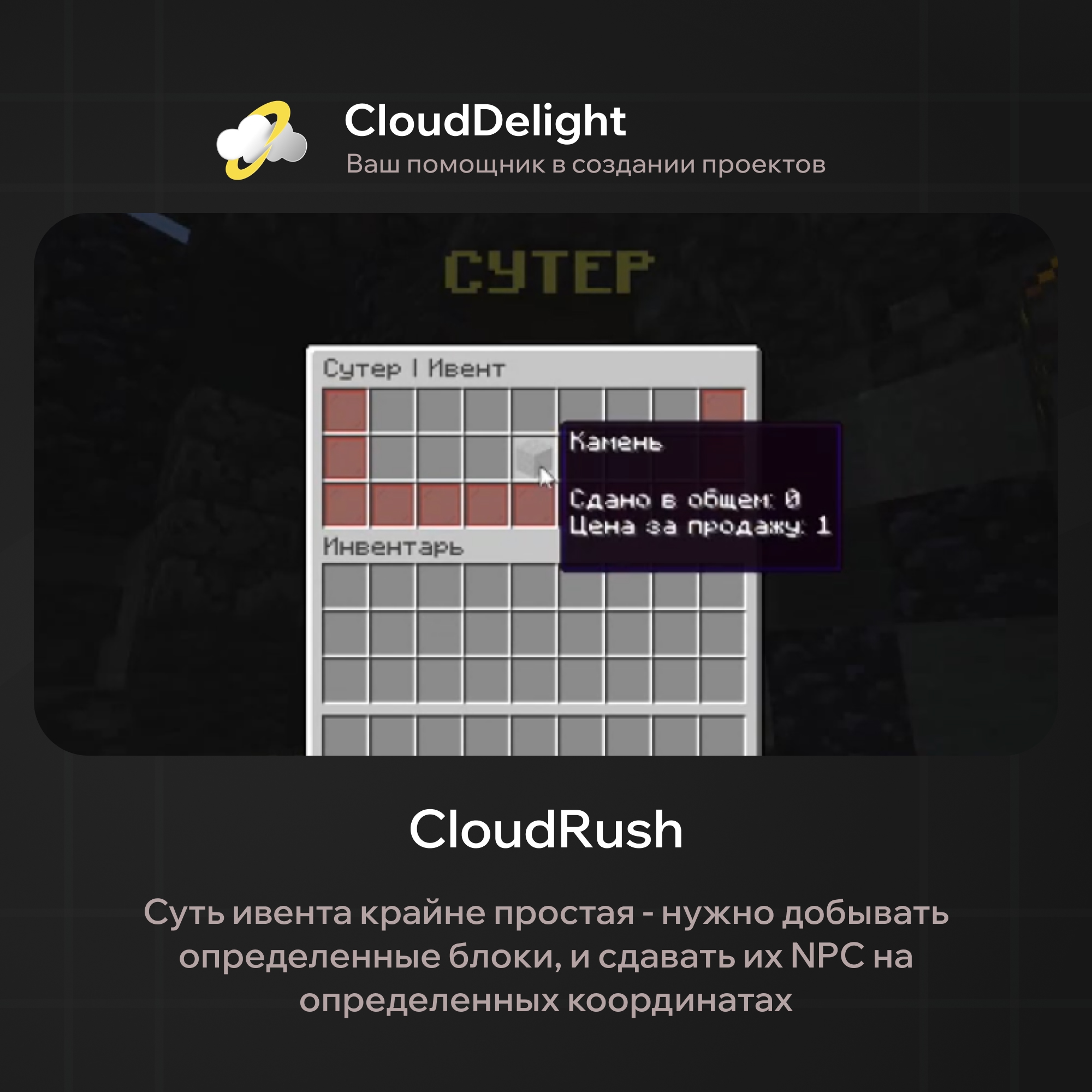
Then the race begins. Players bring the required item and hand it to the NPC, and the menu shows a real-time leaderboard, so you can see who's in first place and how far behind you are. That's what turns an ordinary resource turn-in into a fight: until the last minute nobody is sure they'll hold their spot.
Default Timings
| What | Value | What it does |
|---|---|---|
| Spawn interval | 3600 sec (one hour) | The event lands in every gaming evening without getting stale |
| Duration | 600 sec (10 minutes) | Even busy players can make it, but they need to run right away |
| Structure stage change | 180 sec (3 minutes) | The building changes right before players' eyes, 3 stages |
| Spawn zone | ±1000 on X and Z | A new place every time, so nobody can camp at the spot |
| Region radius | 10 blocks | The structure can't be broken or built around |
What SUTER Buys
The item is picked randomly from a list, and you edit that list yourself. By default it has seven entries: cobblestone, stone, dirt, sugar, iron ingots, diamonds and ender pearls. The range is deliberately wide, from mine junk to truly expensive items.
The point is exactly the spread. When dirt comes up, whoever bothers to dig wins; when diamonds come up, whoever risks parting with their stash wins. The same event plays differently depending on what's in demand today.
Turn-ins and Money
You can turn items in by the stack: a right click hands over 64, a left click 16, and any other click hands over one at a time. The player gets money for every unit right away, and the price floats from 1 to 11 per item. If your server's economy is fragile, you can turn off payment for turn-ins entirely with one line in the config, leaving only the placement prizes.
Placement Rewards
| Place | Base reward | Multiplier for items turned in |
|---|---|---|
| 1st place | 1000 | ×1.5 |
| 2nd place | 600 | ×1.4 |
| 3rd place | 300 | ×1.3 |
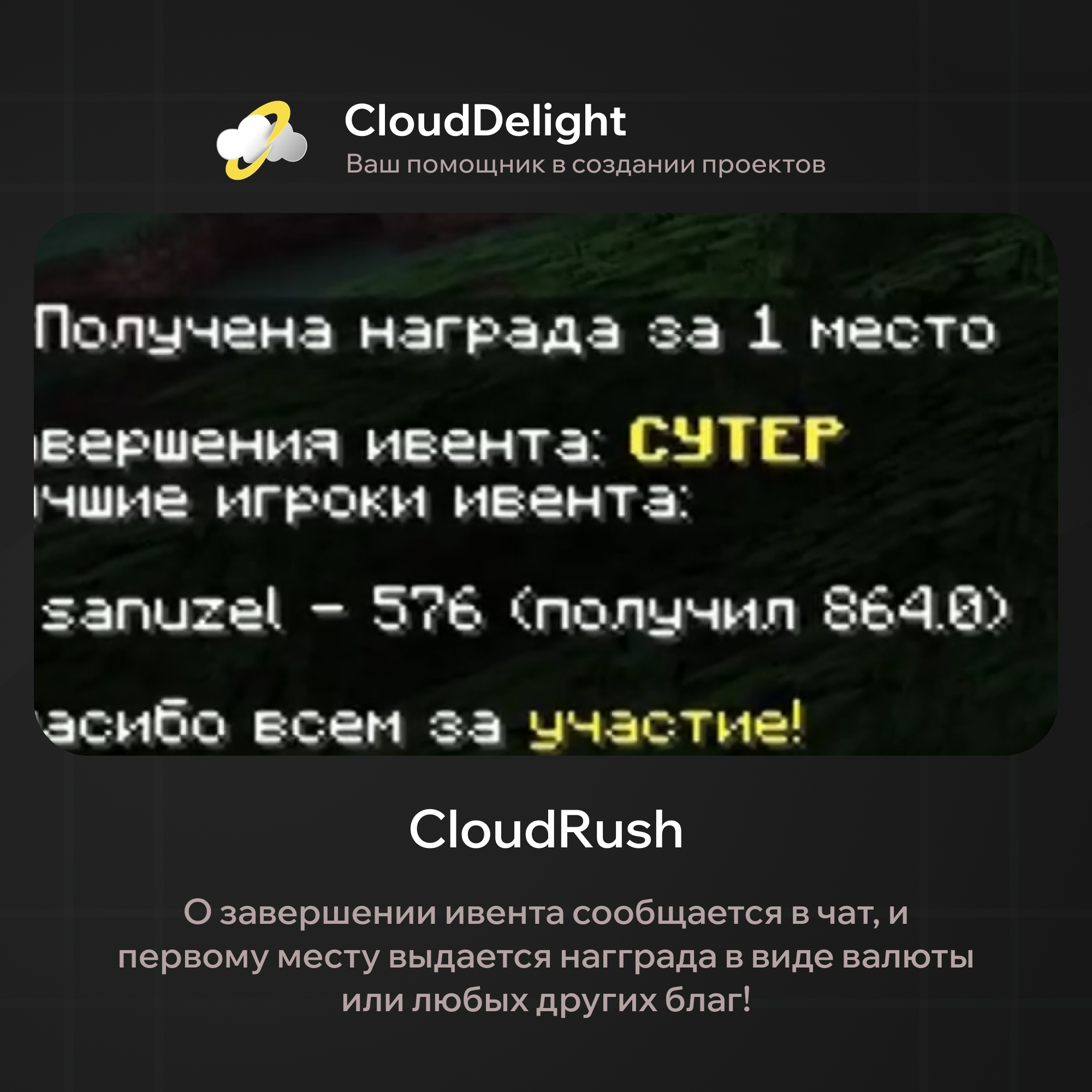
The reward is not a fixed sum but is calculated from the amount turned in and multiplied by the placement coefficient. This matters: winning by a single item doesn't pay the same as winning by a landslide. It pays to keep hauling until the last second instead of stopping once you take the lead.
If you do want a fixed sum, a single parameter switches it, and the plugin has both modes.
A Living NPC, Not a Mannequin
SUTER is not a silent signboard. He turns to face players who approach, and every half minute he throws out lines to everyone within ten blocks: taunting, reminding them of the first-place reward, commenting on the competition. The lines are stored as a list in the config, so you can rewrite them in your server's voice or turn them off entirely.
The NPC's look is yours too: type, display name, skin. By default it's a player with a skin, but nothing stops you from setting any other one.
What You Can Configure
- Spawn time, duration and stage changes, down to the second
- The list of items to buy, of any length
- Price per unit or complete shutdown of payment
- How many items go with each click type
- The region around the structure, which can be turned on and off
- The map square for spawning and the list of blocks to avoid
- All three rewards: sums, multipliers and console commands
- The NPC's look and lines
- Actions at start and finish: messages, titles, any commands
Worth noting separately: you can hand the schedule over to our CloudEventManager plugin. CloudRush then stops counting time itself and joins the server's shared event queue, with no overlap between events.
What You Can Change in the Config
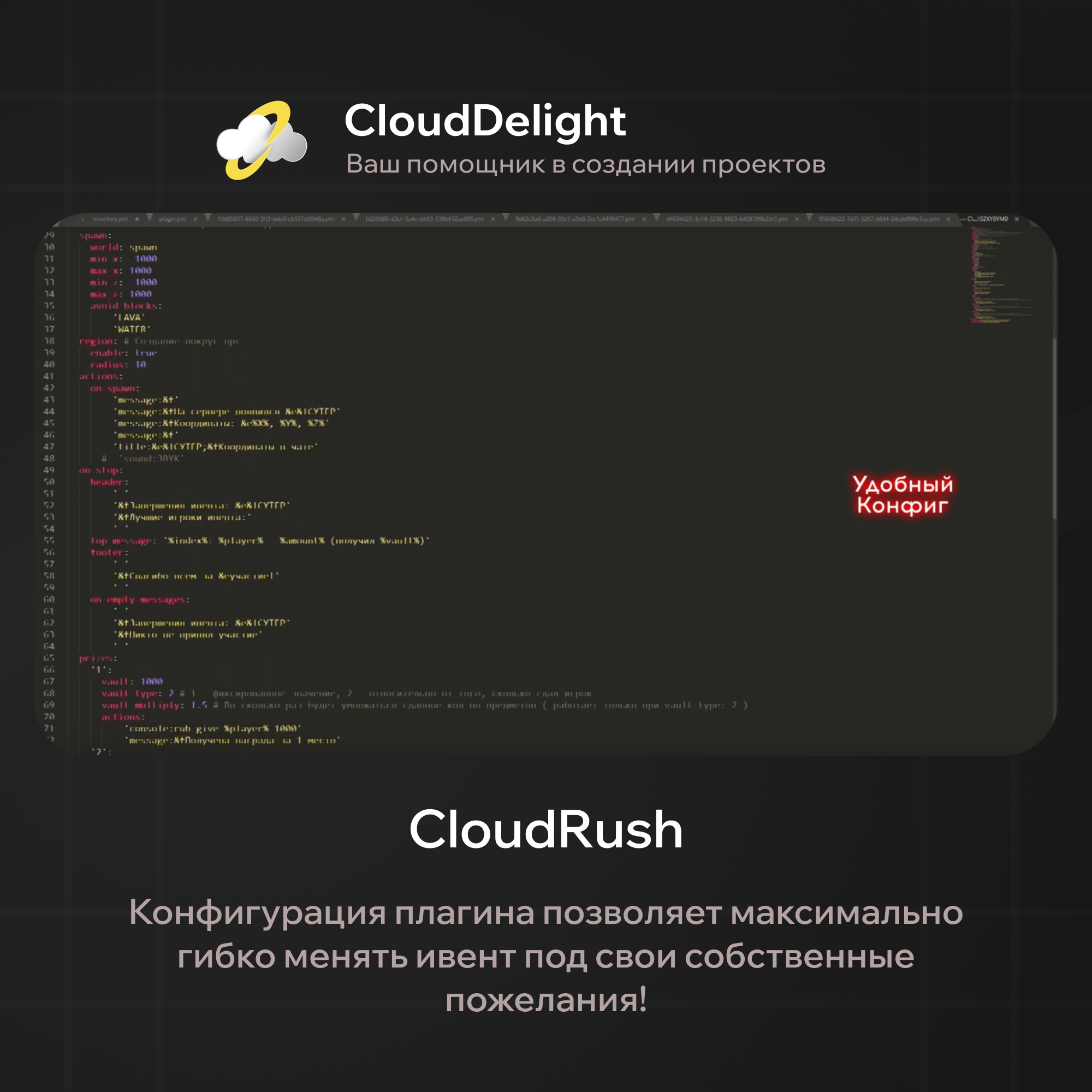
Below is not a token excerpt but the working config.yml exactly as it ships with the plugin. Almost every number in the event is set here, so you don't need to edit any source code.
First, the schedule and the stages. Three numbers in seconds define the whole rhythm of the event: how often the buyer shows up, how long he stays, and how fast the schematic grows around him.
settings:
  external-scheduler: false  # true → CloudEventManager controls the schedule
  times:                     # time in seconds
    start-repeat: 3600       # spawn interval
    to-stop: 600             # time until the event ends
    to-change-stage: 180     # stage change interval
  stages:
    change-enable: true      # false → always the first schematic in the list
    amount: 3                # number of stages
Schematics live in the stages folder and must be named exactly stage1.schem, stage2.schem and so on.
Pay attention to external-scheduler. Set it to true and the plugin's own timer turns off, and the event joins the shared CloudEventManager queue. That way your server never ends up with Rush, Meteorite and Tomb all starting in the same minute.
Next, the economy. The price is not a single number but a range: for every unit of the item turned in, the player gets a random amount within the range. The amount per click is configurable too: a right click can hand over a whole stack.
  price:
    enable: true
    amount: '1-11'   # price per UNIT of the item, as a range
  sell-count:
    DEFAULT: 1       # any click other than those below
    RIGHT: 64
    LEFT: 16
The buyer himself: entity type, name above the head, skin, head turning toward players, and the coordinate rectangle he spawns in. The plugin avoids blocks from the avoid-blocks list, so the NPC won't end up in the middle of lava or the ocean.
  npc:
    type: PLAYER
    display: '&e&lSUTER'
    look: true            # look at players
    skin: 'floerka'
  spawn:
    world: world
    min_x: -1000
    max_x: 1000
    min_z: -1000
    max_z: 1000
    avoid-blocks:
      - 'LAVA'
      - 'WATER'
  region:                 # region around the NPC
    enable: true
    radius: 10
Rewards are the most interesting part. Each prize place has its own payout size and its own payout type: a fixed sum or a multiplier based on how much the player actually turned in. Plus a list of actions, console commands and messages, so you can hand out anything, from a crate to a rank.
  prizes:
    '1':
      vault: 1000
      vault-type: 2        # 1 = fixed, 2 = based on amount turned in
      vault-multiply: 1.5  # multiplier, only with vault-type: 2
      actions:
        - 'console:rub give %player% 1000'
        - 'message:&fYou received the 1st place reward'
By default, 2nd place is 600 with a 1.4 multiplier, and 3rd place is 300 with 1.3.
The second payout type is fairer than a fixed one: a player who brought twice as many resources gets twice as much money, not the same sum as a neighbor who turned in a single stack at the end.
Finally, all the event text is yours. The NPC's lines for players standing nearby, the spawn announcement with coordinates, the header and footer of the final table, each place's line in the top list, and the messages for turning in an item. It all lives in the config as plain strings with color codes.
  near-messages:
    enable: true
    radius: 10
    repeat-time: 30
    messages:
      - '&fGoing strong! Keep it up'
      - '&fFirst place gets &e1000 &frubles'
  on-stop:
    top-message: '%index%: %player% - %amount% (received %vault%)'
A separate file, items.yml, holds the list of items to buy, and inventory.yml holds the design of the turn-in menu. You can rewrite both entirely for your server too.
Summary
CloudRush is an event that requires no leveling, no donations and no fighting skill from the player. All it takes is excitement and ten minutes. That's why both newcomers and veterans join in, and the server gets an online spike every hour.
Updates and support are free. If you have questions about installation or want a custom tweak for your project, message us and we'll work it out.