CloudBlackPearl — A Unique Event Dungeon: "Black Pearl" (Чёрная Жемчужина) (1.16.5+)
The event we want to show you now is not just another way to entertain players. It's a unique interaction mechanic inside a dedicated dungeon: hunting for valuable resources, fighting dozens of monsters, a standoff between several teams, and... Captain Jack!
Let's not drag it out and get straight to the main features of this great plugin! This event is an improved take on the Mystery Ship from the "HolyWorld" project, and now we'll go through every aspect of it in detail:
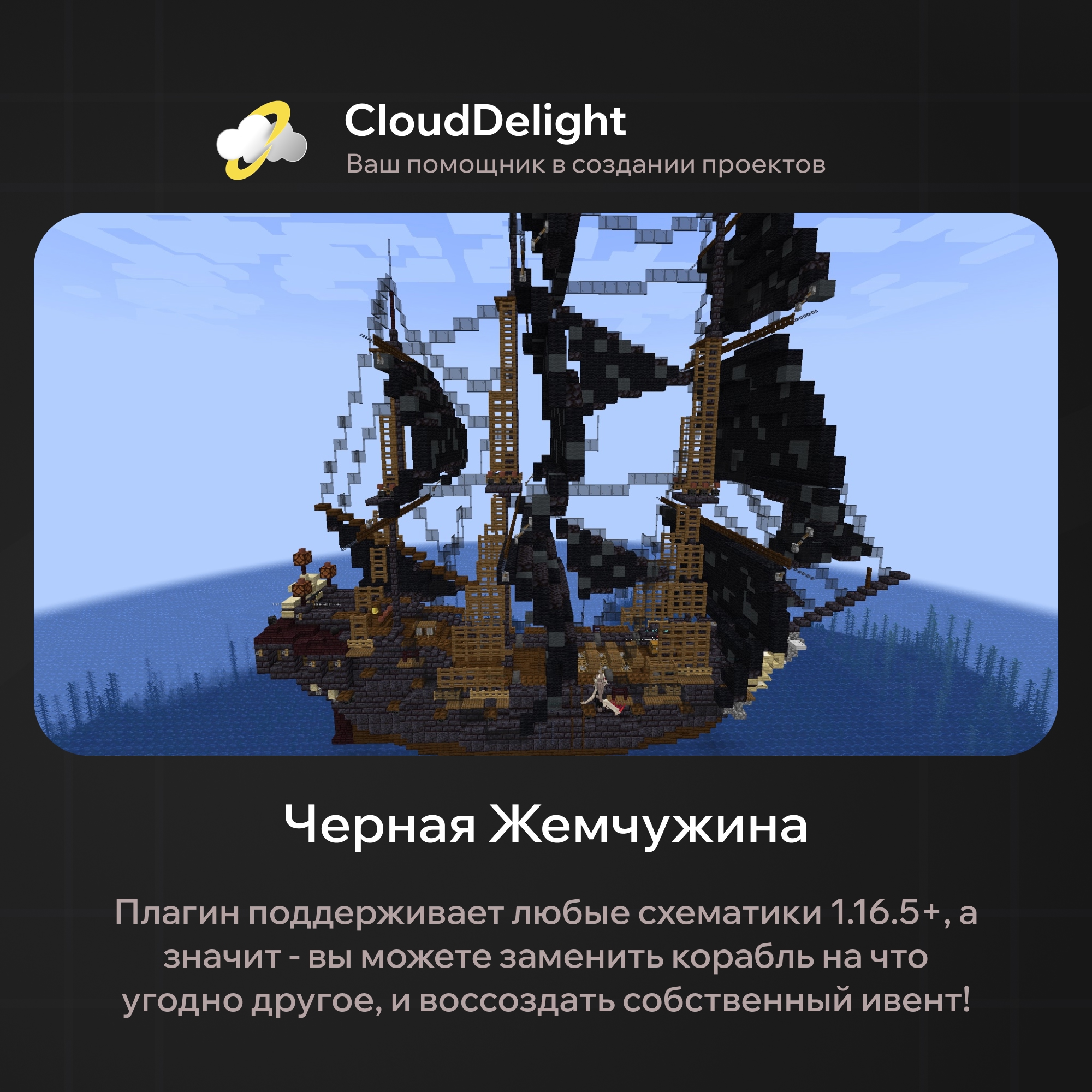
When you get the plugin, you receive a template config and a template schematic of the pearl, but nothing stops you from changing it however you like!
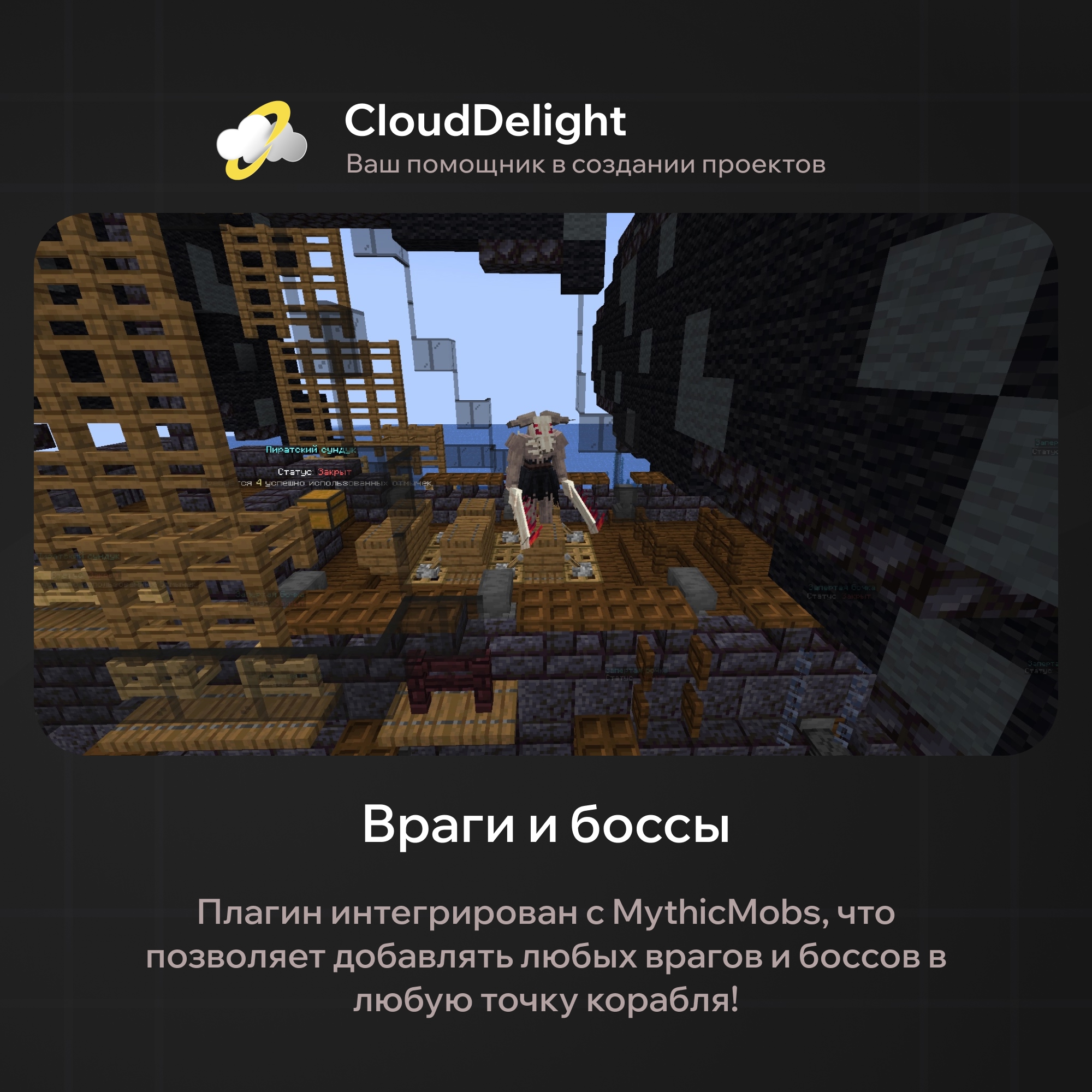
To add any MythicMobs mob, just enter its name in the config and specify the offset from the event's center. The number of monsters is unlimited: you can make 10 regular enemies or 1 powerful boss!
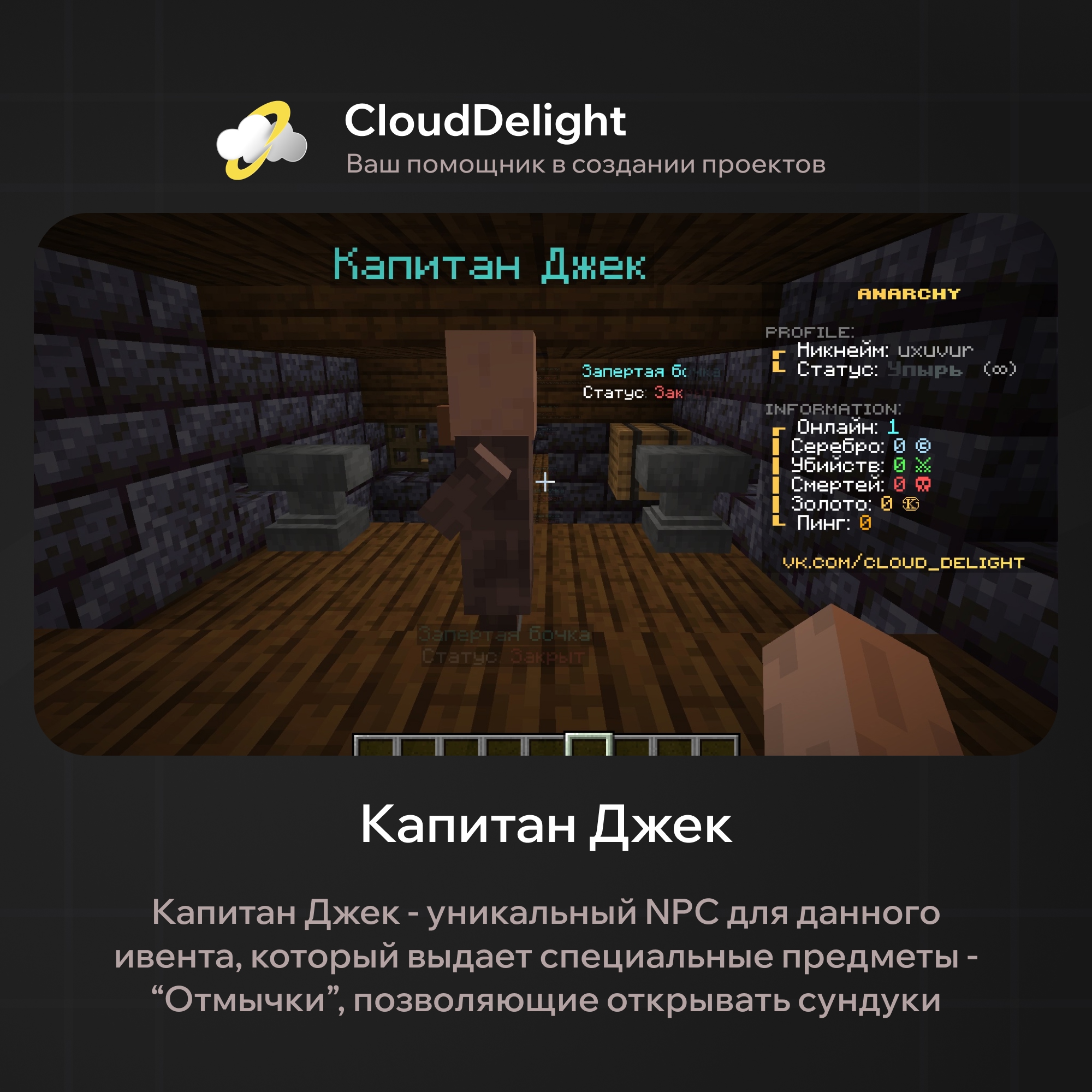
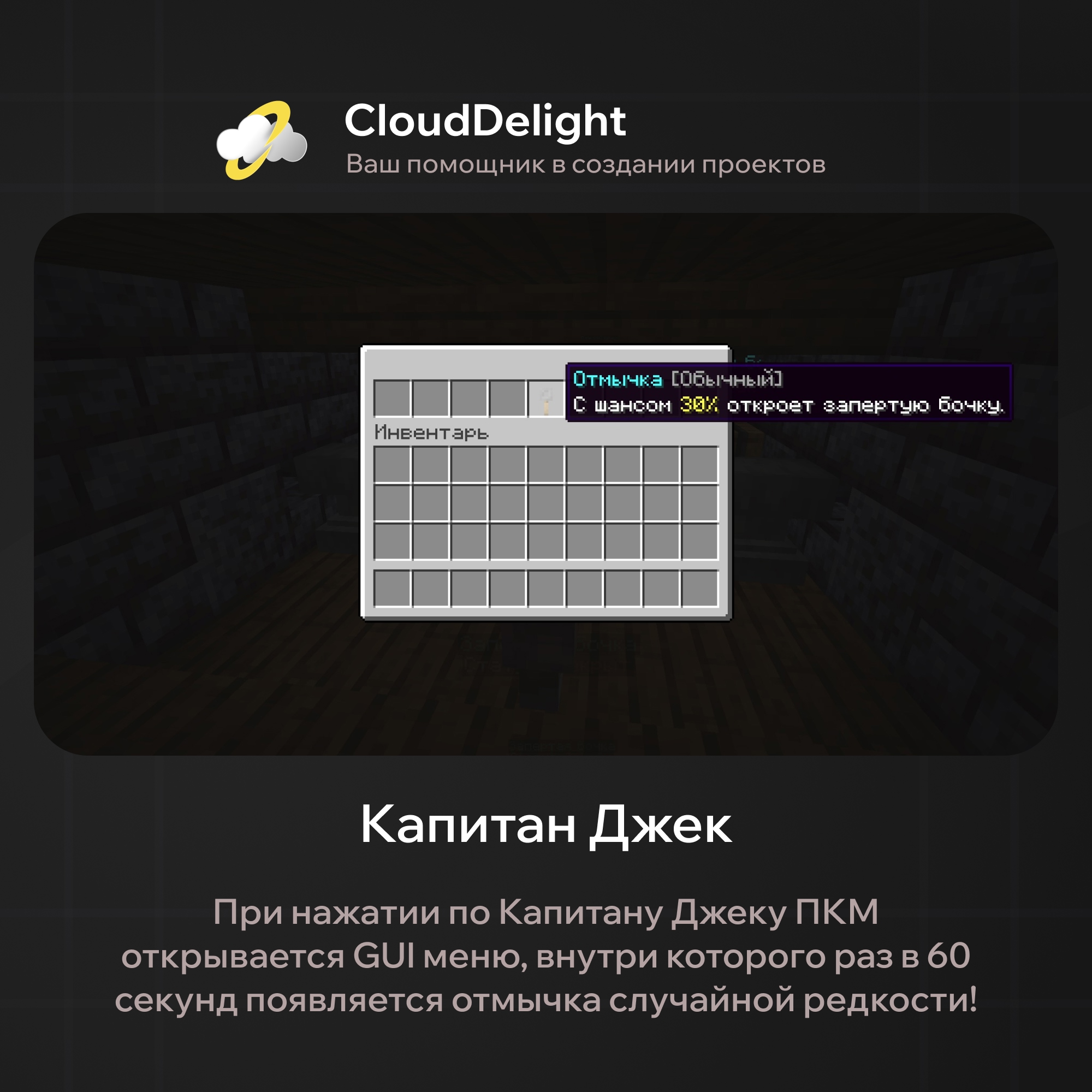
Perhaps the only one on the ship who isn't trying to kill anyone is Captain Jack. At set intervals (60 seconds by default) he hands out lockpicks of a certain rarity (regular and rare), which you can use by right-clicking a barrel or a chest.
Thanks to the flexible config, you can create any number of lockpicks with different rarities and different chances of working!
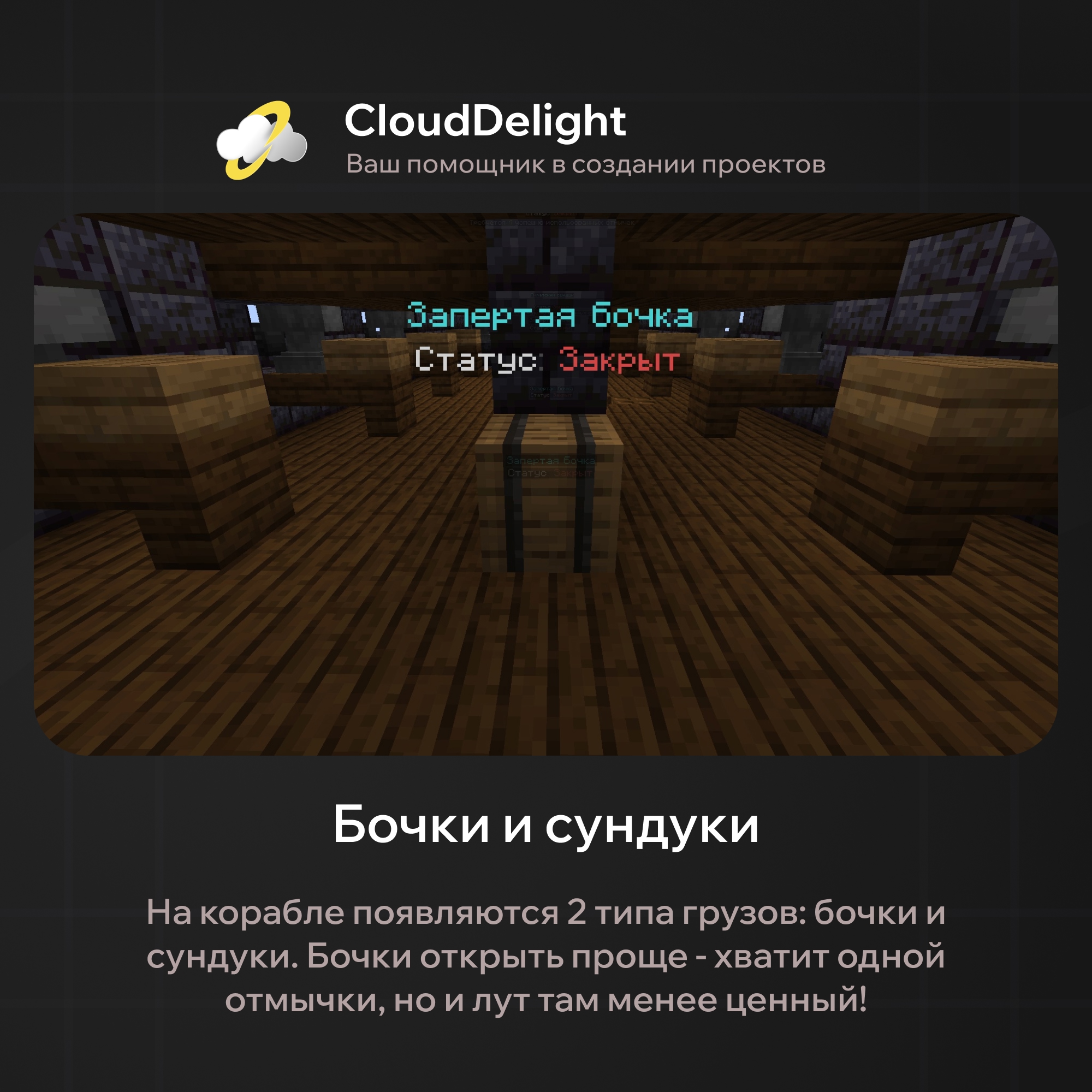
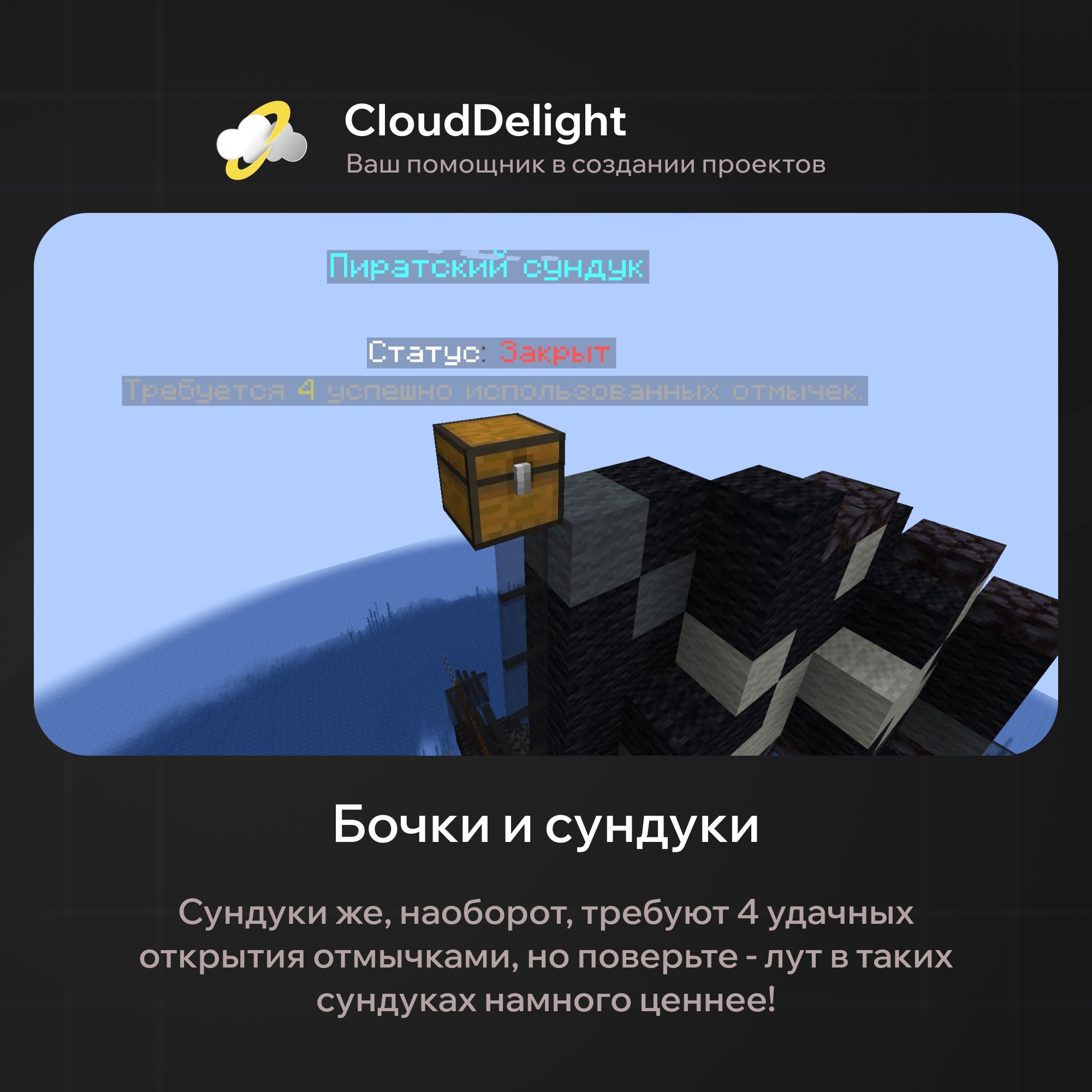
Our template has 4 barrels and 3 chests, but thanks to the flexible configuration you can create as many chests and barrels as you like, and set the loot value for each of them!
As mentioned earlier, our plugin is an improved version of the "Mystery Ship" event from HolyWorld in every respect, which means there simply are no alternatives. Still, if you're not sure about buying, here are the plugin's main strengths:
- Full customization
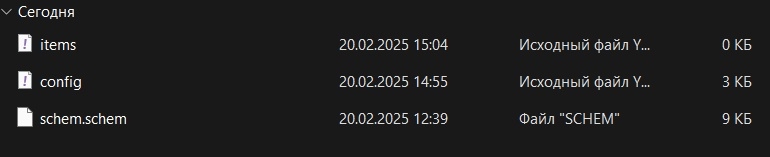
In our plugin we built customization that lets you tune every aspect to your own taste. There are several configs for this, each responsible for one aspect of the plugin:
- Loot tables
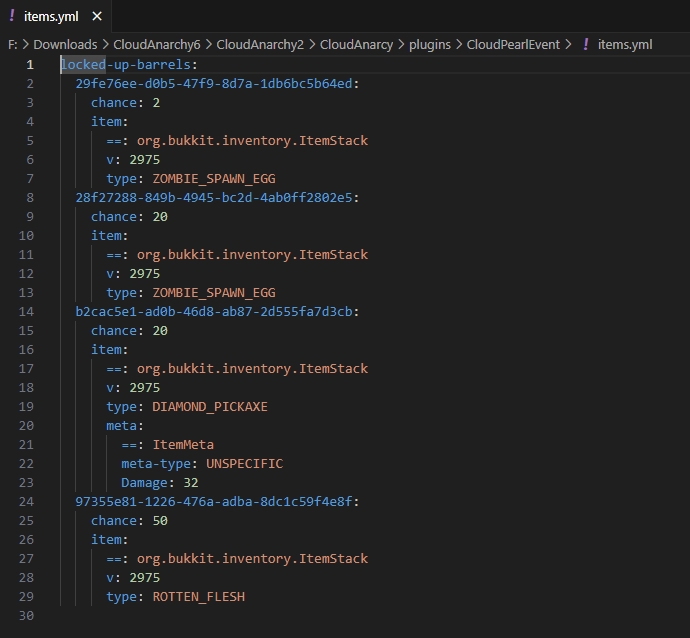
You can create different loot tables that differ in loot value. Items are stored in files in a directory whose path is set in items.yml. The loot tables themselves are configured in that same config: the range of item counts placed into the inventory when a chest or barrel spawns, and the name of the binary file with the items.
Items are added like this:
1. Take the item in your hand.
2. Run the command: /cloudpearlevent additem <barrel/chest> <chance>
3. barrel = locked crate, chest = treasure.
Items are removed like this:
1. First find out which item you need to remove: the "/cloudpearlevent getitem" command shows the uuid of all items. Find the one you need and copy its uuid.
2. Run the command: /cloudpearlevent removeitem <uuid>
You can reassign the chance like this:
1. Run the command: /cloudpearlevent setchance <barrel/chest> <uuid> <new chance>
- Temporary region for the event:
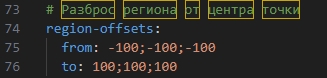
To protect the Ship from attempts to break, blow up, build over, or otherwise damage it, a temporary claim is created in a 200x200x200 zone when it appears. It prohibits placing and breaking blocks, explosions, and any other actions that could destroy or damage the ship (the claim size can also be set in the configuration).
- Configuration:
I don't think any extra words are needed here. You can see it all for yourself:
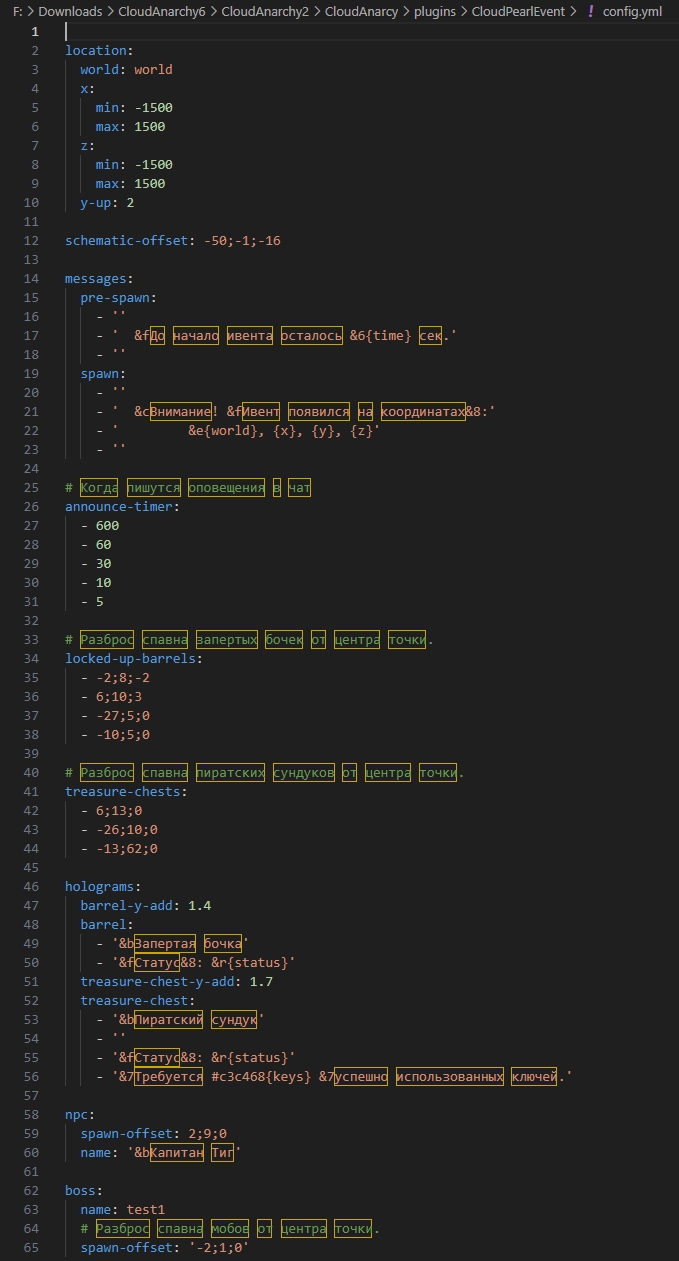
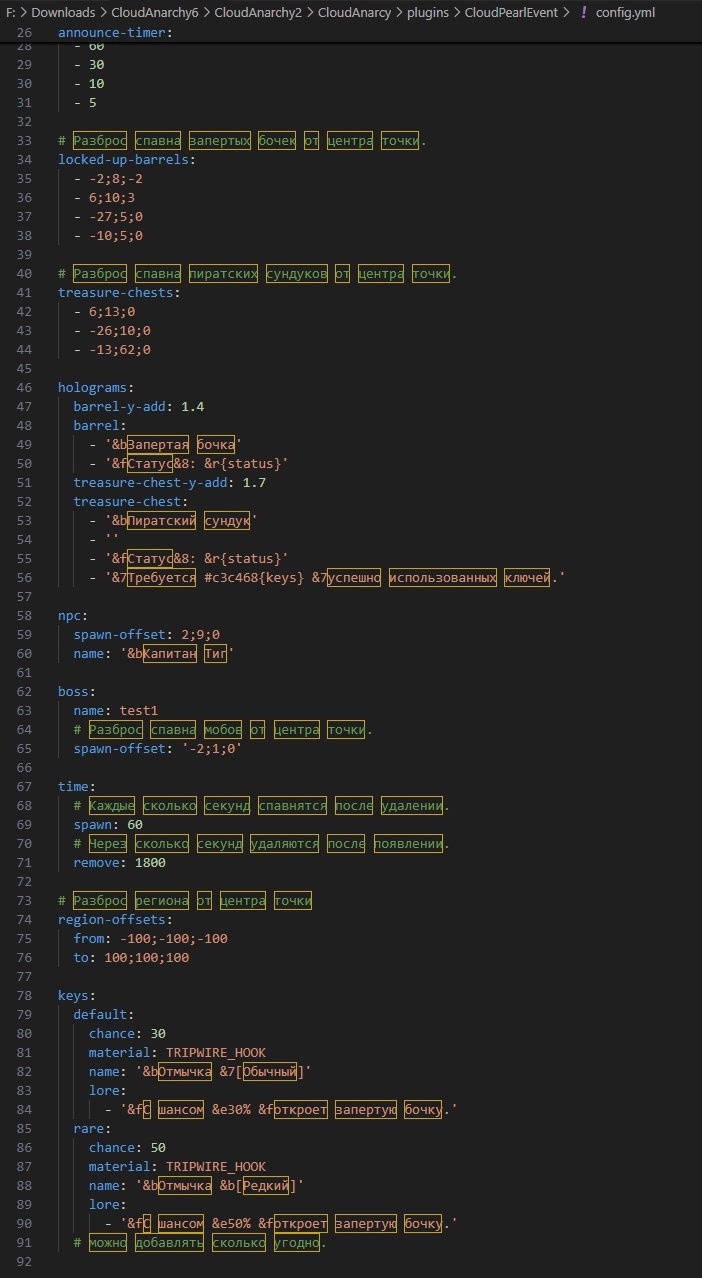
That's the end of our wonder plugin's features. As you can see, the plugin has a maximum level of customization, so it will fit the theme of absolutely any server! Plus, since the plugin is supported by the studio, it will get new features soon.
Dependencies:
- WorldEdit
- CraLibs (provided with the plugin)