CloudCommandBlock — An Absolutely Unpredictable Event! (1.16.5+)
Welcome to our wonderful little article!
Whatever your mode is (anarchy, griefing, survival, roleplay, skyblock), this event can add a touch of chaos, randomness and luck to your server. We present the most unique, most random and most flexible event possible: CloudCommandBlock!
Let's not drag this out and go straight to the main features of this great plugin! This event is unique in its own way and is built on an extremely simple principle: it runs the commands written in the config through the console! That means you can build absolutely any random event you want, as long as you have basic knowledge of working with commands! As an example, we built a unique anarchy event with 56 different mini-events!
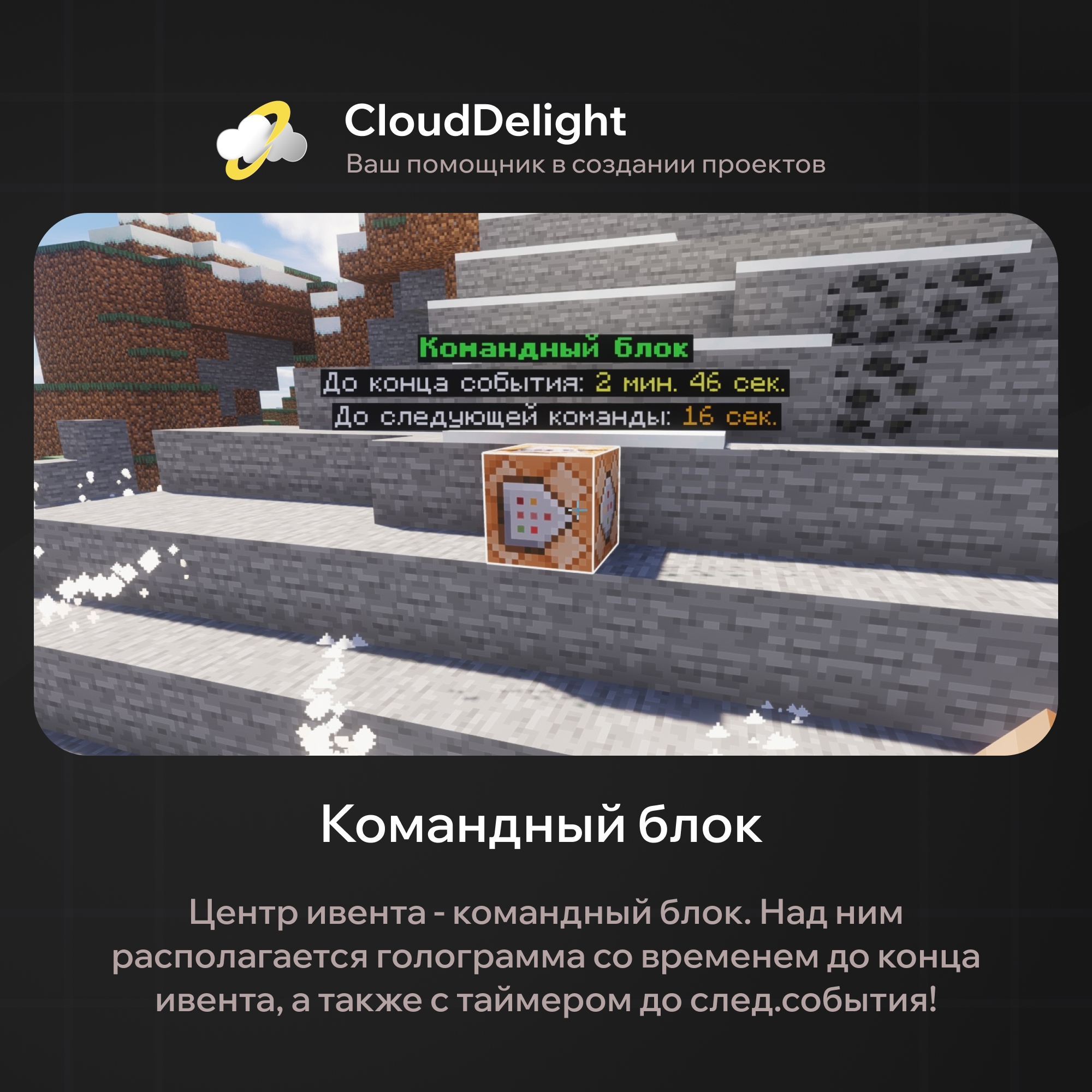
The block generates wave-like particles around itself, and you can easily configure their variation and radius in the config. In our case, we used the particles to mark the radius within which the event affects players!
As mentioned, our version of the plugin has 56 different mini-events, and each belongs to a certain group:
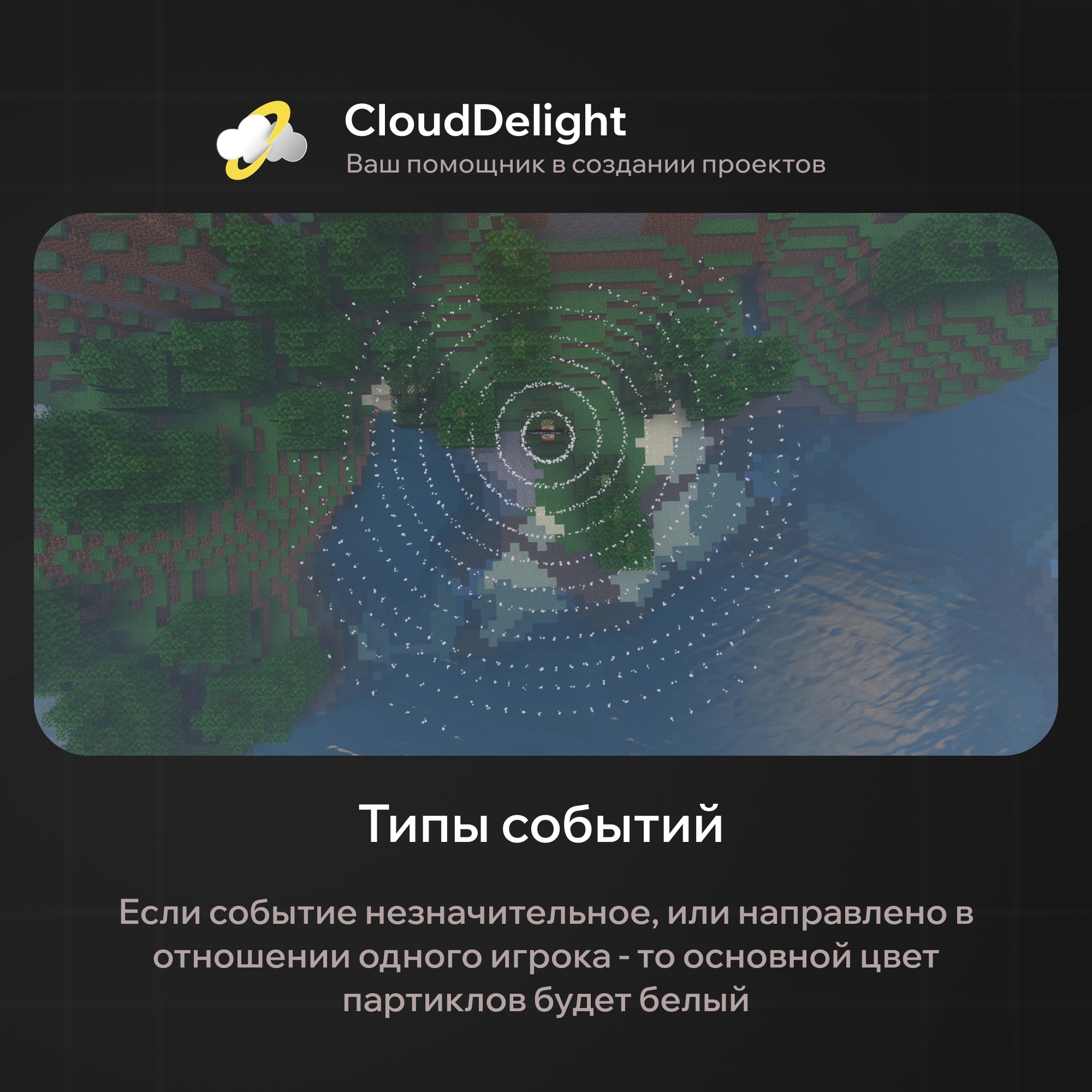
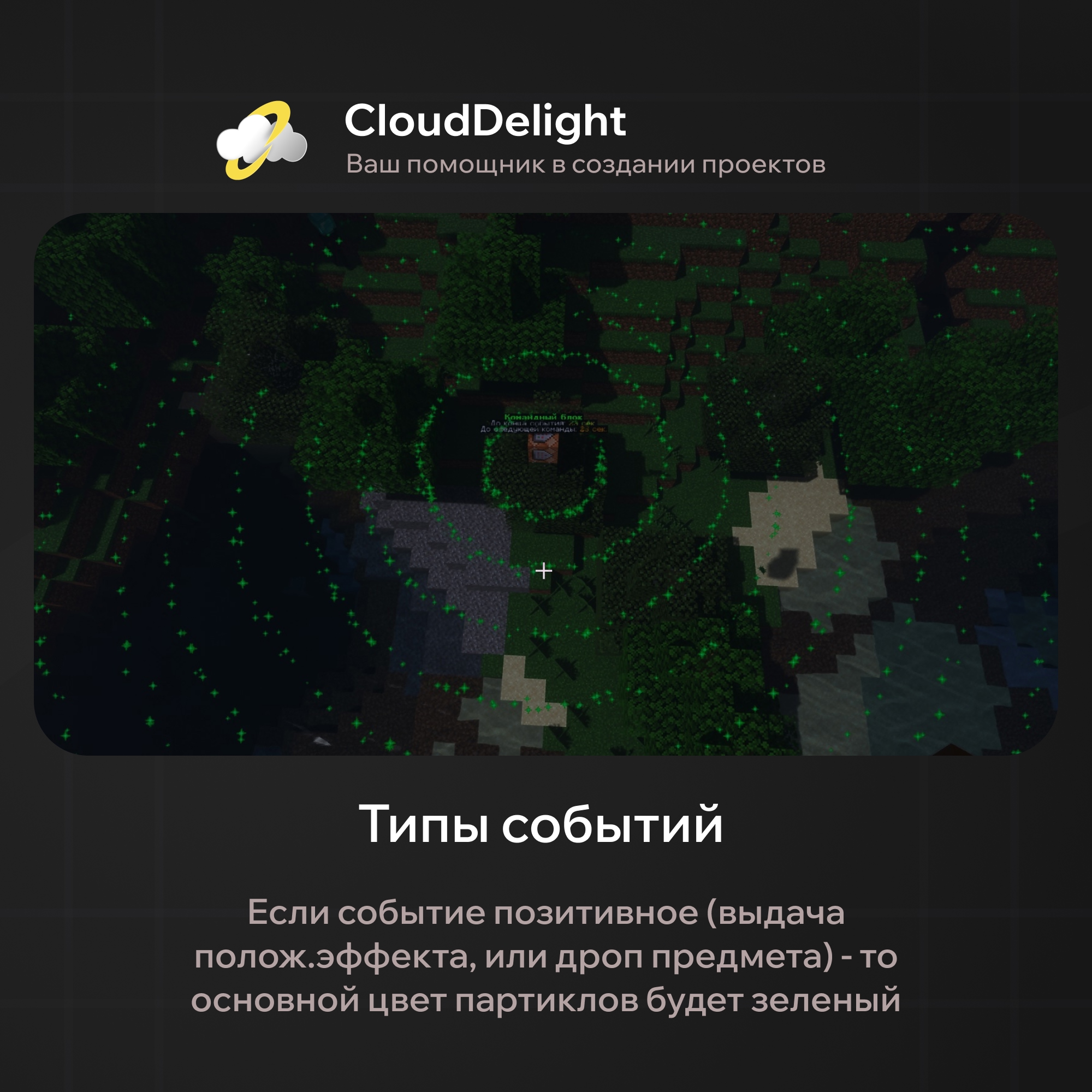
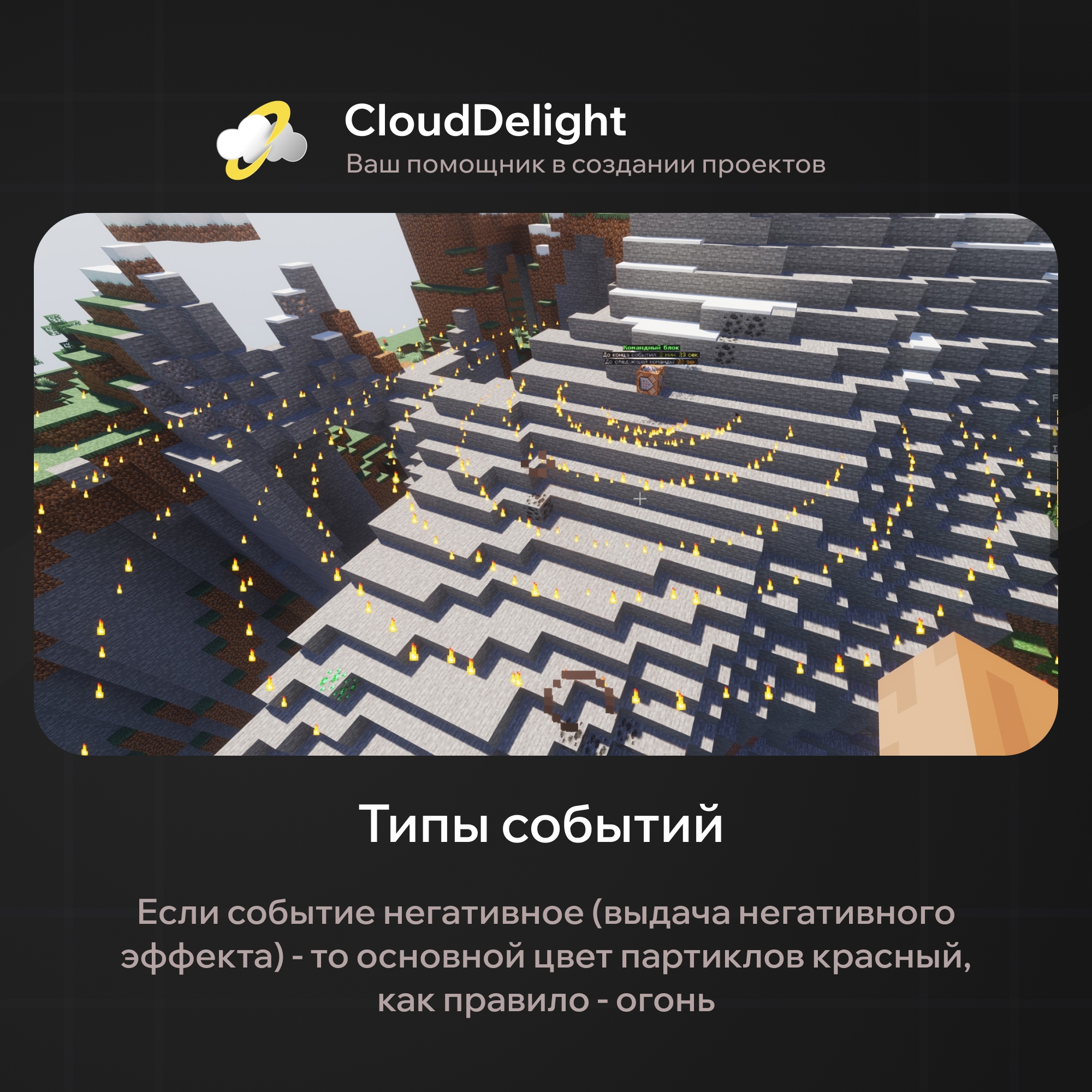
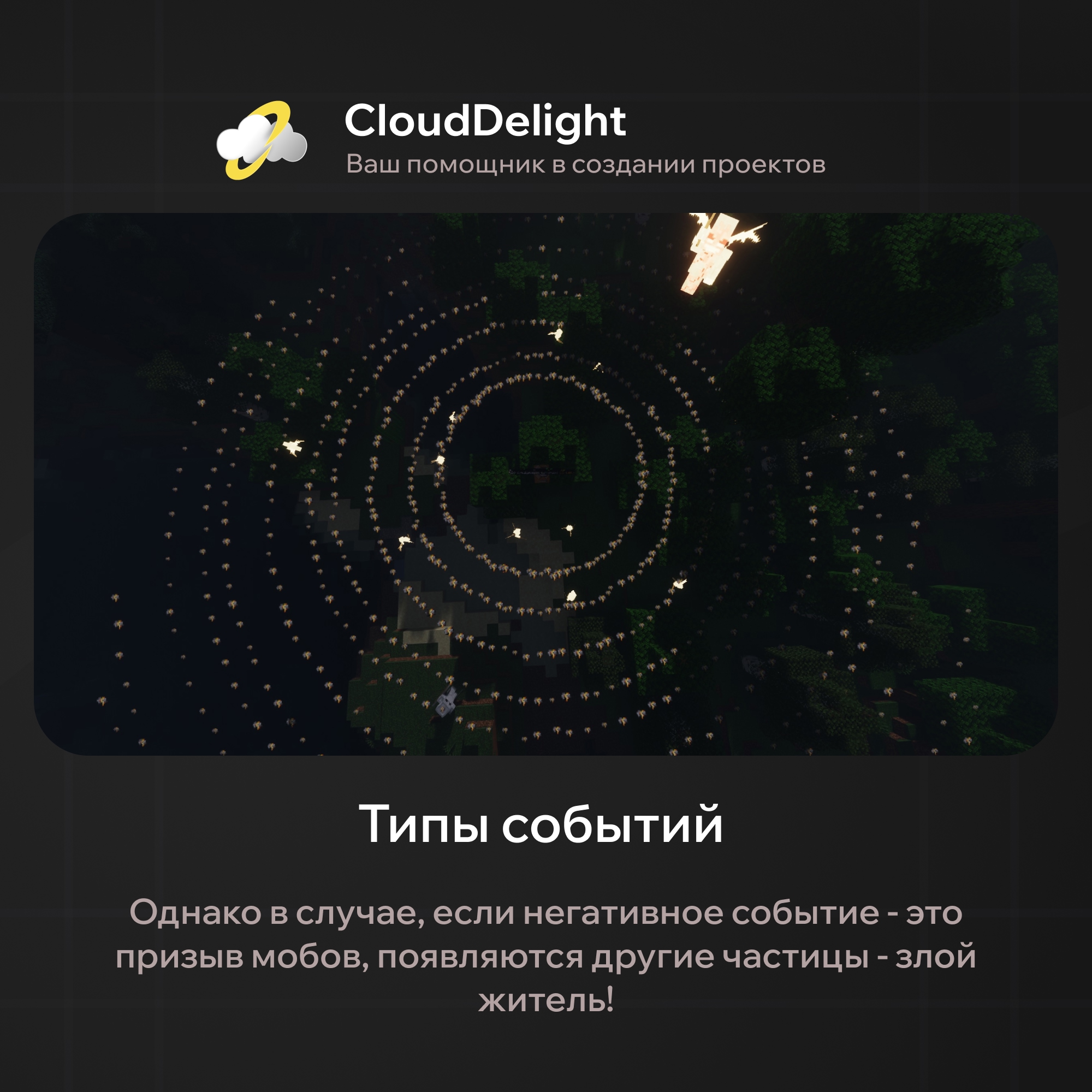
There are also unique mini-events with special particle variations and colors, but they come up much more rarely:
- random teleport of players: purple particles
- instant death of a random player: black particles
- lightning strike: blue particles
- an XP-stealing trap: brown particles
On top of that, every event is accompanied by a unique sound (playsound) and an actionbar message about the event.
If you're curious which mini-events our plugin has, here is the list:
- a positive effect for everyone within 25 blocks (7 events)
- a negative effect for everyone within 25 blocks (8 events)
- a random effect for a random player within 25 blocks (12 events)
- summoning unique monsters (8 events)
- instant death (1 event)
- random teleports (2 events)
- an obsidian box around a random player (1 event)
- a lightning strike on all players within 25 blocks (1 event)
- a valuable item dropped at the center of the event (6 events)
- a rain of experience (1 event)
- an XP-stealing trap (1 event)
- a valuable item given to a random player within 25 blocks (8 events)
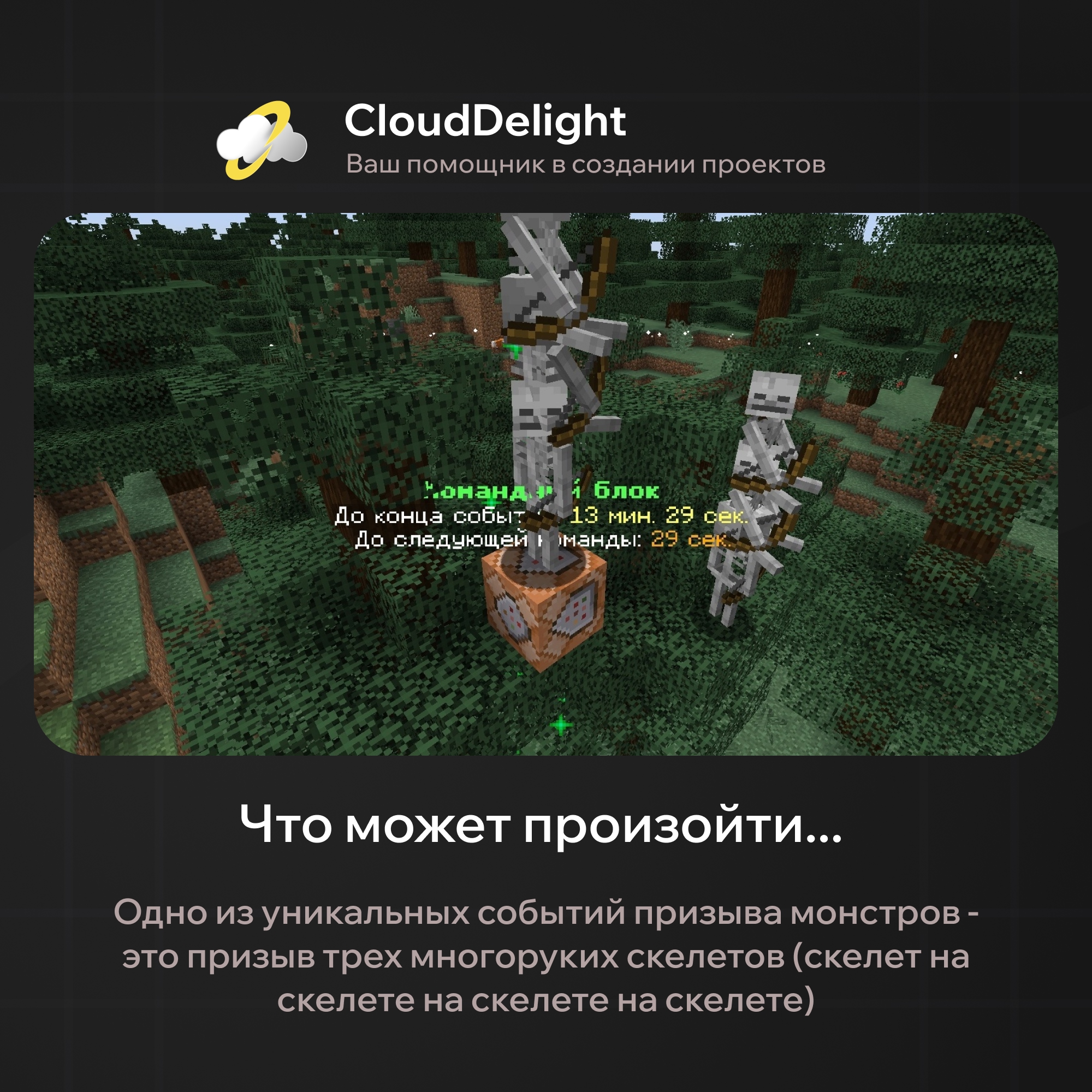
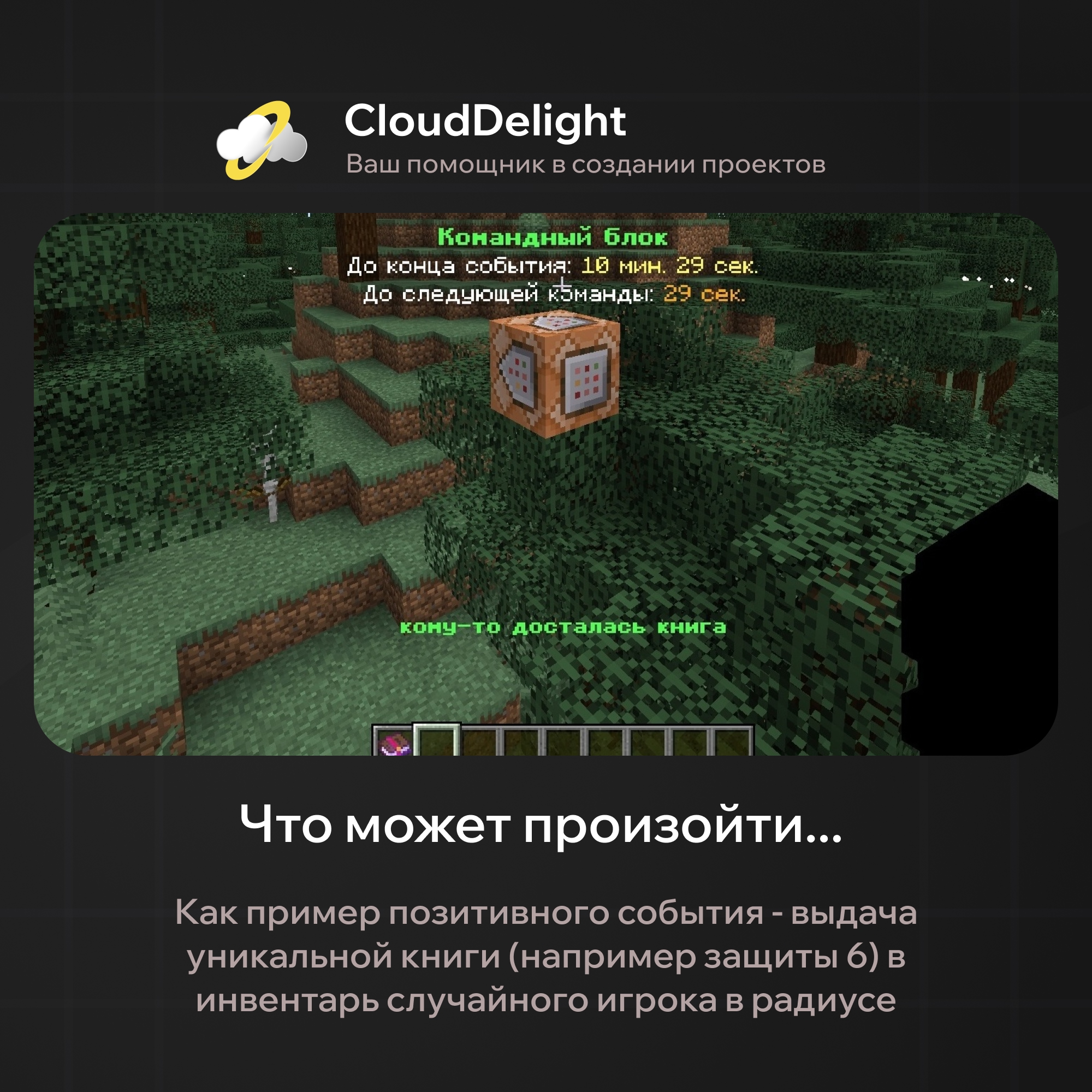
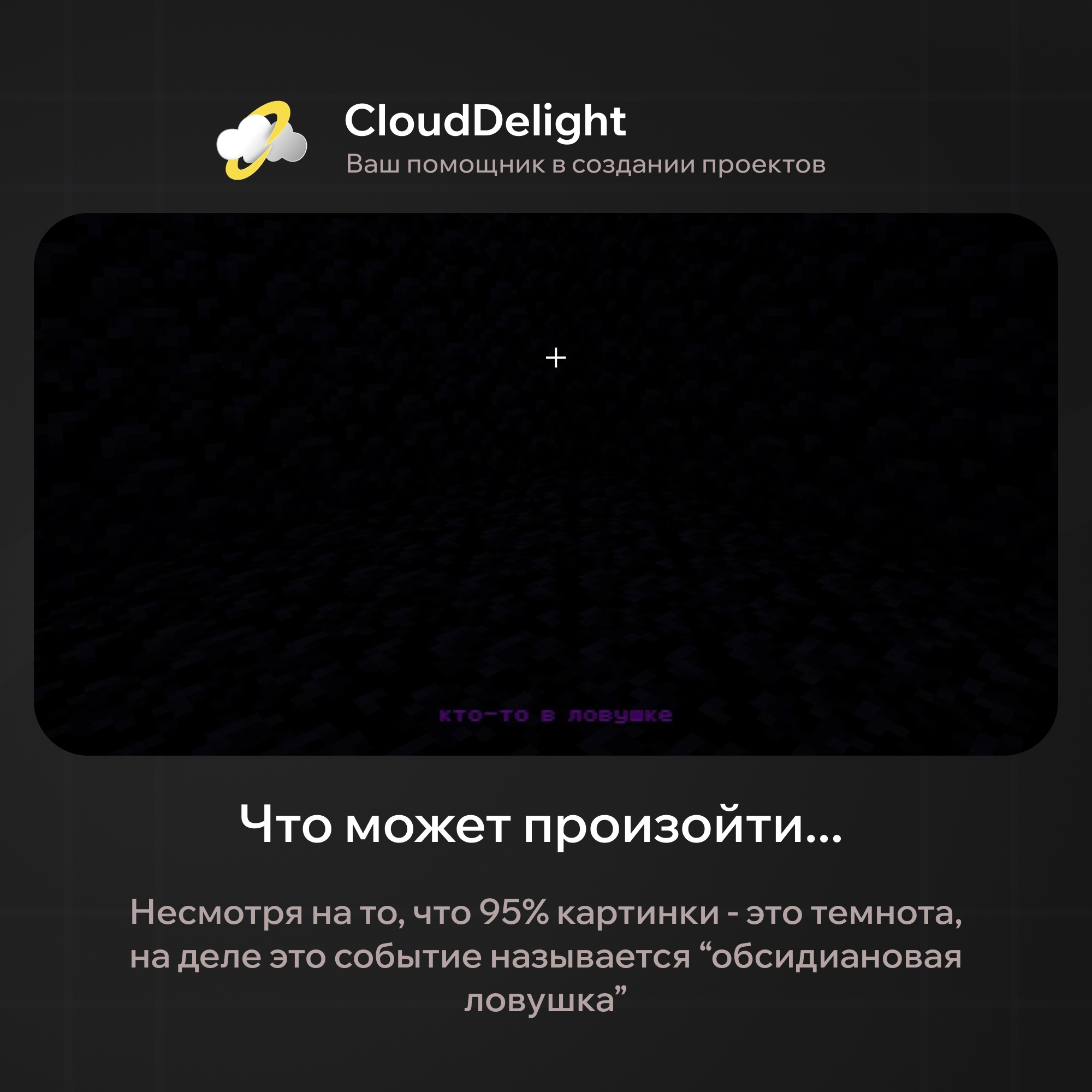
And that's still not all: after the prolonged chaos, right when the event ends, a chest with loot appears where the command block was:
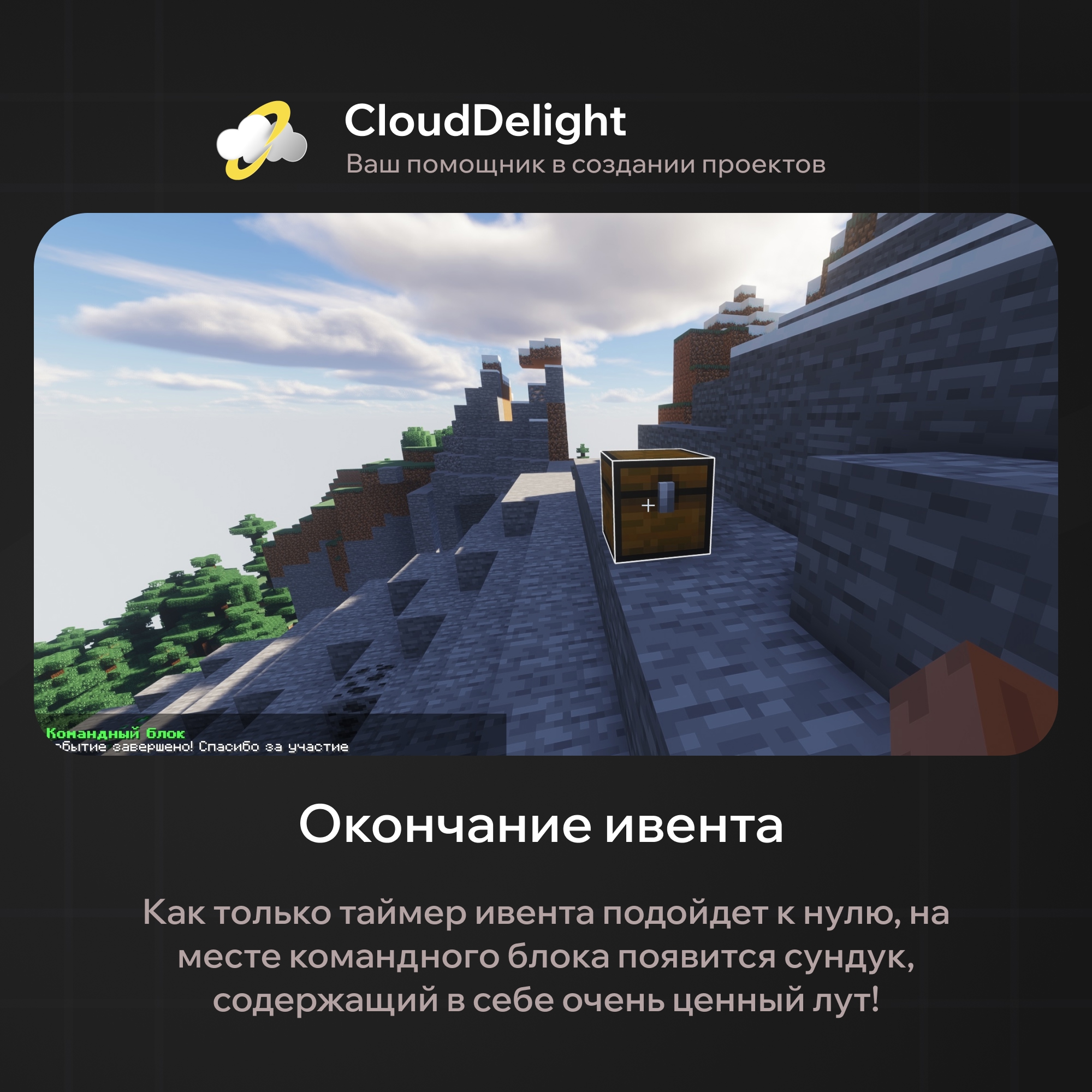
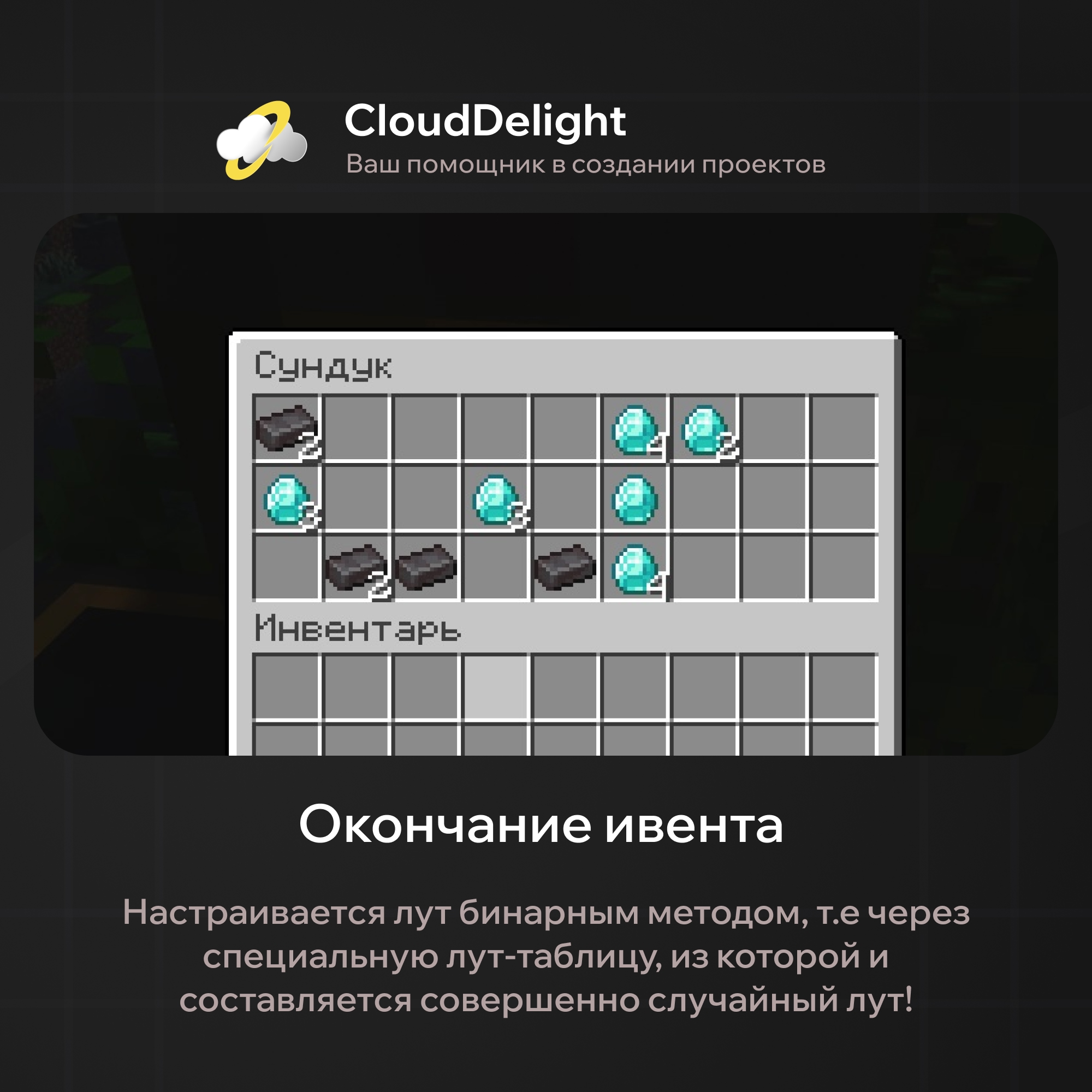
We usually write that there are simply no alternatives to our plugin, but in this case we're opening a radically new direction of events! Still, we want to go over this plugin's main strengths, in case we haven't yet convinced you that this event is perfect for your server:
- Configurable messages
Our plugin has quite a lot of messages: the warning before the event, the event start, the event end and one for each mini-event, and you can freely change all of them:
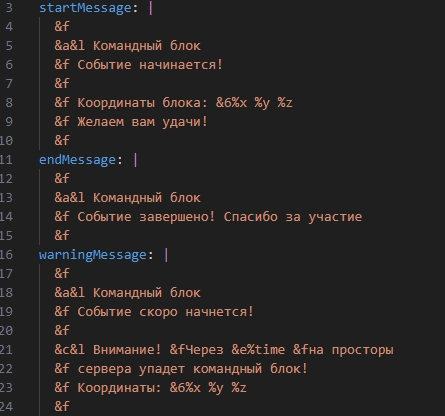
- Loot tables
You can create different loot tables that differ in loot value. Items are stored in binary files in a directory whose path is set in the loot_tables.yml file (loot-tables-directory). In the same config you then set up the loot tables themselves: the range of item counts that land in the inventory when the chest spawns after the event, and the name of the binary file with the items. All item files use the .bin format: it stores the full item information (NBT) as bytes, and when the plugin loads it is converted to an ItemStack from the server core API.
To edit an existing table or create a new one, use /commandblockLootTable <any loot table name>. This command opens the loot table editing menu, where you move items from your inventory. Changes are saved as soon as you close the menu.
- Configuration:
Unlike all the plugins we've presented, which let you customize almost everything within one specific event, our plugin lets you create an unlimited number of your own events and variations, as far as your imagination goes, and the configuration described below shows it clearly:
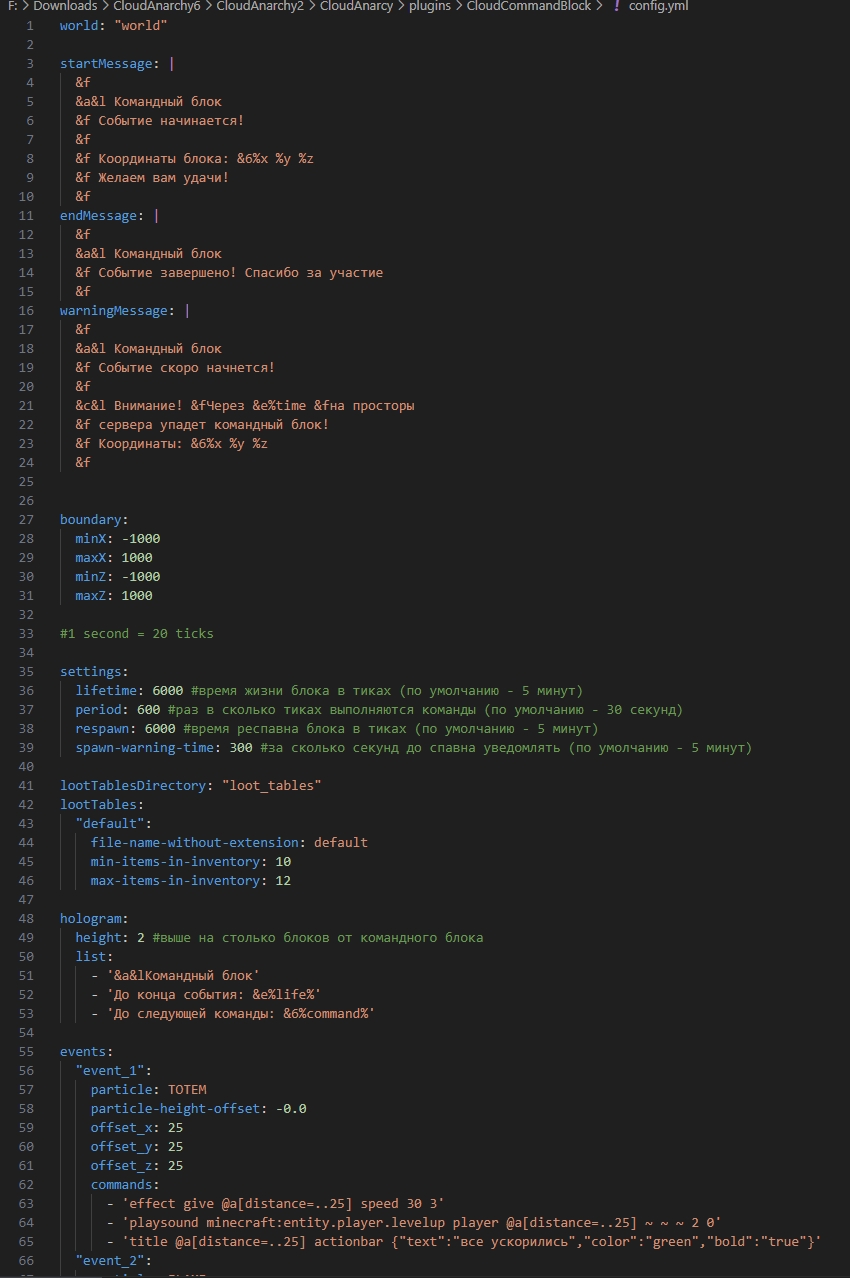
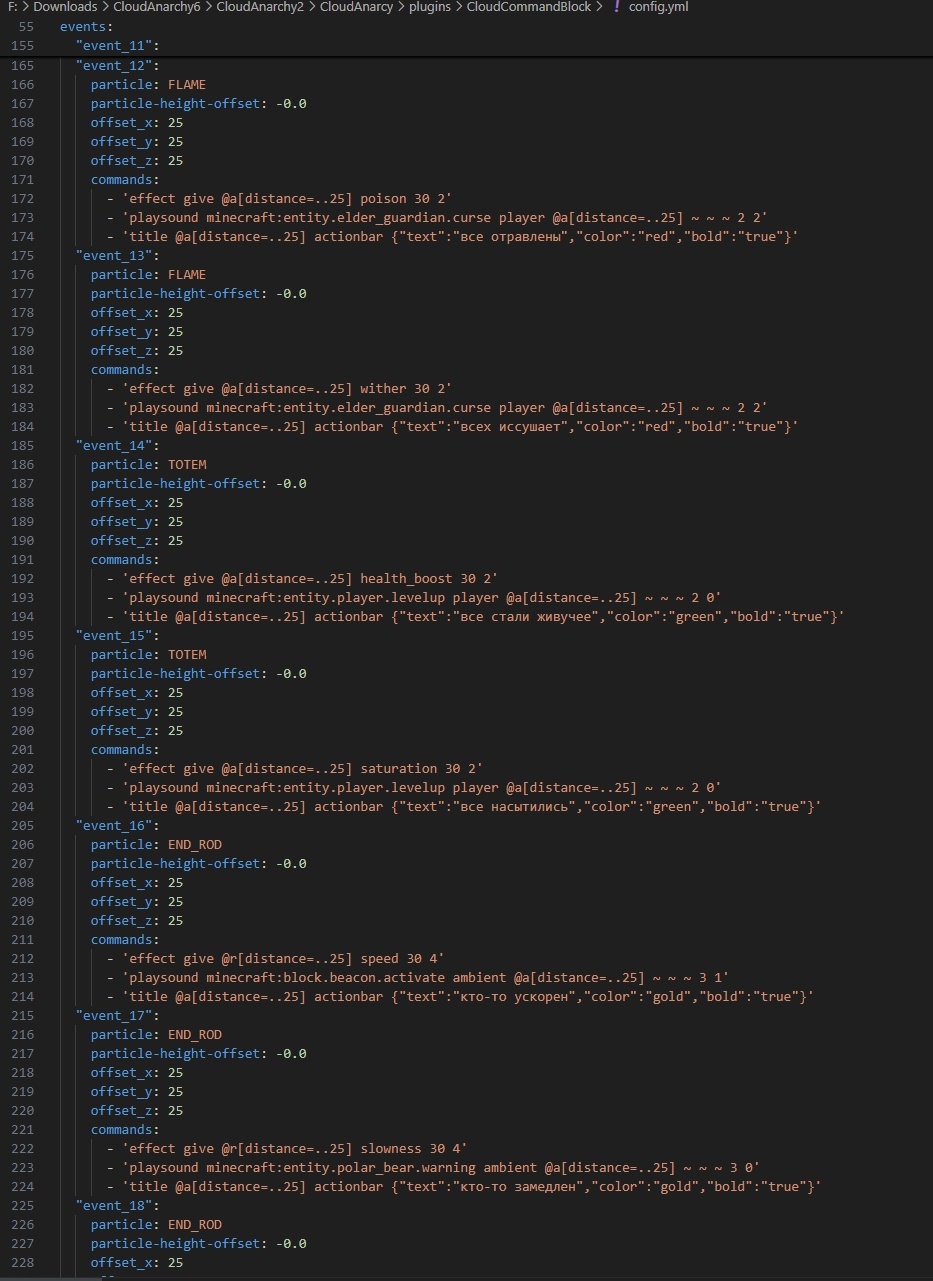
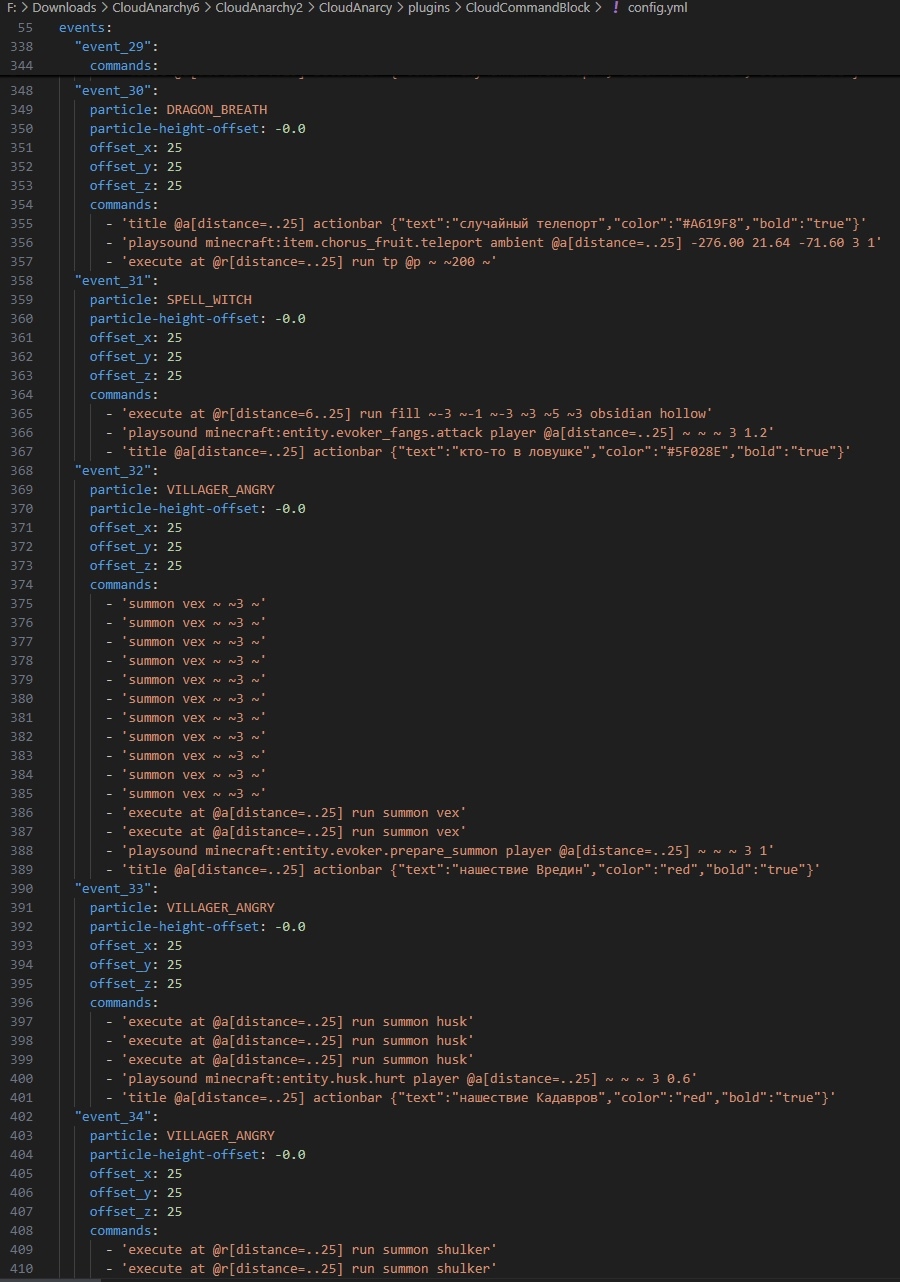
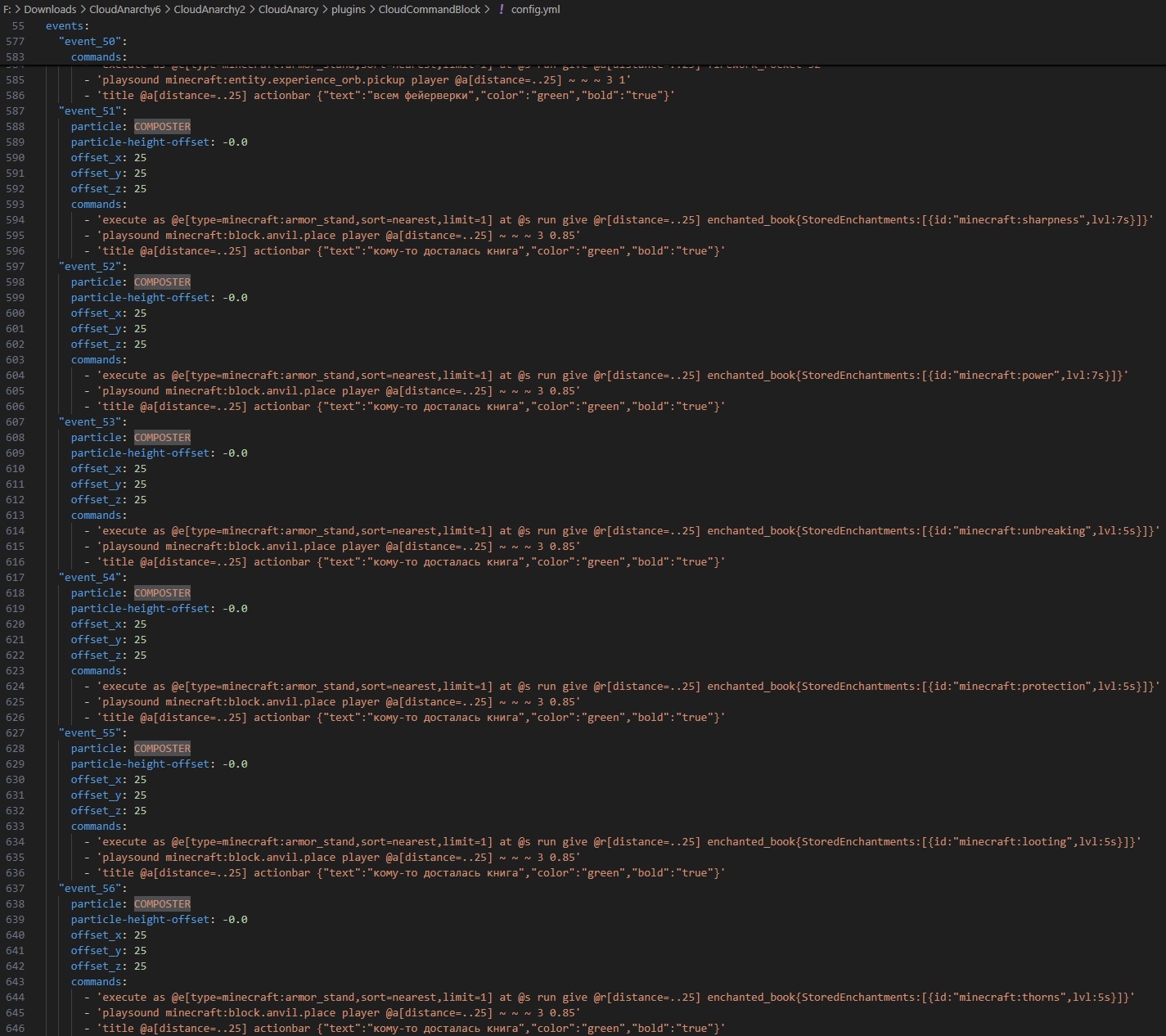
That's the end of our wonder plugin's features. As you can see, the plugin has the maximum level of customization options, so it fits the theme of absolutely any server! Plus, since the plugin is maintained by the studio, it will get new features soon.
Dependencies:
- ProtocolLib
- PlaceholderAPI
- DecentHolograms